37/178
Handset Settings
Setting Whether Screen Stays Locked when Notifications Arrive
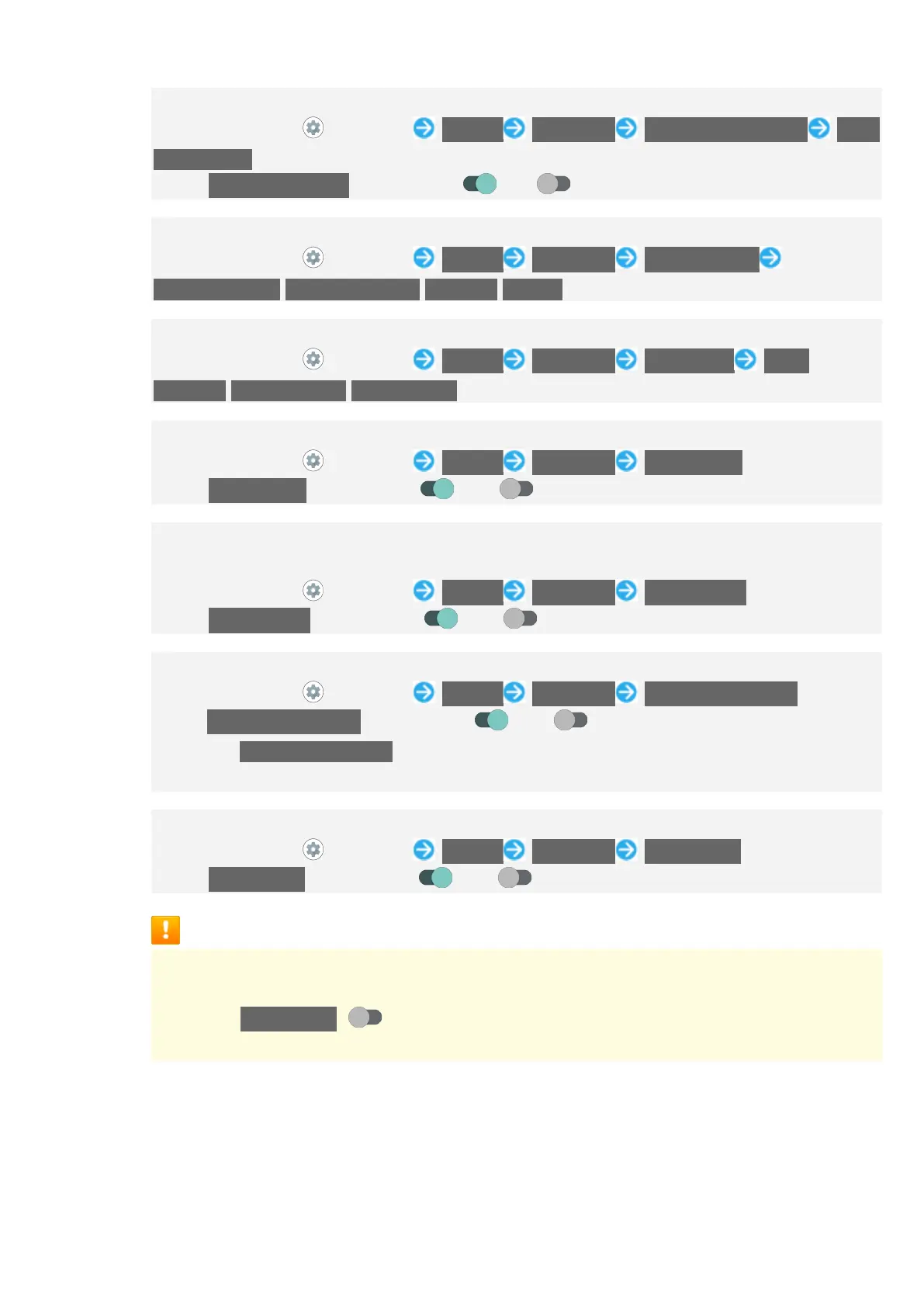
In Home Screen, (Settings) Display Advanced Lock screen display New
notifications
Tap New notifications to toggle on ( )/off( ).
Setting Image Quality
In Home Screen, (Settings) Display Advanced Basic settings
Recommended/Standard quality/Dynamic/Natural
Setting HDR Video Quality
In Home Screen, (Settings) Display Advanced HDR video HDR
standard/HDR dynamic/HDR cinema
Setting Whether to Use HDR Video-like Rendering for Standard Video
In Home Screen, (Settings) Display Advanced Virtual HDR
Tap Virtual HDR to toggle on ( )/off ( ).
Setting Whether to Enable Hakkiri View, More Suitable Resolution for Middle-
Age/Senior Users
In Home Screen, (Settings) Display Advanced Hakkiri View
Tap Hakkiri View to toggle on ( )/off ( ).
Setting Whether to Rotate Display with Handset Orientation Automatically
In Home Screen, (Settings) Display Advanced Auto-rotate screen
Tap Auto-rotate screen to toggle on ( )/off ( ).
Disable Auto-rotate screen to save battery power.
The feature may not follow the setting with certain applications.
Setting Whether to Enable Touch Operation Even with Gloves On
In Home Screen, (Settings) Display Advanced glove mode
Tap glove mode to toggle on ( )/off ( ).
Glove Mode Cautions
Observe the following when using glove mode.
Touch operation may not be possible depending on materials of your gloves.
Disable glove mode ( ) when not wearing gloves or when using handset in a
bathroom.


 To Next Page