85/178
Handset Settings
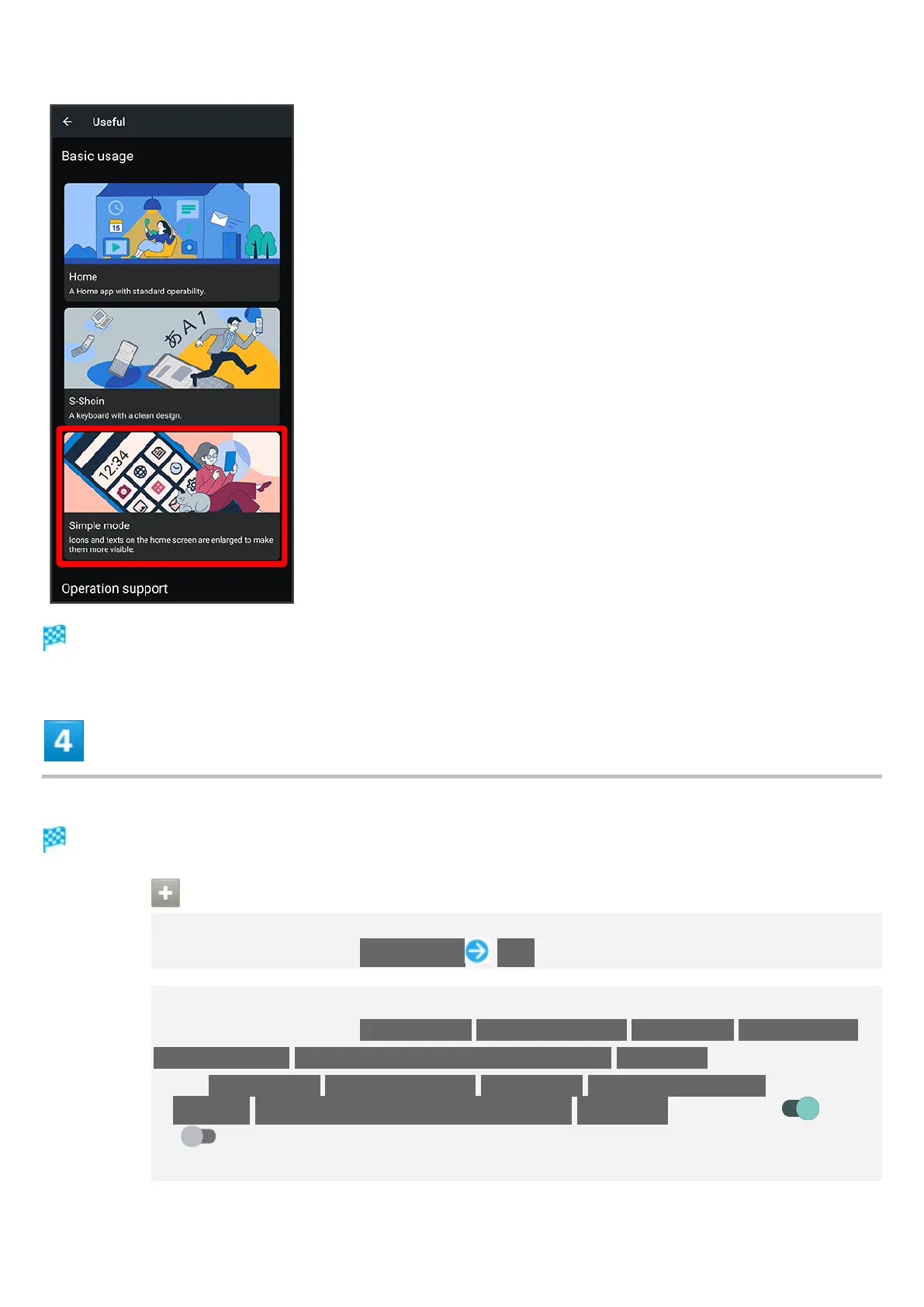
Simple mode window opens.
Set each item
Setting is complete.
Simple Mode Operations
Setting Simple and Intuitive Home Screen and Easy-to-Read Text at Same Time
In Simple mode window, SET ALL ON YES
Setting Home Screen, Size of Text, Etc. Individually
In Simple mode window, Simple Home/Font size(Largest)/Hakkiri View/Batch change
simple keyboard/Length of press-and-hold time (longer)/Icon shape
Tap Simple Home/Font size(Largest)/Hakkiri View/Batch change simple
keyboard/Length of press-and-hold time (longer)/Icon shape to toggle on ( )/off
( ).
If confirmation appears, follow onscreen prompts.


 To Next Page
 Loading...