170/178
Handset Settings
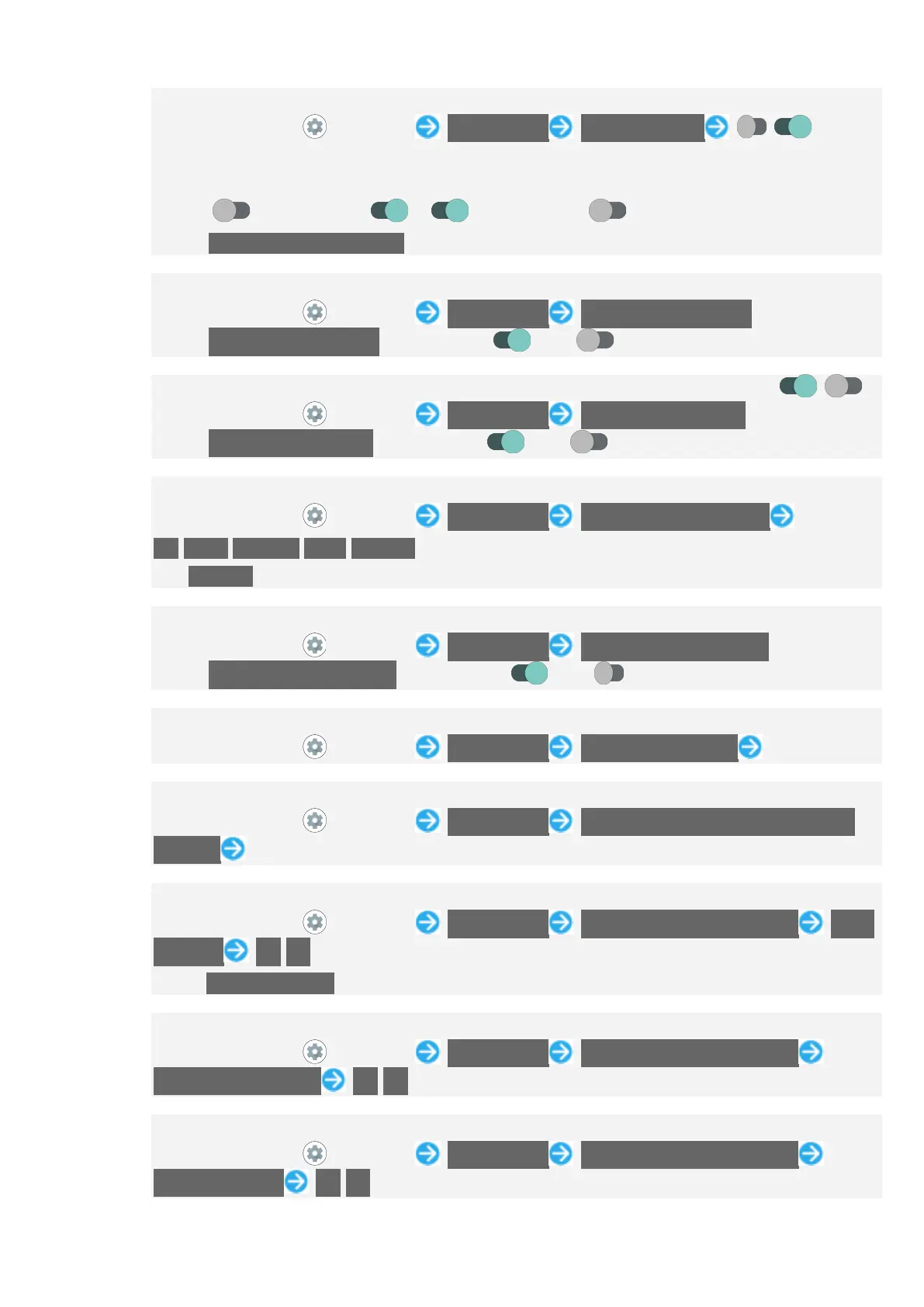
Setting Whether to Invert Display Color by Using shortcut
In Home Screen, (Settings) Accessibility Color inversion / for
"Color inversion shortcut"
If confirmation appears, follow onscreen prompts.
Tap to toggle on ( ), to toggle off ( ).
Tap Color inversion shortcut to set shortcut type. Follow onscreen prompts.
Setting Whether to Use a Large Pointer
In Home Screen, (Settings) Accessibility Large mouse pointer
Tap Large mouse pointer to toggle on ( )/off ( ).
Setting Whether Not to Show Animation when Tapping Setting Switch ( / )
In Home Screen, (Settings) Accessibility Remove animations
Tap Remove animations to toggle on ( )/off ( ).
When Using Mouse/Trackpad, Setting Time until Clicking when Pointer Is Stopped
In Home Screen, (Settings) Accessibility Autoclick (dwell timing)
Off/Short/Medium/Long/Custom
If Custom is selected, drag bar to adjust time until clicking.
Setting Whether to End Call by Pressing Power Key during Call
In Home Screen, (Settings) Accessibility Power button ends call
Tap Power button ends call to toggle on ( )/off ( ).
Setting Time to Press Display for Touch & Hold
In Home Screen, (Settings) Accessibility Touch & hold delay Tap item
Setting Time to Show Messages Visible Temporarily
In Home Screen, (Settings) Accessibility Time to take action (Accessibility
timeout) Tap time
Setting Whether Handset Vibrates for Incoming Calls, Etc.
In Home Screen, (Settings) Accessibility Vibration & haptic strength Ring
vibration On/Off
Set Vibrate for calls beforehand. See "Setting Vibration for Incoming Calls" for details.
Setting Whether Handset Vibrates when Receiving Messages
In Home Screen, (Settings) Accessibility Vibration & haptic strength
Notification vibration On/Off
Setting Whether Handset Vibrates when Tapping Dialpad, Keyboard, Etc.
In Home Screen, (Settings) Accessibility Vibration & haptic strength
Touch feedback On/Off


 To Next Page