73/77
Getting Started
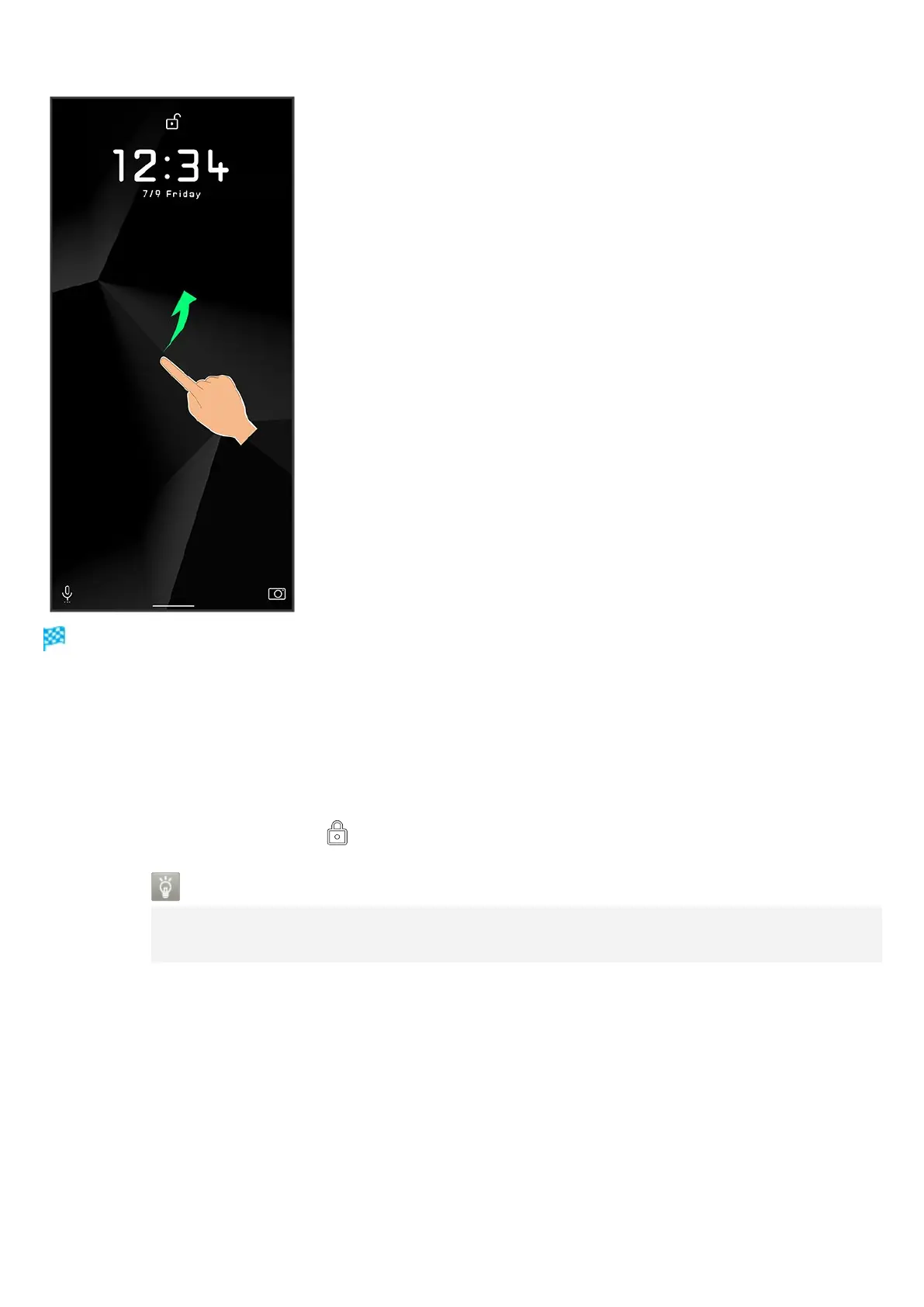
Screen is unlocked.
To change the unlock method for enhanced security, set handset to require pattern drawing or
lock no. (PIN)/password entry for unlocking screen or set screen to be unlocked with your
fingerprint/face as needed. See "Using Fingerprint Authentication Function," "Setting Screen to
Unlock by Tracing Pattern," "Requiring Lock No. (PIN) Entry for Unlocking Screen," "Setting
Screen to Unlock with Password," and "Using Face Authentication" for details.
After Flicking screen up when is displayed, enter pattern / lock no. (PIN) / password to unlock.
Another Way to Turn On Display
Set Display to turn on when handset is picked up and held still (Turn screen on by
holding). See "Auto Sleep Off Settings" for details.



 To Next Page