7/77
Getting Started
With Display upward, pull out Card Tray. Pulling out Card Tray with Display downward or handset
held upright can allow SIM Card and SD Card to fall from Card Tray and become misplaced.
Do not pull Card Tray forcefully or at an angle; damage may result. Gently pull Card Tray out
horizontally.
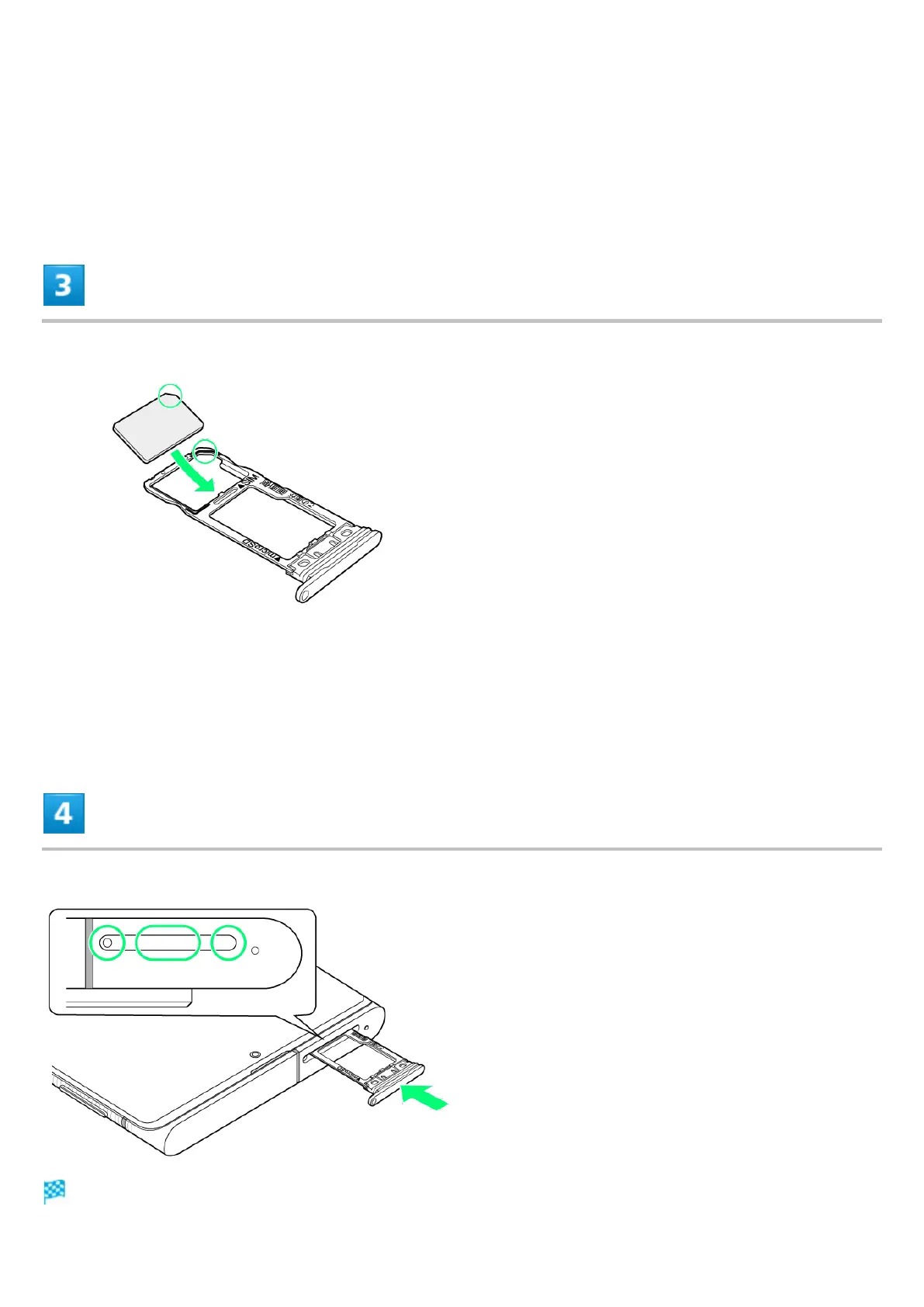
Set SIM Card in Card Tray
Place gently, noting orientation of SIM Card (notch/IC (gold) chip facing down).
Make sure SIM Card is in Card Tray. Inserting Card Tray with SIM Card on its edge may cause
damage.
Insert Card Tray in SIM/SD Card Slot
SIM Card is inserted.



 To Next Page