2-2 MAX TNT Hardware Installation Guide
Preparing for Installation
Checking the package contents
When connected to the shelf-controller serial port, the PC or workstation acts as a console
terminal through which you can configure the unit.
• A workstation on a different subnet, from which you can ping the unit to verify the
configuration.
• The designated IP address for the unit.
• The designated default gateway for the unit, if your setup requires one.
• (Optional) A workstation with an Ethernet LAN connection for connecting the unit to the
Ethernet network.
• Blank single-slot filler cards for any unused slots in the unit.
Checking the package contents
MAX TNT package contents vary, depending on the base unit and slot cards you order. After
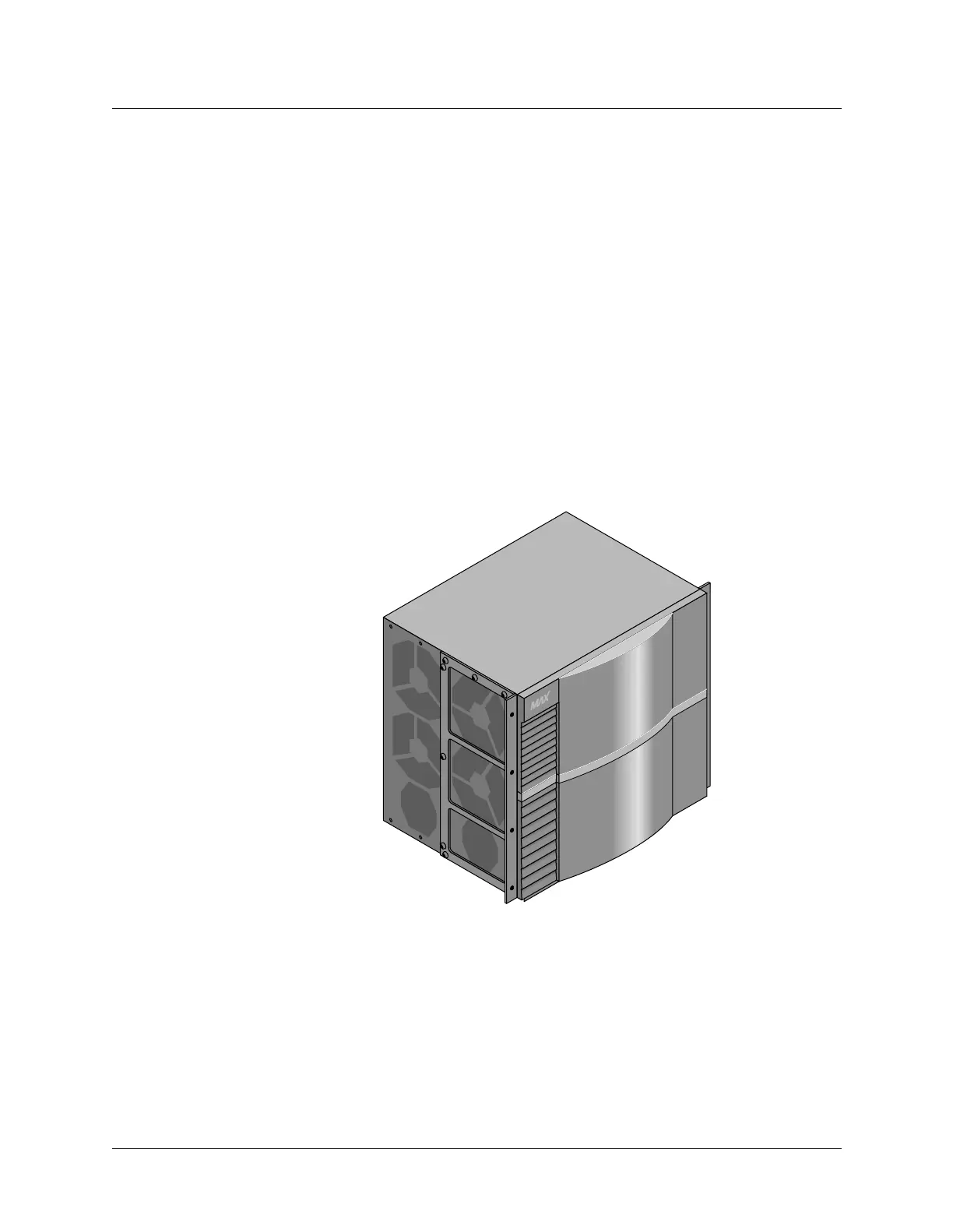
opening the package verify that you have the system you ordered. Figure 2-1 shows a MAX
TNT shelf.
Figure 2-1. MAX TNT shelf
Verify that the package also contains the following items:
• Power cable.
• Personal Computer Memory Card International Association (PCMCIA) cards.
• Rack-mounting kit for mounting the MAX TNT unit in a 19-inch or 23-inch rack.
• Any slot cards you ordered with the system. If you ordered them separately, check the
separate packaging.
If you are missing any items, contact your Lucent reseller.



 To Next Page