Installing a MAX TNT Chassis
Checking the presence of the PCMCIA card
MAX TNT Hardware Installation Gulide 3-13
Checking the presence of the PCMCIA card
Each MAX TNT shelf supports up to two PCMCIA flash-memory cards. The system comes
with onboard nonvolatile RAM (NVRAM), and each flash card provides its own additional
memory.
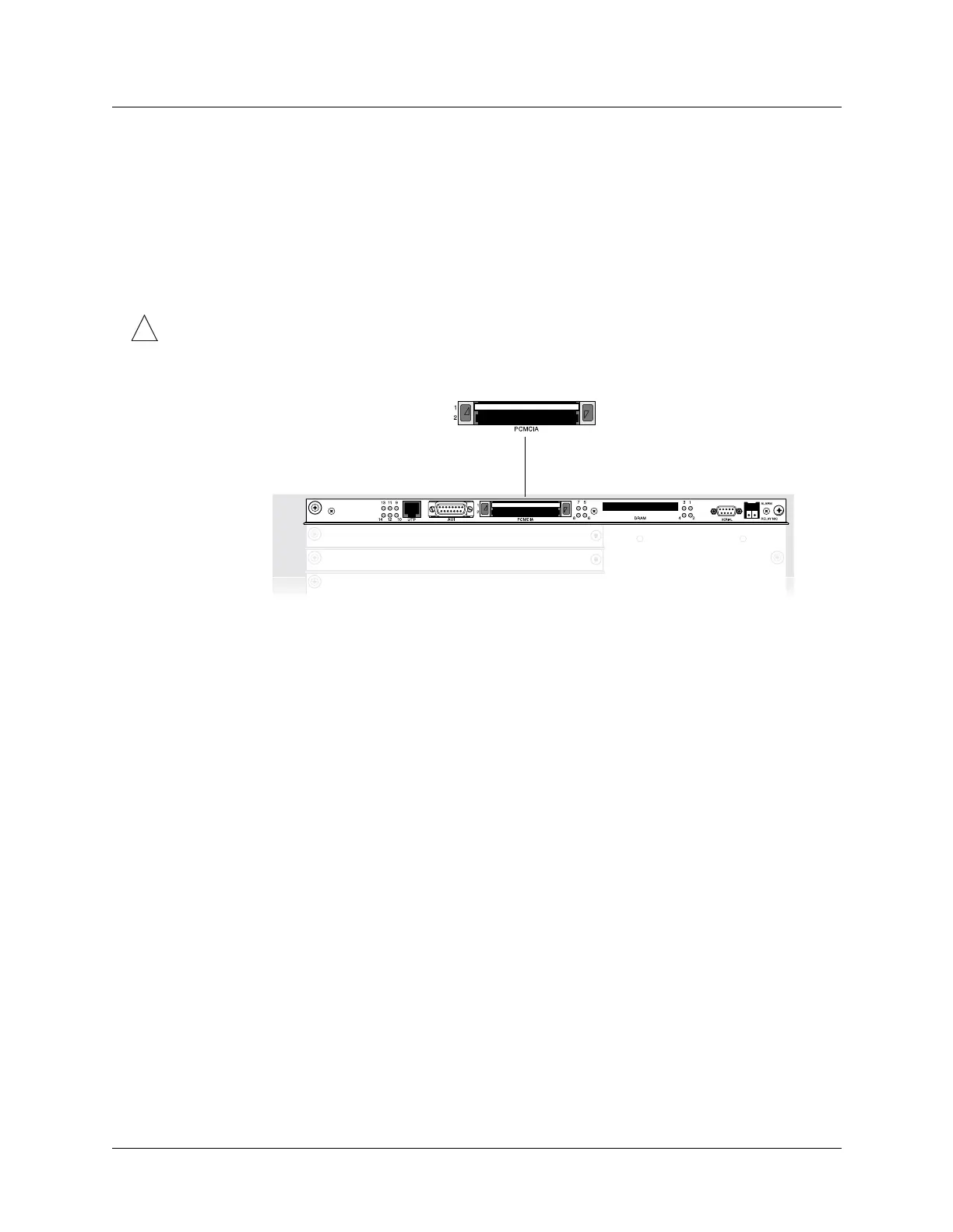
Make sure a PCMCIA card is inserted in the top PCMCIA slot, identified as PCMCIA 1 in
Figure 3-14.
!
Caution: Do not remove a PCMCIA flash card while the unit is running. Doing so can
damage the card and require its replacement.
Figure 3-14. Verifying the presence of a PCMCIA card in slot 1
For more information about the function of the PCMCIA flash cards, see the APX 8000/MAX
TNT Administration Guide.



 To Next Page