3-16 MAX TNT Hardware Installation Gulide
Installing a MAX TNT Chassis
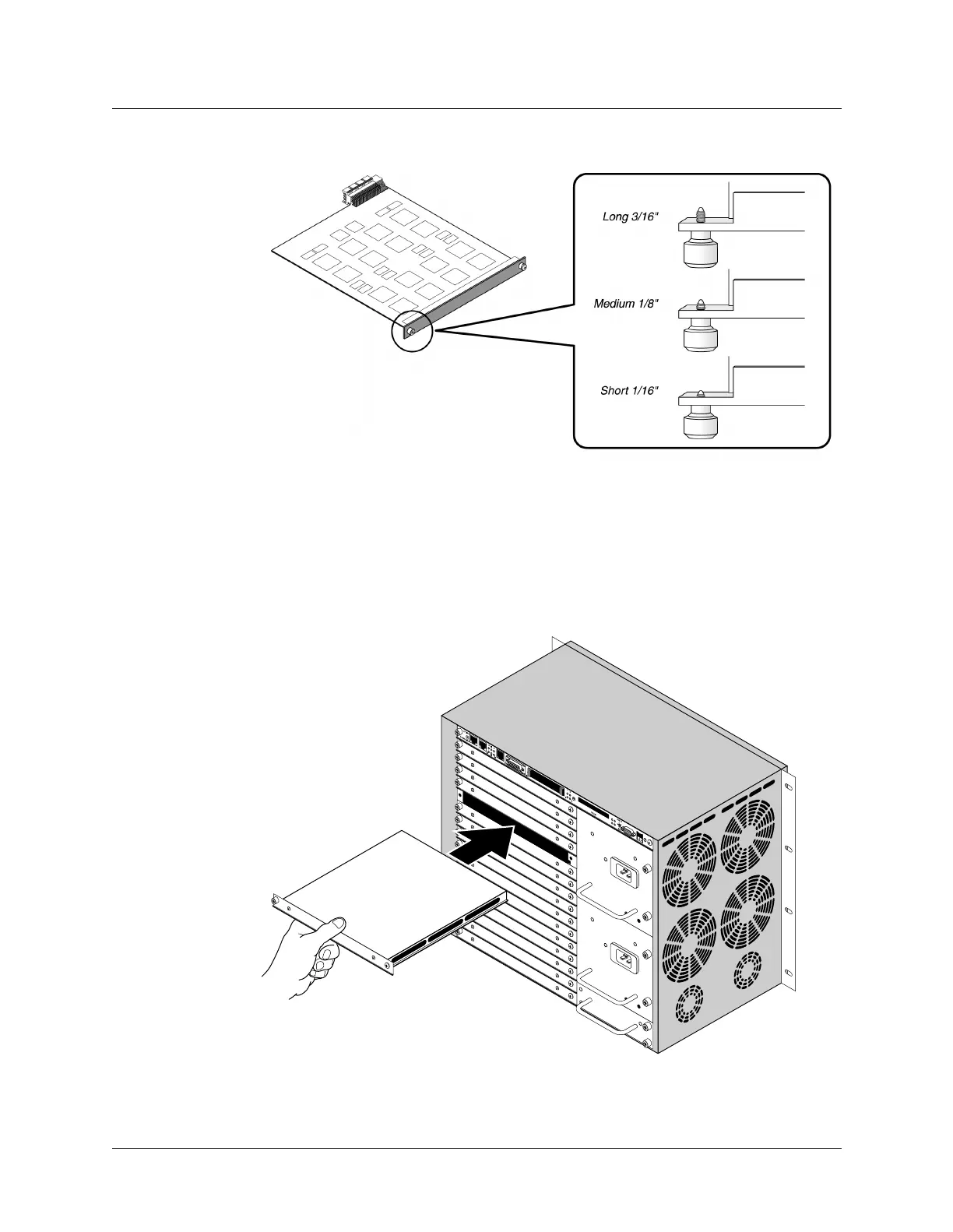
Installing or replacing slot cards
Figure 3-15. Identifying long, medium, and short lock screws
Installing a long-lock-screw slot card
To install a long-lock-screw slot card in the MAX TNT chassis, proceed as follows:
1 Hold the slot card so that the panel is facing you and the lock screw is on the left, and
insert the card into the open slot as shown in Figure 3-16.
Figure 3-16. Inserting a slot card into a MAX TNT chassis
3 1
4 2



 To Next Page