3-12 MAX TNT Hardware Installation Gulide
Installing a MAX TNT Chassis
Connecting a MAX TNT unit to the LAN
2 If you have not already done so, set the serial communication options of your
communications software as follows:
– 9600bps
– Direct connection
– 8 data bits
– No parity
– 1 stop bit
– No flow control
Connecting a MAX TNT unit to the LAN
All MAX TNT systems have an Ethernet port on the shelf controller. This Ethernet port is
designed primarily for out-of-band management over the network and is not intended to
support heavy traffic loads. If your MAX TNT will be routing heavy Ethernet traffic, install an
Ethernet card and route this traffic through one or more of the ports on that card.
If you do not need a LAN interface, skip this section and proceed to “Connecting a workstation
to the serial port” on page 3-11.
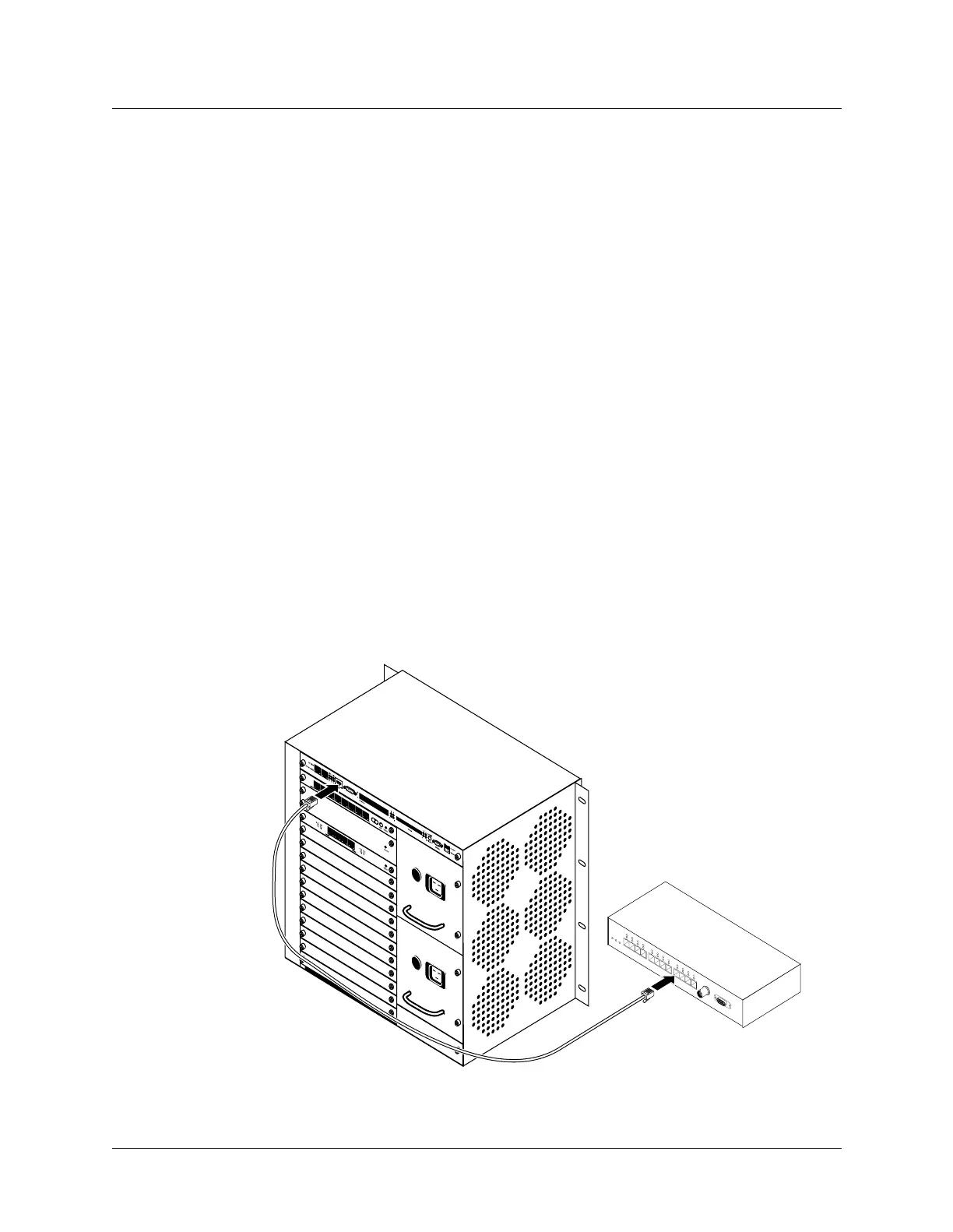
To connect the unit to your LAN, plug an Ethernet LAN cable into one of the unit’s Ethernet
ports. Figure 3-13 shows the Ethernet LAN cable connected to the shelf-controller Ethernet
interface for out-of-band management.
Figure 3-13. Connecting an Ethernet cable



 To Next Page