3-10 MAX TNT Hardware Installation Gulide
Installing a MAX TNT Chassis
Connecting the MAX TNT ac power supply
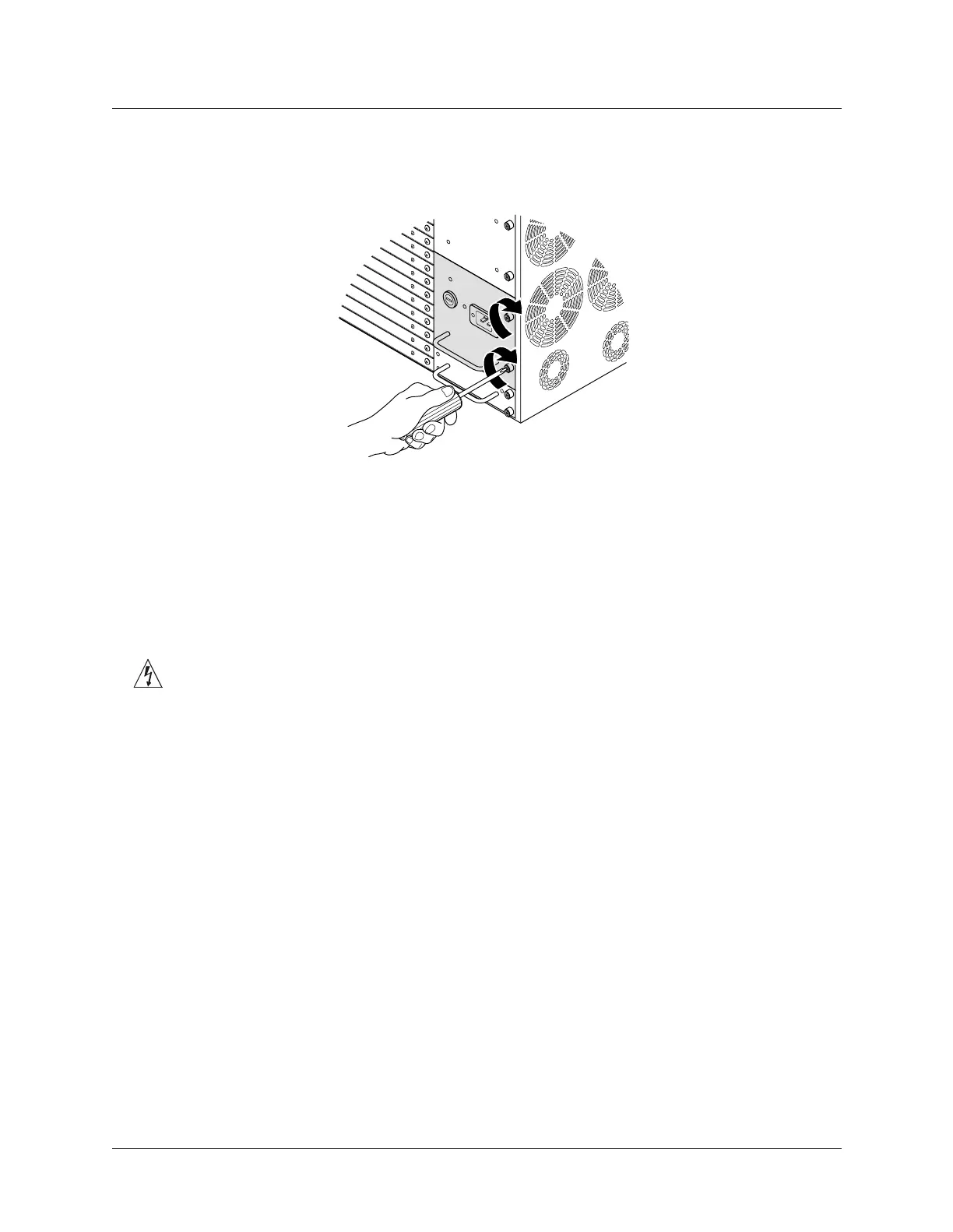
6 Tighten the power supply lockscrews as shown in Figure 3-10.
Figure 3-10. Tightening the power supply lockscrews
7 If you have a redundant power supply, repeat step 2 through step 6 for the remaining
power supply.
Connecting the MAX TNT ac power supply
To connect the ac power supply, plug the power cord into the power supply socket. Plugging in
the unit’s power supply also applies power to the unit.
Warning: Models with ac power inputs are intended for use with a three-wire grounding type
plug (a plug that has a grounding pin). This is a safety feature. Equipment grounding is vital to
ensure safe operation. Do not defeat the purpose of the grounding type plug by modifying the
plug or using an adapter.
Connecting the MAX TNT dc power supply
The MAX TNT dc power supply requires three inputs: -48Vdc, return (-48Vdc return), and
earth/chassis ground. The -48V and return inputs are isolated from ground.
Solid copper wire (14 AWG or 2.5mm²) must be used to connect the power supply terminal
block ground to the facility’s ground. If the MAX TNT unit is fed from an isolated supply, you
must supply a solid ground to earth via copper rods. This ground must have a resistance of less
than 5 ohms.
A single drop to all MAX TNT units on one rack is acceptable. Figure 3-11 shows an example
of wiring the terminal block.



 To Next Page