Slot Card Specifications and Connection Information
SWAN card
MAX TNT Hardware Installation Guide A-27
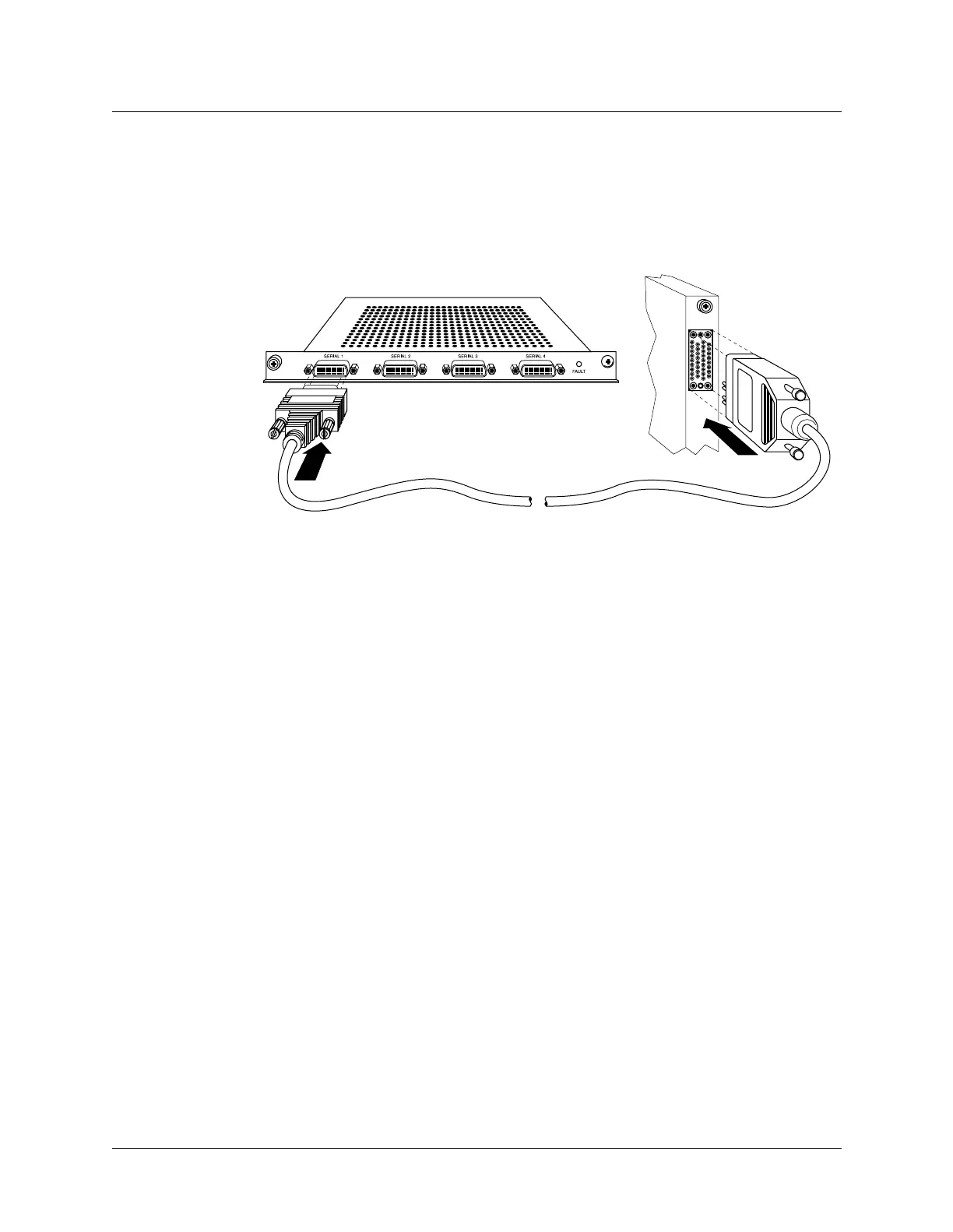
Connecting the SWAN card to the WAN
To connect the SWAN card to the WAN:
1 Using the Lucent Serial WAN cable, connect the 60-pin D connector to the SWAN card as
shown in Figure A-16.
Figure A-16. Connecting the SWAN card to the WAN
2 Connect the other end of the cable to the V.35 port on a Frame Relay switch or to your
WAN interface.
3 Inform your service provider that the equipment is connected, so the provider can activate
the line.



 To Next Page