LX iris EFIS
Basic operation
Document name: LX HUM
Document revision: R1
3.3 Switching the unit off
To turn the unit off, press and hold the left push-rotary knob for 3 seconds. (Marked with the
power symbol)
3.4 Alphanumeric inputs
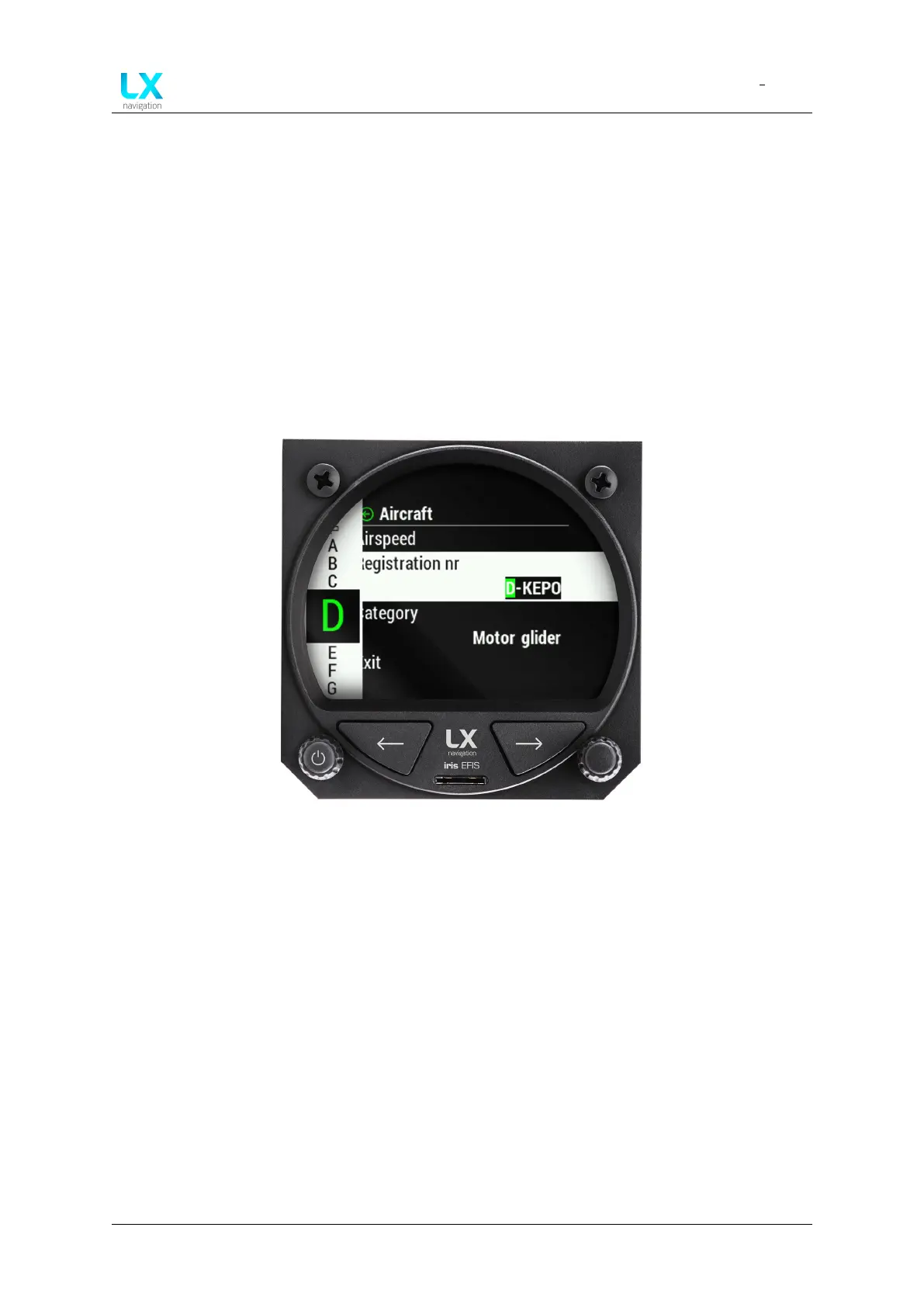
When alphanumeric input is required, a scroll widget will appear on the left side of the display,
displaying the available lettering and/or symbols.
Use the right push-rotary knob to scroll through the list and press the push-rotary to confirm
the symbol and continue typing the next symbol. Once finished, find the ’Enter’ icon to confirm
your input.
Figure 2. Keyboard for alphanumeric input
3.5 Software update procedure
To update your device, copy the SW version to the root of provided Micro SD card. Insert it into
the slot on the front panel.
Use left or right button to move through pages. Go to setup page. In the section ”System” go
to ”Service” menu. Use right-hand push-rotary knob to select ”Software update”.
Once the ”Select upgrade” is opened, select the version from the list.
Device manual Public 12



 To Next Page