LX iris EFIS
G-force page
Document name: LX HUM
Document revision: R1
Below is the BARO (Barometric pressure). Set the BARO by turning the right-hand push-rotary
knob. To find out more refer to “Barometric pressure” section of the manual.
8.2 Graphic G-force presentation
Current G-force load is also displayed as red dot on the G-force scale.
8.3 Change the G-force scale
To change the G-force scale, rotate the left-hand push-rotary knob. Pilot can select between 1G
to 9G scale depending on the precision and load he expects to reach.
8.4 G-force options
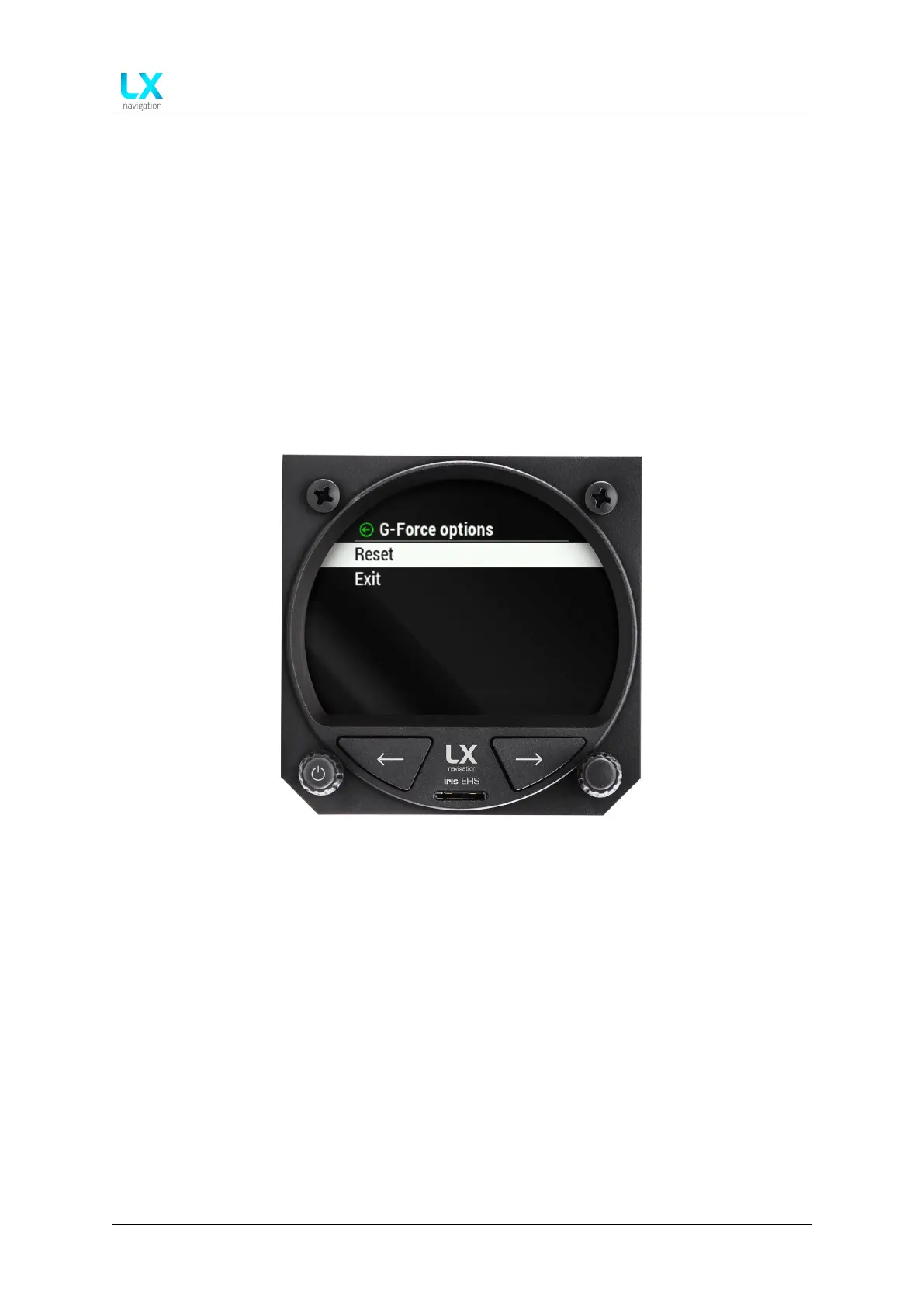
Figure 66. G-force options
Press right-hand push-rotary knob to enter “G-force options”. Pilot can select “Reset” option,
which will reset the “MIN” and “MAX” G-force information on the G-force page.
Device manual Public 52



 To Next Page