LX iris EFIS
PFD page
Document name: LX HUM
Document revision: R1
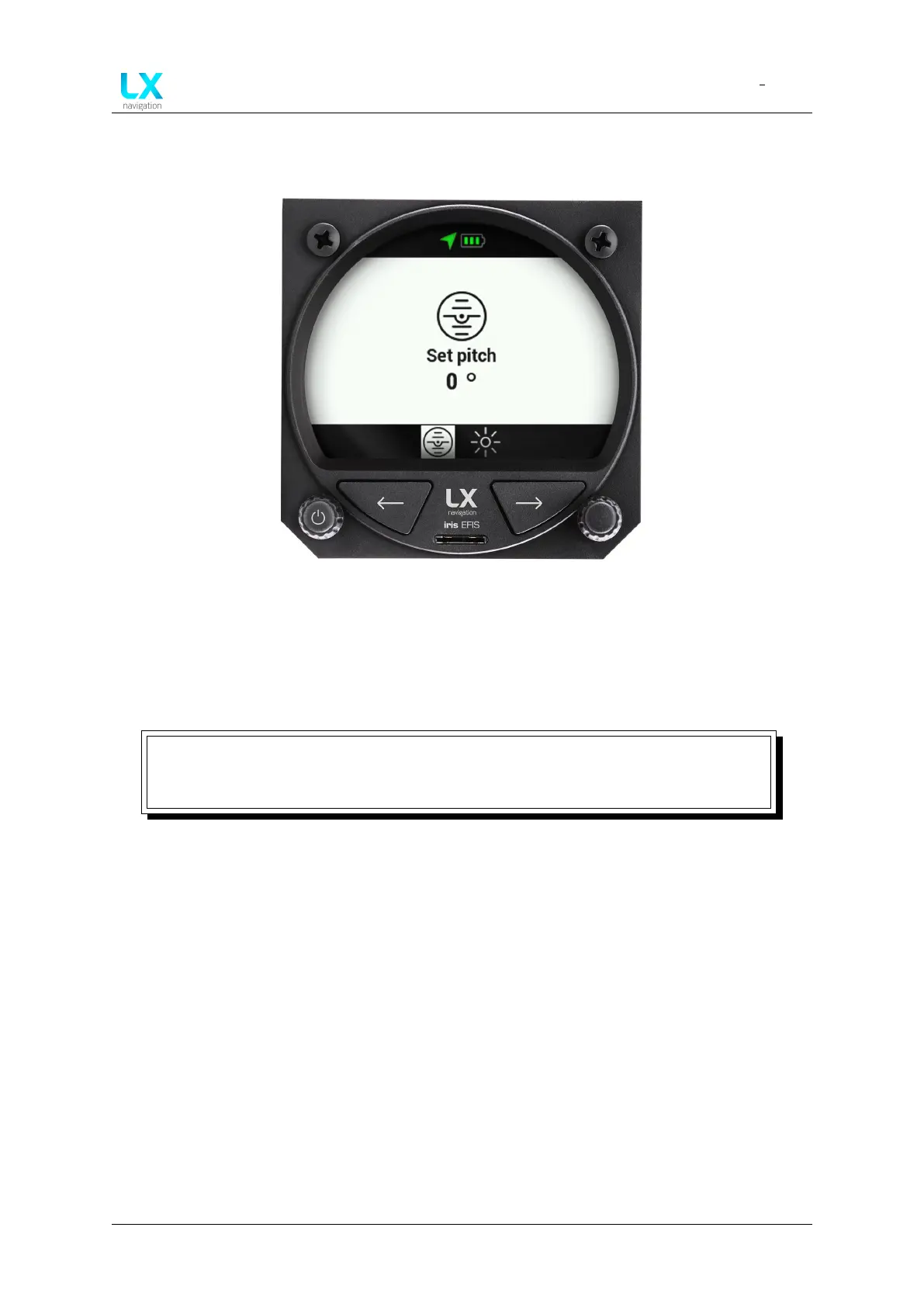
5.12.3 Pitch attitude offset
Figure 33. Quick settings menu
Pilot can adjust the pitch attitude offset to a desired value of ± 20° by pressing the right-hand
push-rotary knob while on PFD page. Rotate the push-rotary knob to a desired value. Press to
confirm. If not, in 5 seconds, the device will automatically exit the menu and the selected pitch
attitude offset will be confirmed.
NOTE
Access the pitch attitude offset by short or long press of a right-hand push-rotary
knob while on PFD page. Rotate to move ± 20° and press in to confirm.
Device manual Public 27



 To Next Page