LX iris EFIS
PFD page
Document name: LX HUM
Document revision: R1
5.11 Magnetic heading bug options – Sync HDG bug
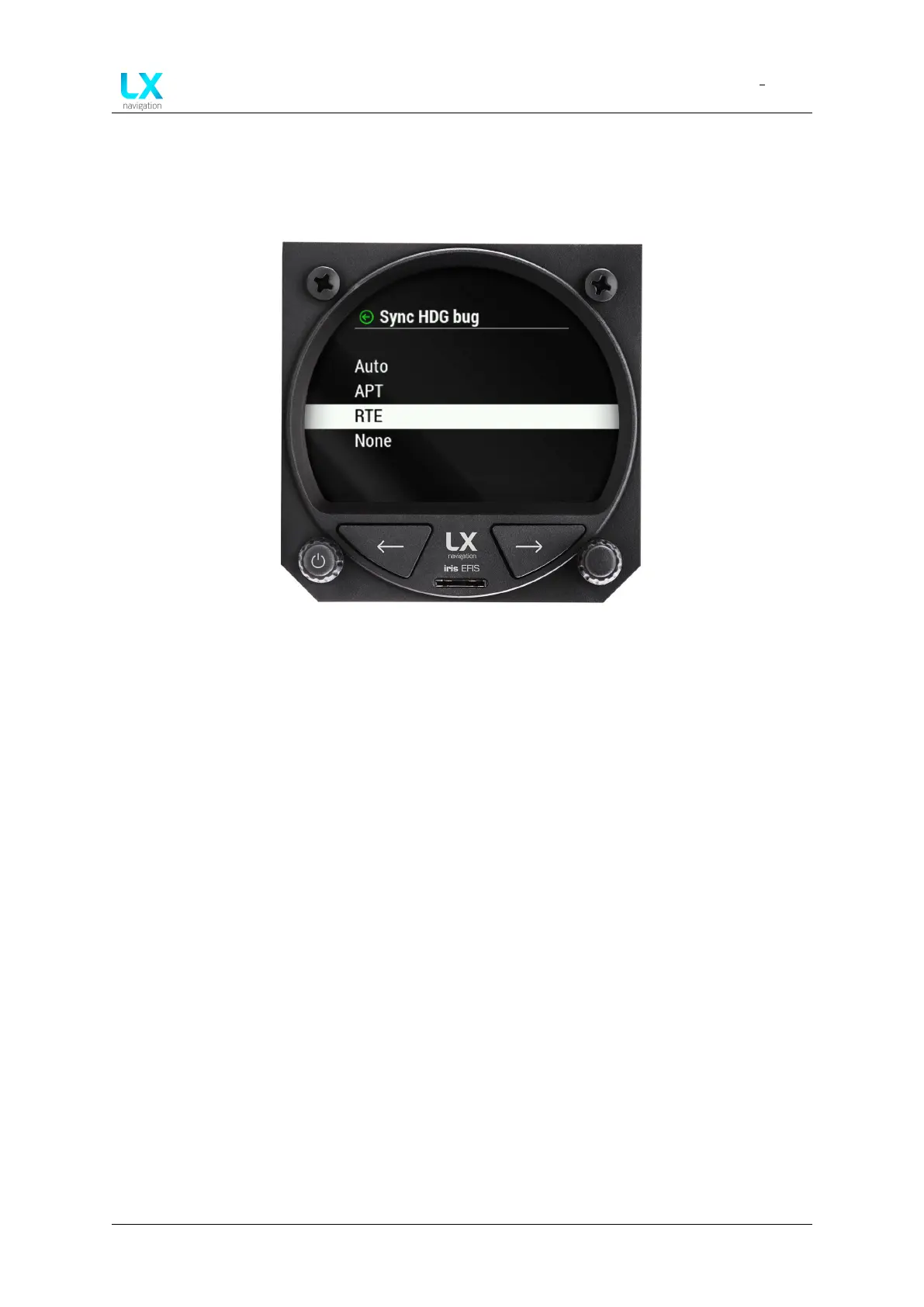
In the setup menu, pilot must go to user section, select graphic and then AHRS. Scroll down to
”Sync HDG bug” and press to select. Pilot can select between ”Auto”, ”APT”, ”RTE” and ”None”.
Figure 23. Magnetic heading bug - Sync function options
If “auto” mode is selected, LX horizon will automatically select heading to the next TP
(turnpoint) from the preadjusted RTE (route) navigation page, or selected APT (airport) at the
APT navigation page whichever was changed/selected later.
If “APT” mode is selected, LX horizon will automatically select heading to the APT (airport)
selected at the APT navigation page.
If “RTE” mode is selected, LX horizon will automatically select heading to the next point (APT
or TP) selected at the RTE navigation page. Once TP is reached, LX horizon will automatically
select next TP in your route.
If the “None” mode is selected, bug can be adjusted only with left-hand push-rotary knob on
the PFD page.
Device manual Public 24



 To Next Page