LX iris EFIS
Setup page
Document name: LX HUM
Document revision: R1
13.3.7 Service
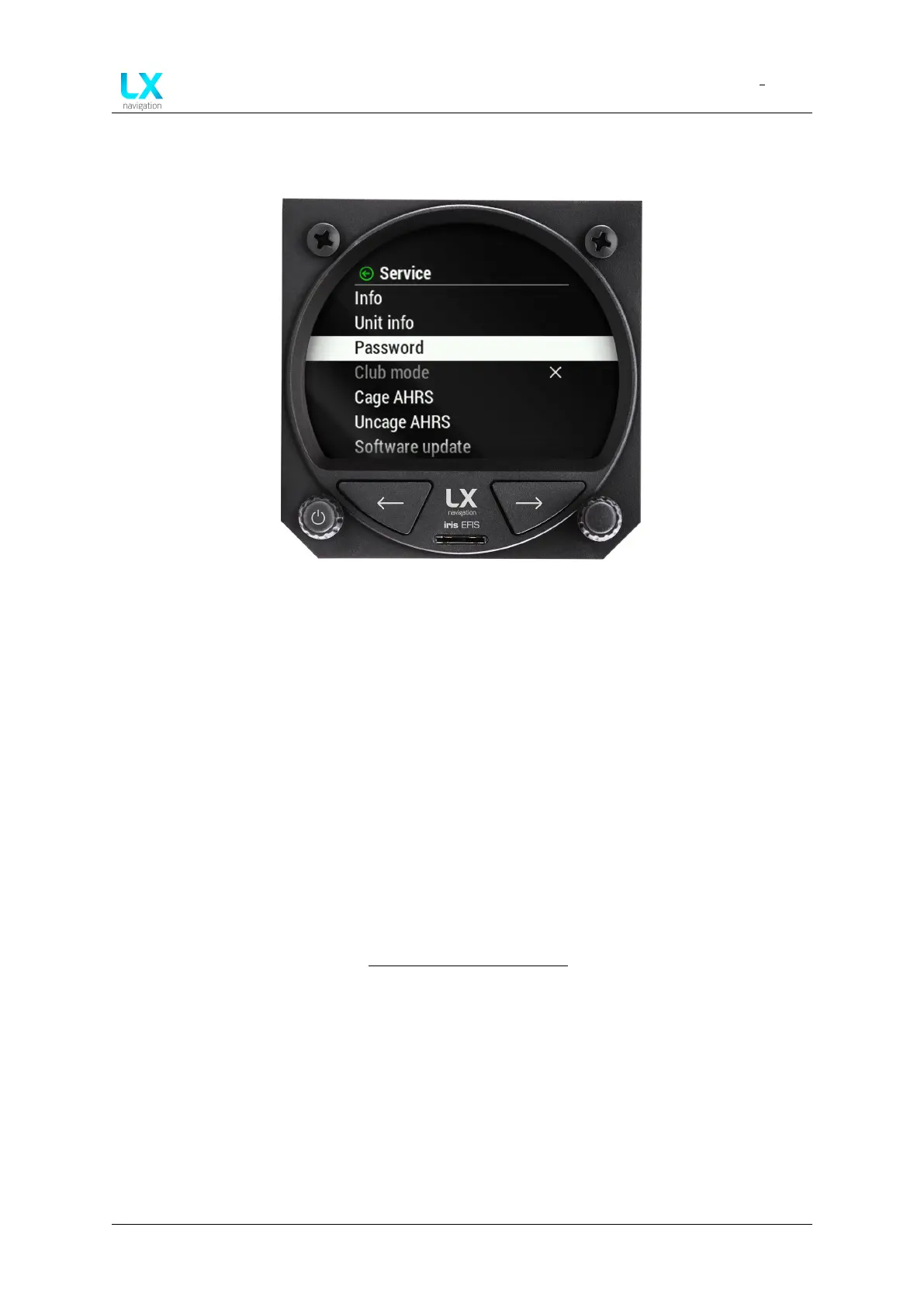
Figure 103. Setup page, ”Service” section
In the ”Service” section pilot can access multiple settings:
• “Info” ”Serial number”, ”Firmware”, ”Hardware” and ”Battery”.
• “CAN unit info”
• “Password” (Numeric input for special features and functions)
• “Club mode”(Must be enabled first with ”Password”. Club mode is special operation
mode which disables pilot to erase and change any settings on the device.)
• “Cage AHRS” Set your current AHRS position as horizontal position (pitch = 0°, roll = 0°).
• “Uncage AHRS” Reset your offsets made by ”Cage” function to actual values.
• “Software update” Select the version from the list.
For procedure, go to section Software update procedure.
• “Load license” Select the ”EfisPro” if you have the key to unlock the features.
Device manual Public 76



 To Next Page