LX iris EFIS
Logbook page
Document name: LX HUM
Document revision: R1
Logbook page
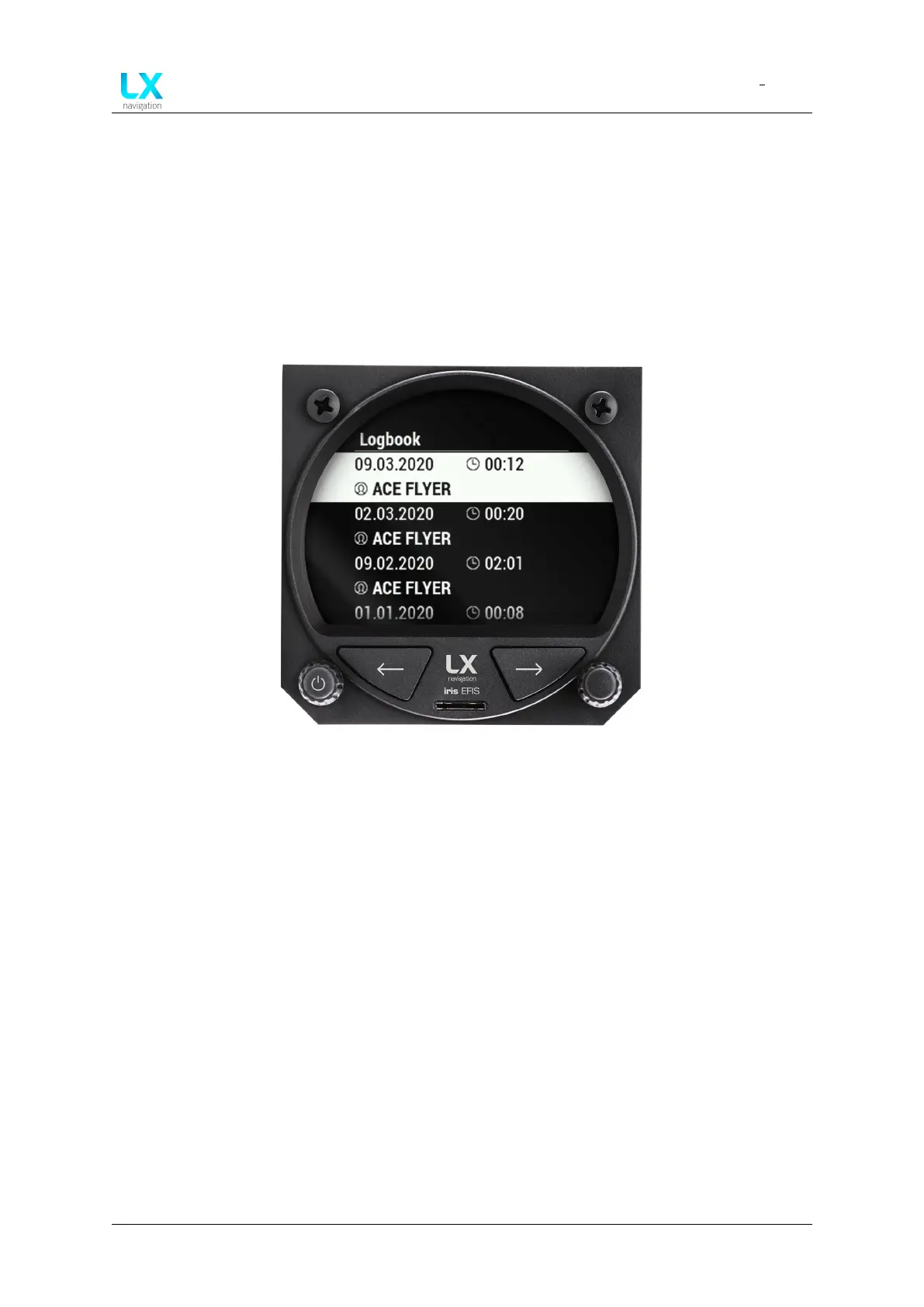
Figure 68. ”Logbook” page with list of last 50 flights
10.1 Pilots logbook and memory
device will serve the pilot as his own digital pilot logbook. The logbook page will display last 50
flight although the device will store all the flight on the internal memory. The internal memory
has enough space for hundreds of thousands of flight hours.
Last 50 flight will be displayed as date of flight, duration of flight and pilot name below. All the
flights are filtered by the date added.
Use right-hand push-rotary knob to scroll through the list. To select press the push-rotary knob.
10.2 Flight details
By pressing the hand rotary knob – selecting the specific flight, pilot will enter the flight details
page.
Displaying the name, take off time, landing time, duration, maximal IAS, maximal altitude will
give you a quick way to fill out the needed information for your personal and aircraft logbook.
Device manual Public 55



 To Next Page