LX iris EFIS
APT navigation page
Document name: LX HUM
Document revision: R1
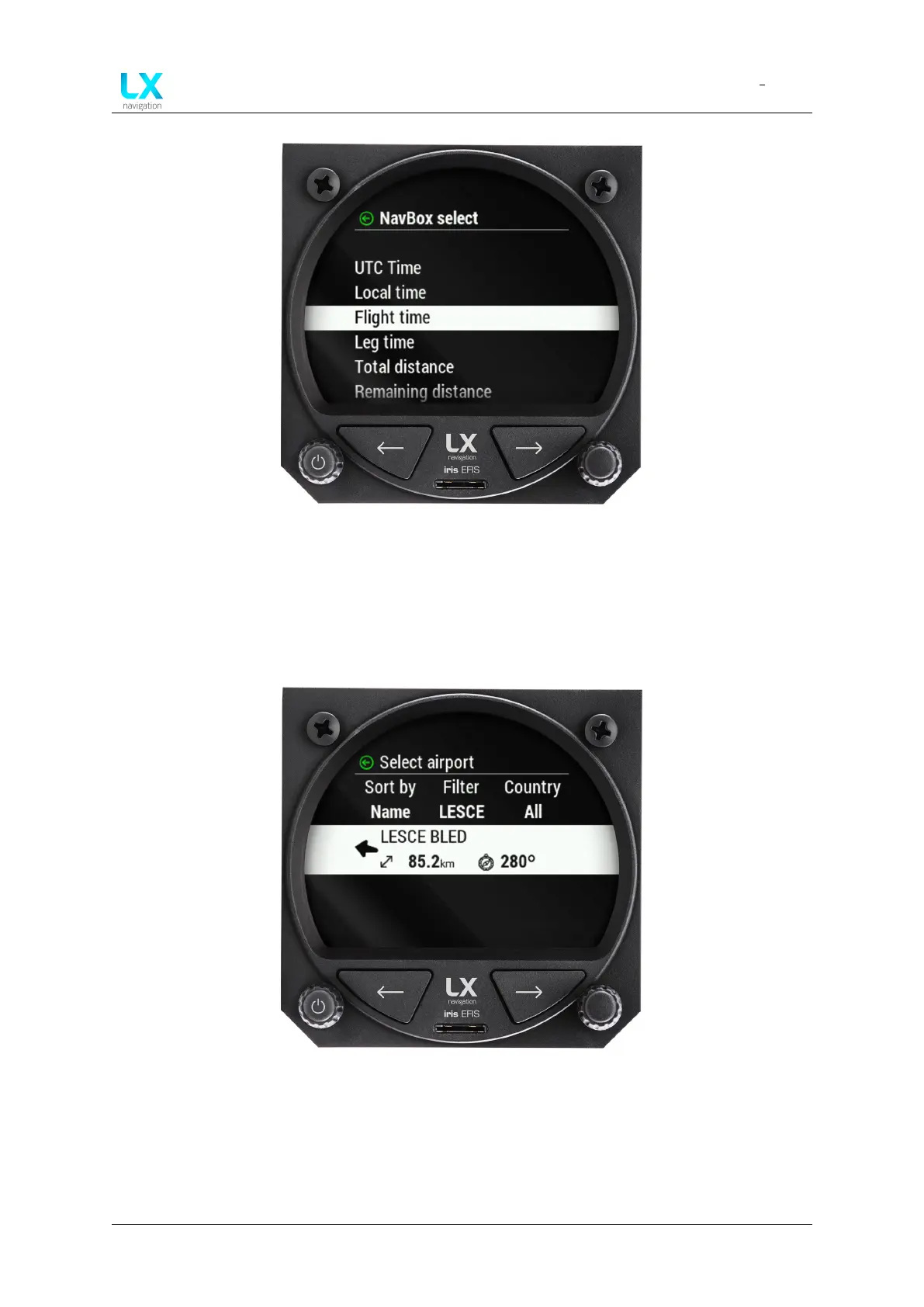
Figure 41. ”Navbox select” menu
Rotate the right-hand push-rotary knob to move through each “NavBox” information available.
Press the push-rotary knob to select the “NavBox” information.
6.8 Select APT
Figure 42. Select Navbox menu
On the APT page, pilot can navigate to selected airport. To select the airport press the
right-hand push-rotary knob while at APT page.
A “Select airport” menu will appear. First row is the search parameters.
Device manual Public 33



 To Next Page