LX iris EFIS
Setup page
Document name: LX HUM
Document revision: R1
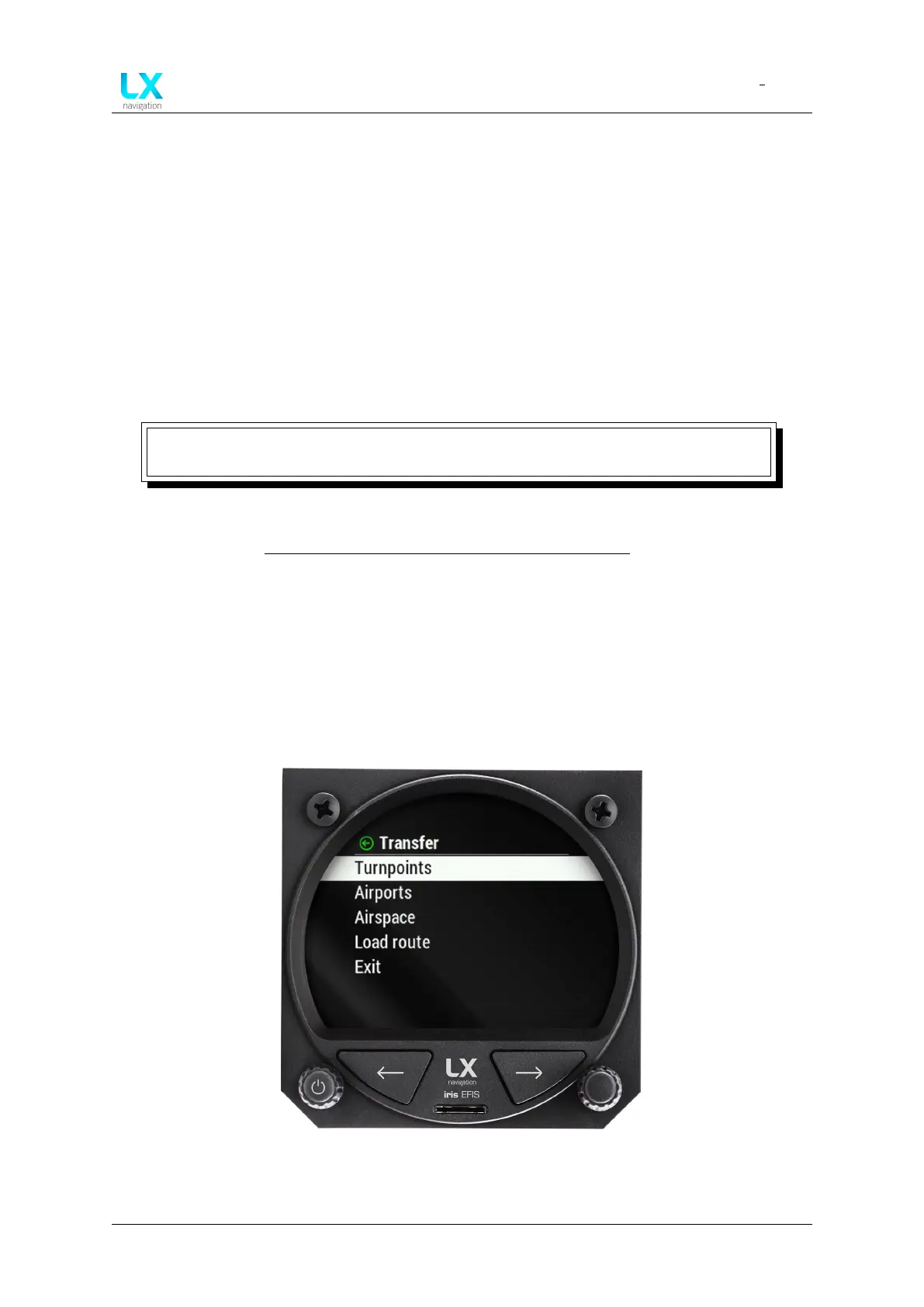
13.3.4 Transfer
In the ”Transfer” section, pilot can transfer and upload all database files.
Pilot should use specific data formats:
• “.cub” For ”Turpoint”, ”Airspace” and ”Route” files.
• “.cup” For ”Task” and ”Route” files.
• “.af” For ”Airport” file.
NOTE
Pilot must be careful to not exceed the maximal upload file size of 750 kb.
Database webpage: http://www.lxnavigation.com/support/database/
• “Turnpoints” ”Load”, ”Delete”, ”Select” or ”Deselect”.
• “Airports” ”Load”, ”Delete”, ”Select” or ”Deselect”.
• “Airspace” ”Load”, ”Delete”, ”Select” or ”Deselect”.
• “Load route” ”Load”, ”Delete”, ”Select” or ”Deselect”.
Figure 101. Setup page, ”Transfer” section
Device manual Public 74



 To Next Page