LX iris EFIS
Setup page
Document name: LX HUM
Document revision: R1
13.3.8 Shutdown
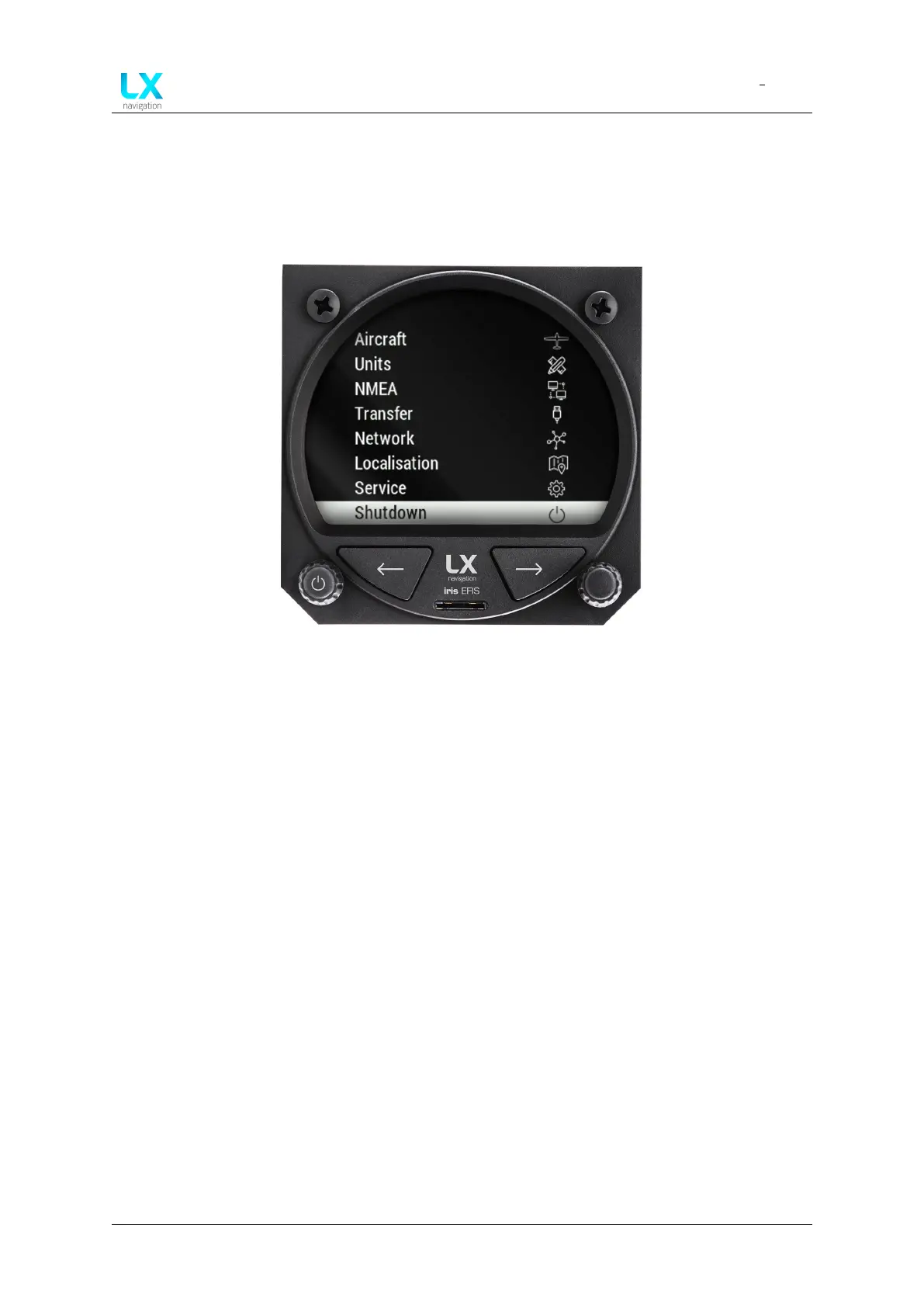
To shutdown the device, go to setup page and scroll all the way down to the bottom of the
”Setup” menu. Select the ”Shutdown” option. A pop-up message will appear - use the right-
hand push-rotary knob to select ”Yes” if you are positive to shutdown the device or ”No” if not.
Figure 104. Setup page, ”Shutdown” at the bottom of the page
13.3.8.1 Force shutdown
Force shutdown the device by pressing the left-hand push-rotary knob for 15 seconds.
Device manual Public 77



 To Next Page