LX iris EFIS
RTE navigation page
Document name: LX HUM
Document revision: R1
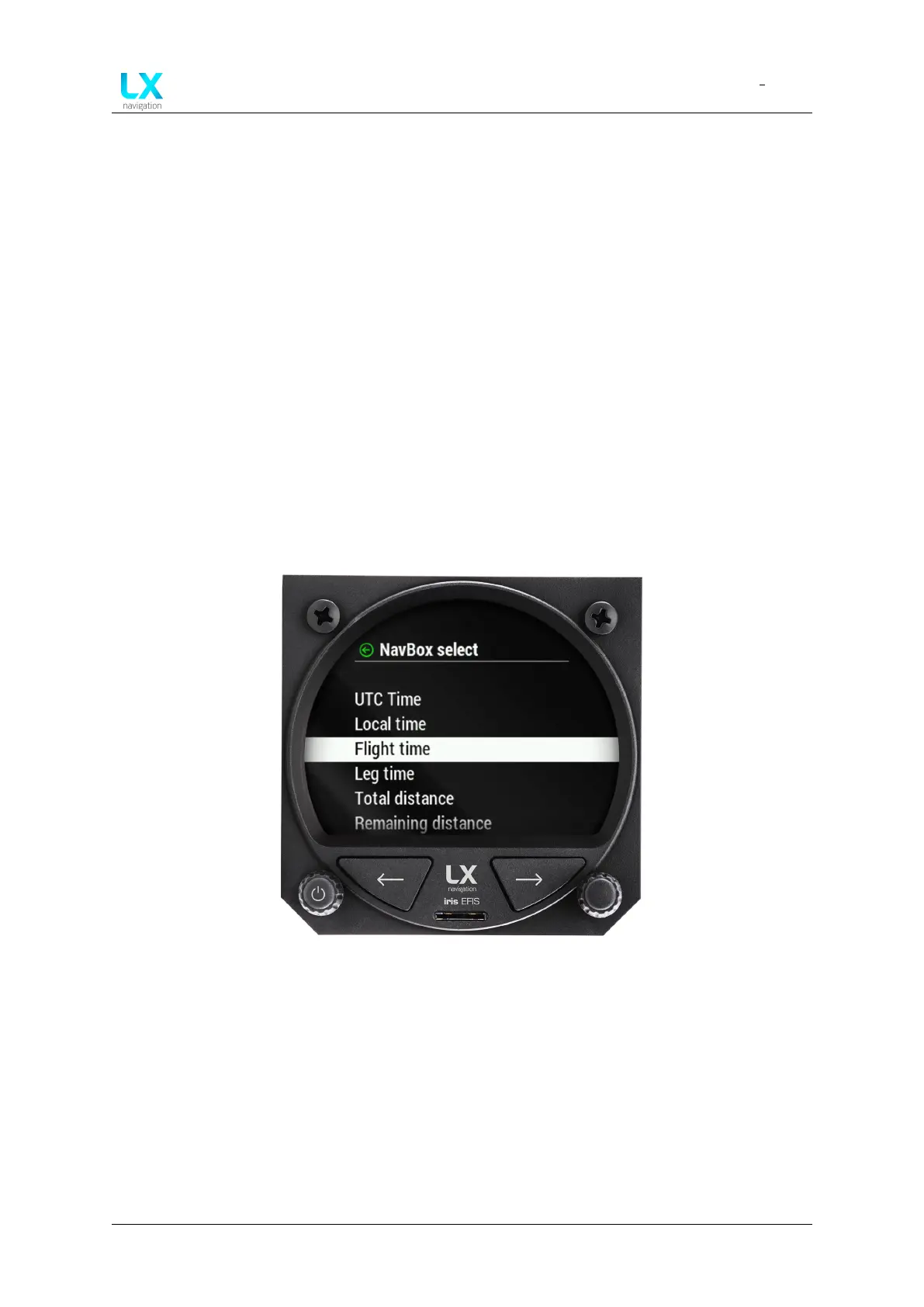
Once pilot has selected the “NavBox” he wants to edit, a drop-down menu will appear with all
available “NavBox” information:
• UTC time
• Local time
• Flight time
• Leg time
• Total distance
• Remaining distance
• ETE
• ETA (UTC)
• ETA (local time)
• Leg distance
• Leg ETE
• Leg ETA (UTC)
• Leg ETA (local)
• Altitude
• Flight level
• Density altitude
• Height AGL
• Elevation
• Vertical speed
• Ground speed
• True track
• Magnetic heading
• Bearing
• OAT
• G-force
• Flap position
Figure 55. ”Navbox select” menu
Rotate the right-hand push-rotary knob to move through each “NavBox” information available.
Press the push-rotary knob to select the “NavBox” information.
7.7 Edit route
On the RTE page, pilot can navigate to according to route. To create a route press the right-hand
push-rotary knob while at RTE page.
“Edit route” menu will appear.
Device manual Public 42



 To Next Page