LX iris EFIS
Setup page
Document name: LX HUM
Document revision: R1
13.3 ”System” section
”System” section of setup are settings of the device, which remain fixed until changed and will
not be affected by the active pilot.
System section setup items are:
• “Aircraft”
• “Units”
• “NMEA”
• “Transfer”
• “Network”
• “Localisation”
• “Service”
• “Shutdown”
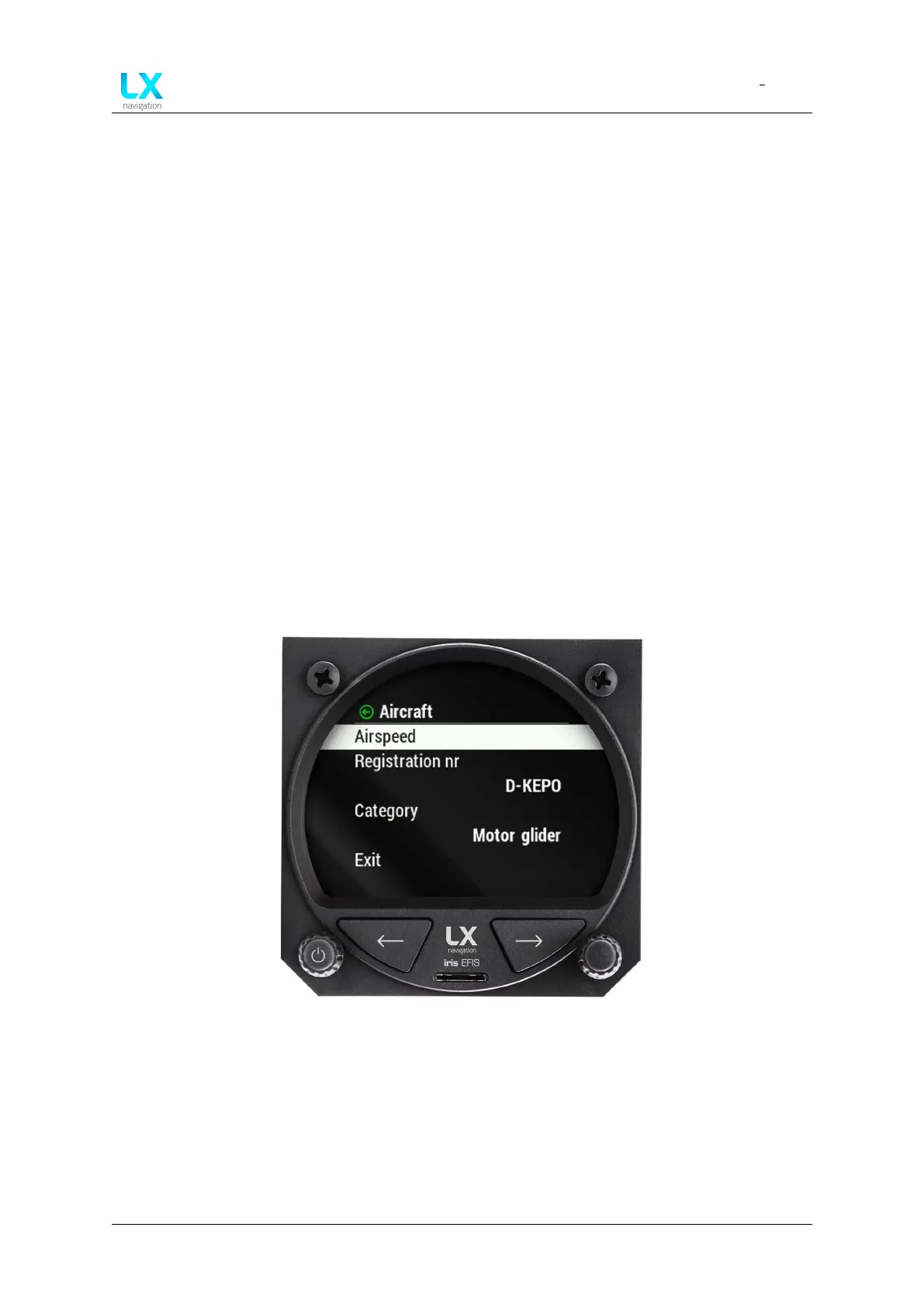
13.3.1 Aircraft
• “Airspeed” Insert value for ”Vs1”, Vn0 and ”Vne”.
• “Registration nr” Insert aircraft registration number.
• “Category” Select aircraft category.
Figure 95. Aircraft menu
In the ”Aircraft” menu, pilot can access the 3 different aircraft related settings:
• ”Airspeed” (Set the Vs1, Vs0, Vne for ”Airspeed tape” ¡- link this)
• ”Registration nr” (Set aircraft registration number)
• ”Category” (Select aircraft category to change the icon on APT and RTE navigation page)
Device manual Public 70



 To Next Page