LX iris EFIS
PFD page
Document name: LX HUM
Document revision: R1
5.5 Turn coordinator
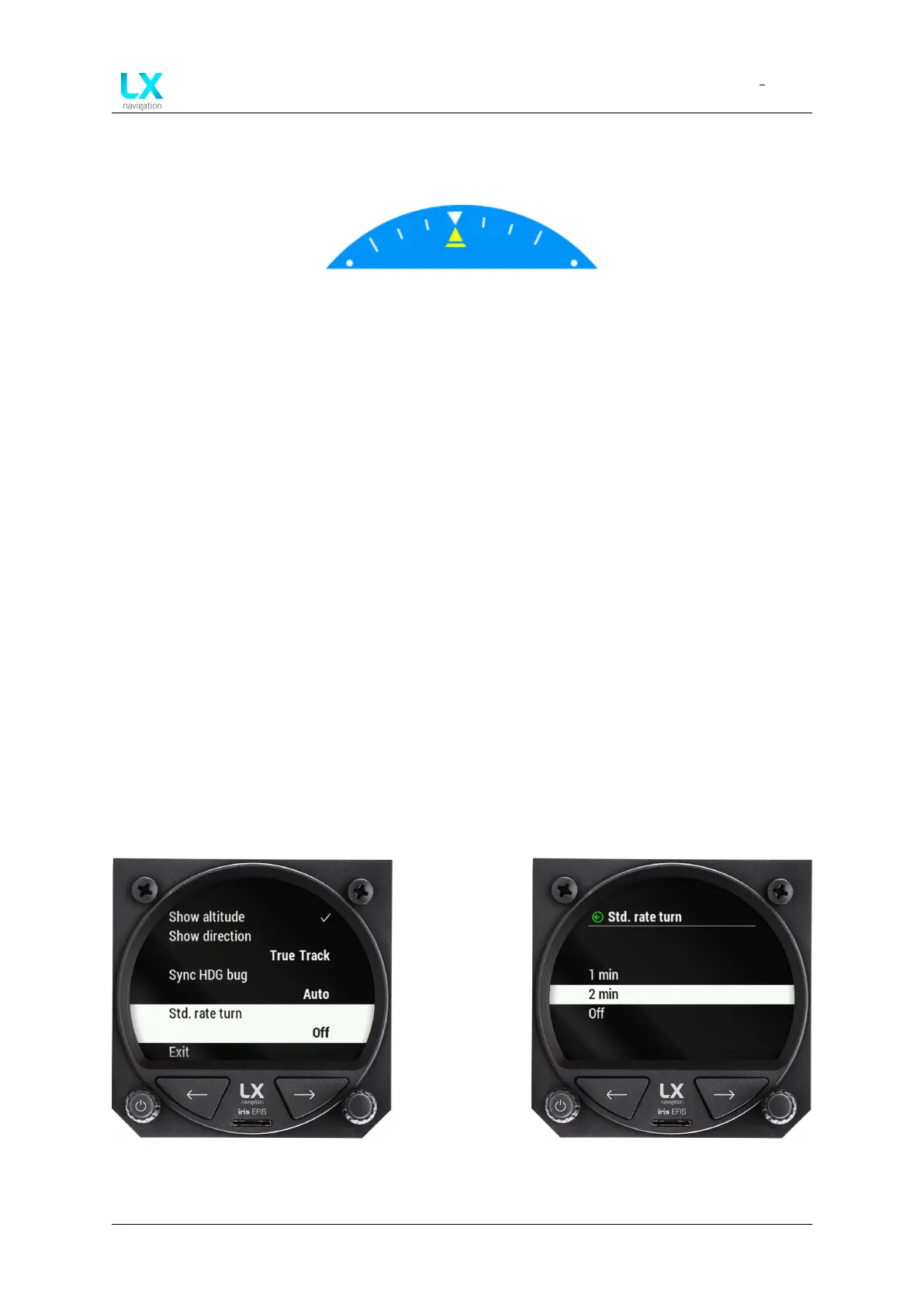
Figure 17. Turn coordinator widget
5.5.1 Turn coordinator settings
In the setup menu, pilot must go to user section, select graphic and then AHRS. Scroll down to
Turn coordinator and press to select. Pilot can select between ”1 min”, ”2 min” and ”Off”.
5.5.2 Standard rate turn indicator
Standard rate turn indicator is represented by two airplane silhouettes on roll indicator. The
silhouettes are hidden when TAS is less than 36 km/h.
The pilot performs standard rate turn when roll indicator marker (yellow triangle) aligns with
airplane silhouette.
Although standard rate turn is defined as 3° per second turn (which gives a complete 360° turn
in 2 minutes), device allows pilot to select whether 2 minute or 1 minute turn is indicated by
standard rate turn indicator.
5.5.3 Standard rate turn indicator settings
To select ”1 min”, ”2 min” or ”Off” go to ”Setup” page, ”User” section and ”Graphic” menu. Select
the ”Std. rate turn” menu. Scroll and press in to select from the list.
Figure 18. Standard rate turn indicator
settings
Figure 19. Standard rate turn indicator
options
Device manual Public 21



 To Next Page