LX iris EFIS
APT navigation page
Document name: LX HUM
Document revision: R1
6.7 NavBox line
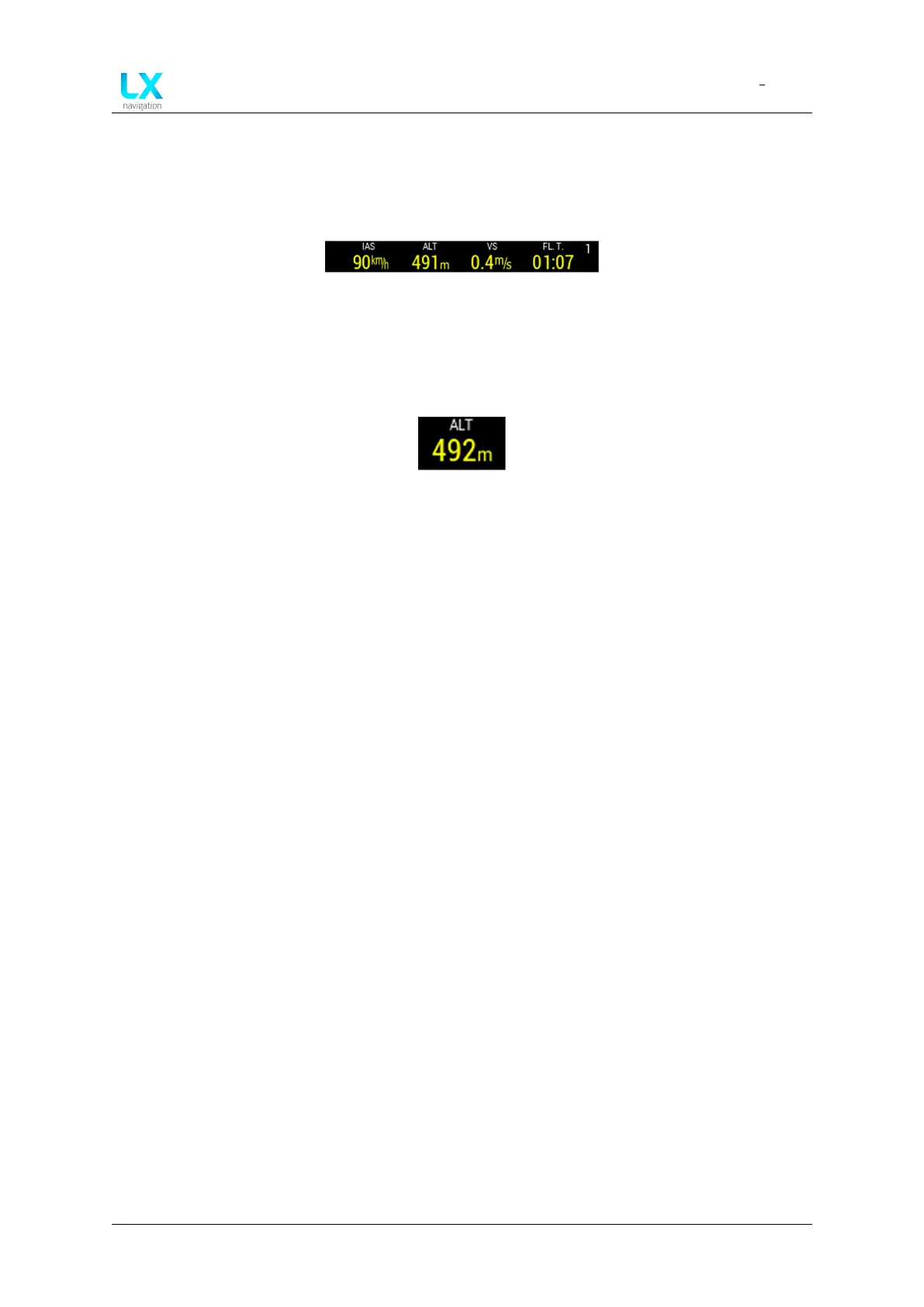
“NavBox” line is assembled of 4 “NavBoxes”. A row of “NavBoxes” assembles a “NavBox line”
which is marked with an indicator number in the top right corner of the “NavBox line”.
Figure 38. Navbox line
6.7.1 NavBox
“NavBox” is the single information that is displayed by LX device as title and value with unit.
Figure 39. One ”NavBox” item
6.7.2 “Navbox line” setup
To move through “NavBox lines” use right-hand push-rotary knob and rotate it. As pilot moves
through “NavBox lines”, one can see the indicator number changes. The movement through
“NavBox lines” is circular.
LX horizon supports 3 “NavBox lines” and additional “disabled mode” which hides the “NavBox
line” and extends the map.
Device manual Public 31



 To Next Page