LX iris EFIS
RTE navigation page
Document name: LX HUM
Document revision: R1
RTE navigation page
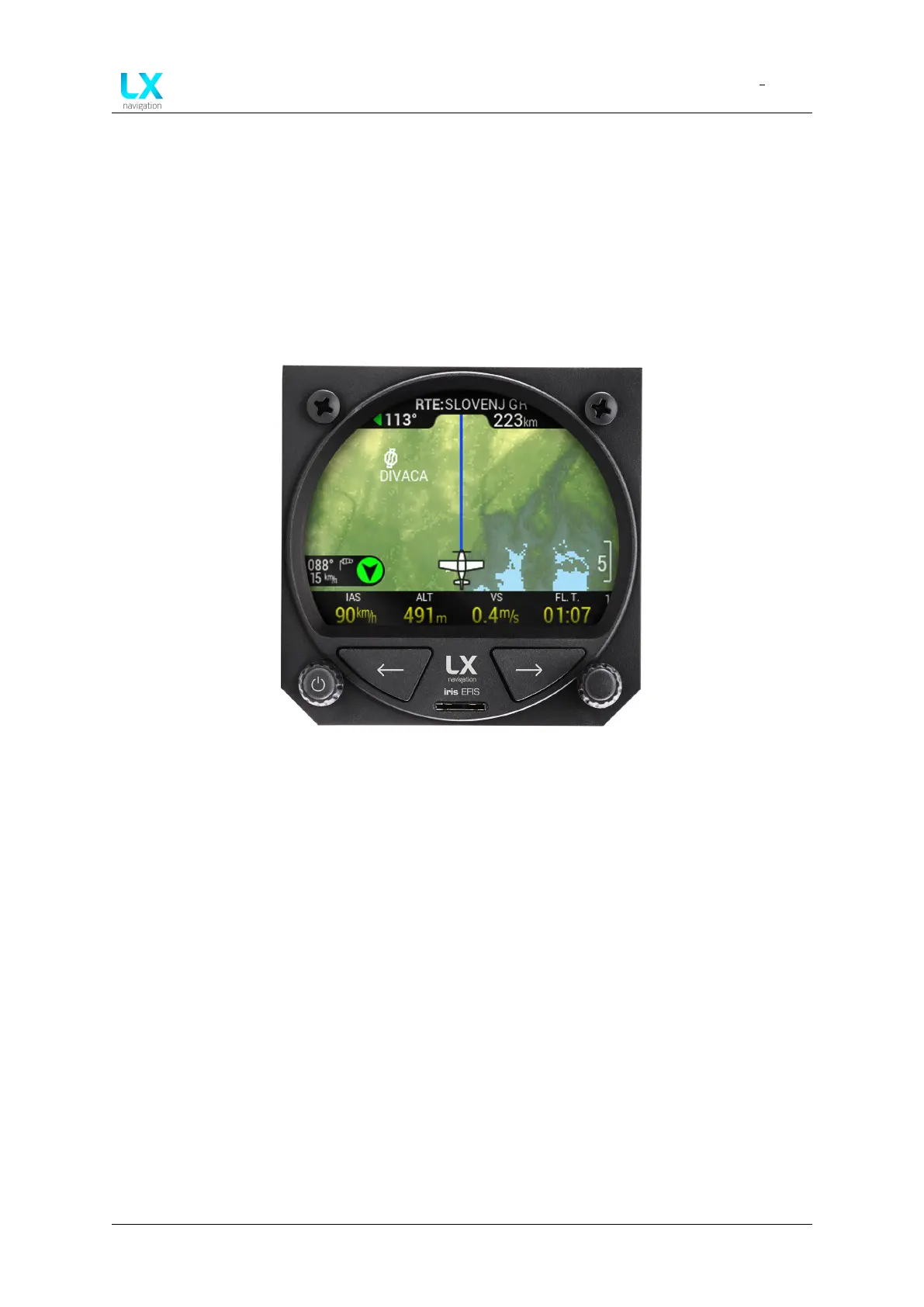
Figure 49. RTE navigation page
From APT navigation page press right button to access RTE (Route) navigation page. Pilot can
create, select, edit the route.
7.1 Wind widget
Wind widget can be found in the lower left corner of the display. On the black background pilot
can see:
• Wind direction in degrees, relative to aircraft heading (Black arrow on the green circle)
• Wind direction in degrees (with a wind socket icon)
• Wind speed with units (below Wind direction in degrees)
7.2 Wind calculation
LX horizon is able to measure wind using an iterative method that is based on indicated airspeed
(IAS), ground speed (GS) and track (TRK) measurements.
Device manual Public 38



 To Next Page