LX iris EFIS
APT navigation page
Document name: LX HUM
Document revision: R1
Details about the selected airport are accessible by pressing the left-hand push-rotary knob at
the APT page.
6.10 APT details page
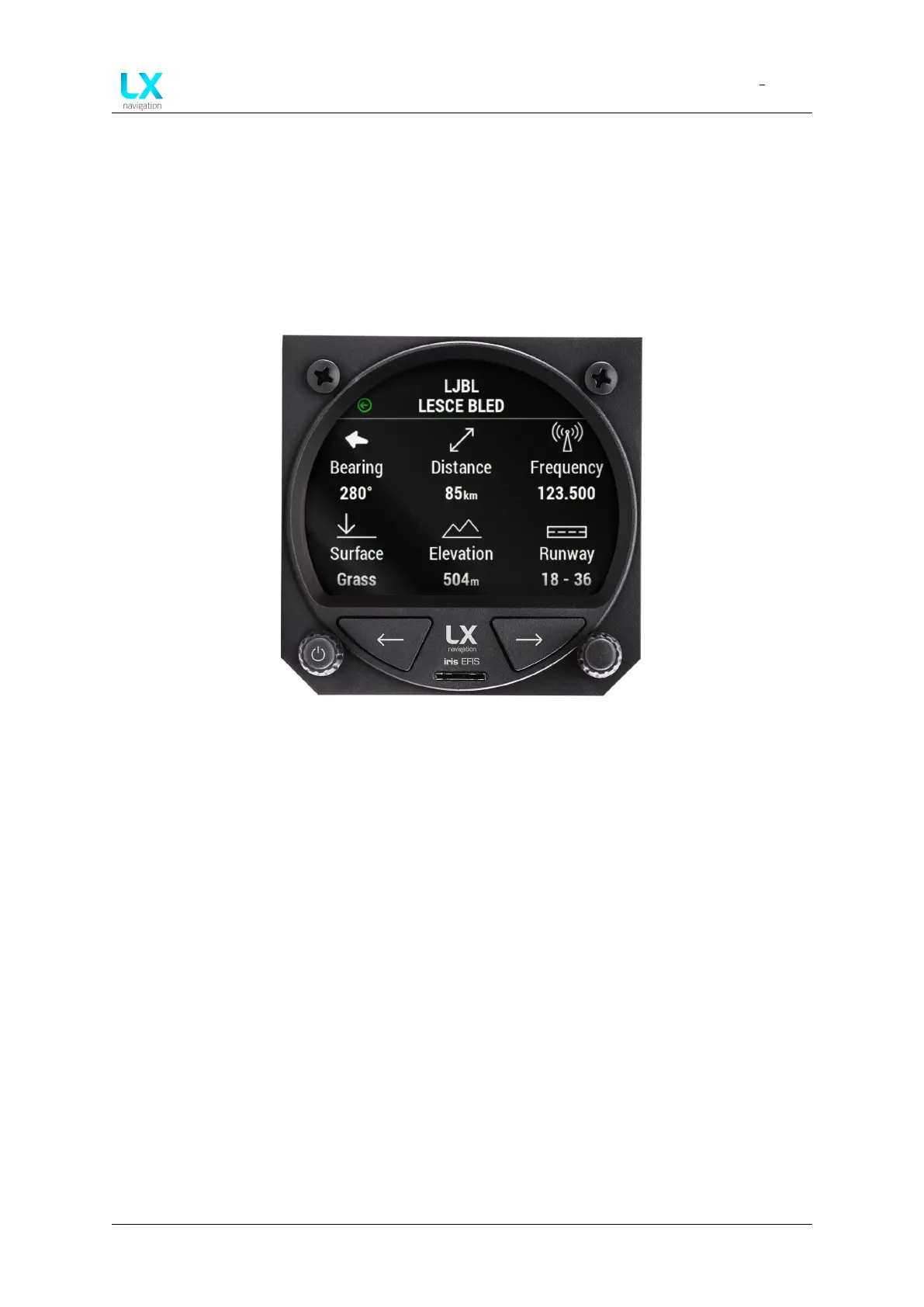
To access APT details page, pilot must press the left-hand push-rotary knob at the APT page.
Additional information about the selected airport will appear. If some data is not available “No
data” text will appear under the title of information.
Figure 48. Selected APT details
The list of displayed data if available in the APT file:
• Rotating bearing icon to the selected airport (Relative bearing relative to track) and Bear-
ing to the selected airport in degrees (Absolute bearing relative to true north)
• Distance to the selected airport
• Radio frequency of the selected airport
• Runway surface of the selected airport
• Elevation of the selected airport
• Runway heading of the selected airport
Device manual Public 37



 To Next Page