LX iris EFIS
Setup page
Document name: LX HUM
Document revision: R1
13.2.2 Pages
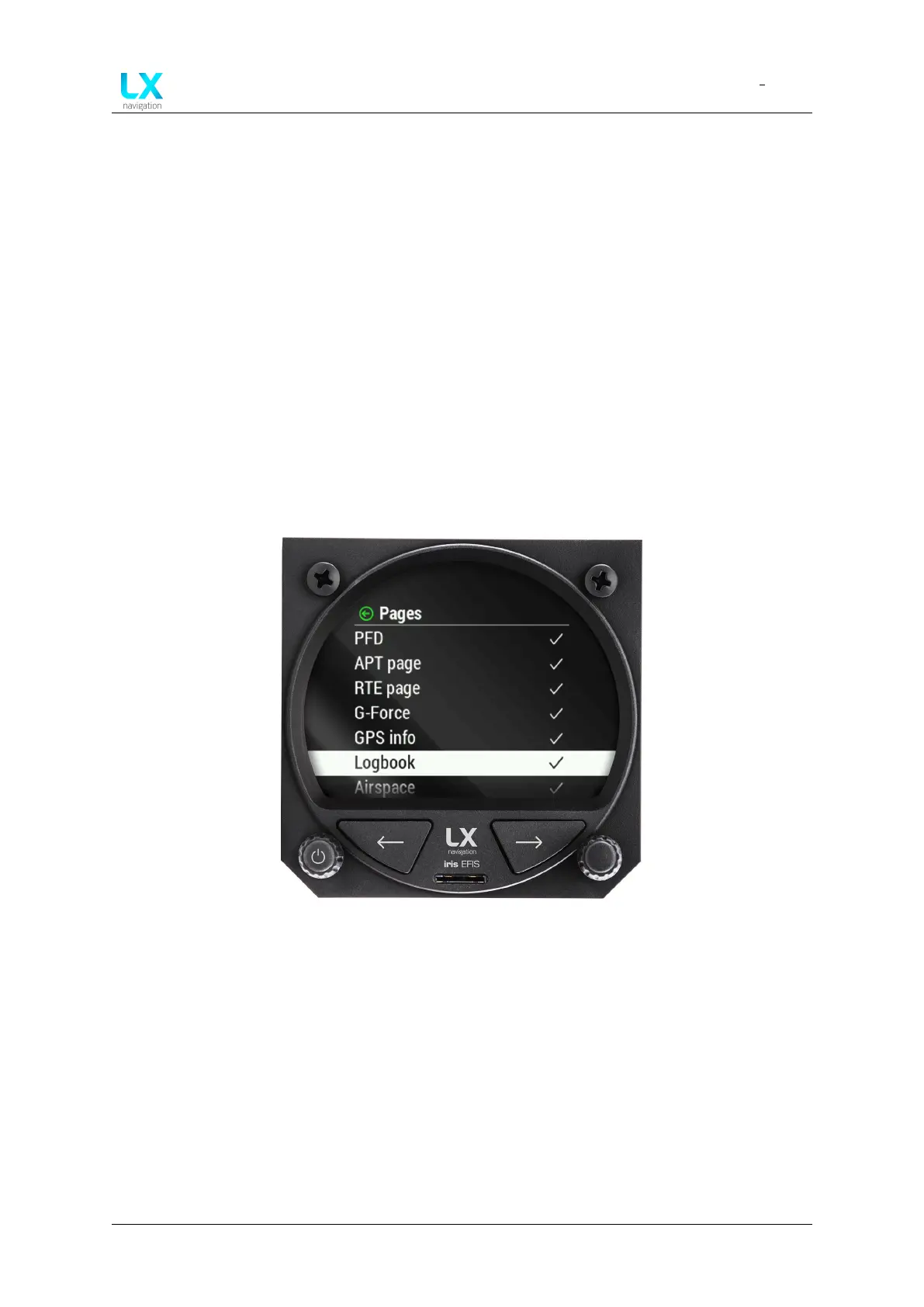
The Pages setting is allowing the pilot to enable and disable all available pages of the LX Hori-
zon:
• PFD
• APT page
• RTE page
• G-force
• GPS Info
• Logbook
• Airspace
Figure 79. Pages menu
With a right-hand push-rotary knob we can move though menu and press to select each item.
Once the item is selected, the indication icon will change.
Default page Default page setting allows the pilot to select the default page of the device -
the first page the pilot will see when the device will power on.
Device manual Public 64



 To Next Page