LX iris EFIS
RTE navigation page
Document name: LX HUM
Document revision: R1
NOTE
Pilot can insert and delete arbitrarily number of additional turnpoints or airports to
his route. Landing and take-off point can not be deleted.
To see how, go to section “Insert turnpoint” or “Insert airport”.
7.7.3 Delete added turnpoint or airport
To delete the new created point, go to “Edit route” and rotate and press to select the point you
want to delete. A “Select action” menu will appear with the option “Delete”.
7.7.4 Route options
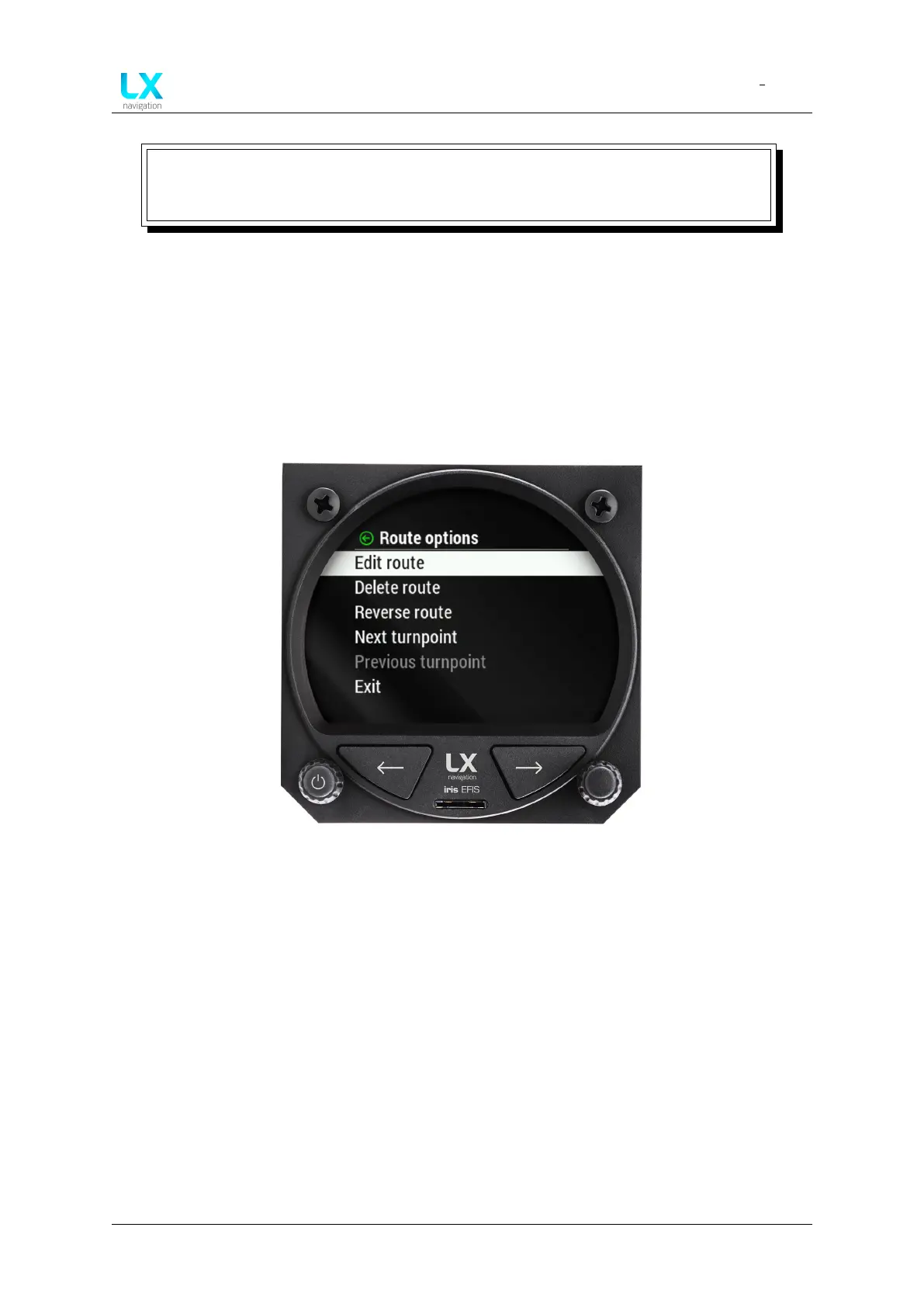
Figure 64. route options menu accessible - push left-hand pus-rotary knob while at RTE page
To access “Route options” menu press the left-hand push rotary knob while at RTE navigation
page.
7.7.4.1 Edit route
Refer to menu “Edit route”.
7.7.4.2 Delete route
Select the option to quickly delete the route. A pop-up window will appear.
7.7.4.3 Reverse route
Once the pilot has successfully ended the route he can easily reverse it to return to home.
Device manual Public 49



 To Next Page