LX iris EFIS
RTE navigation page
Document name: LX HUM
Document revision: R1
7.7.2 Insert turnpoint or airport
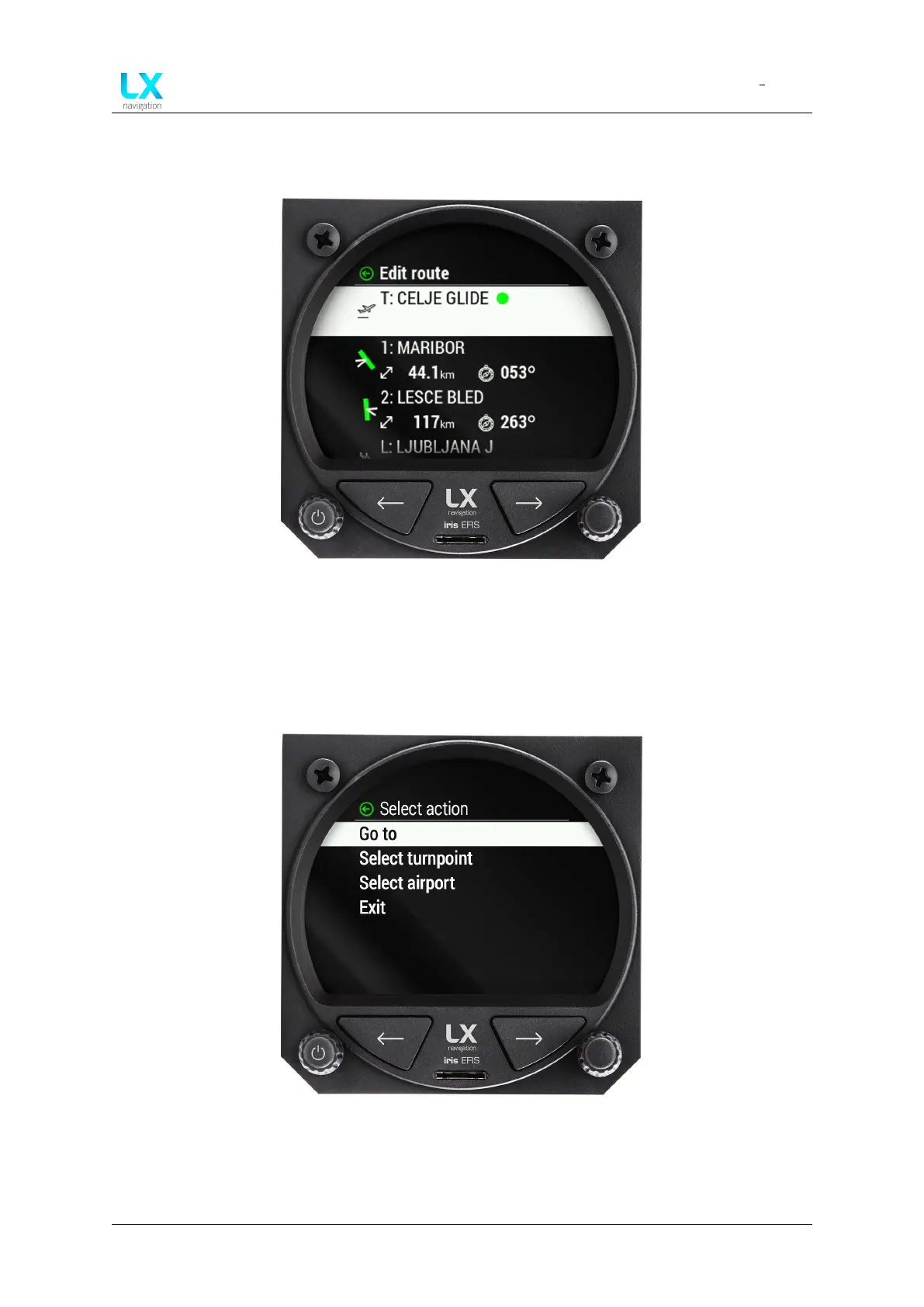
Figure 62. Edit route menu
To insert a new turnpoint or airport into pilots route, one should select the “L” Landing point
and press of the right-hand push-rotary knob.
A “Select action” menu will appear with new options.
Figure 63. Select action menu
Pilot should select either “Insert turnpoint” or “Insert airport” to insert additional point into de-
sired route.
Device manual Public 48



 To Next Page