LX iris EFIS
Airspace page
Document name: LX HUM
Document revision: R1
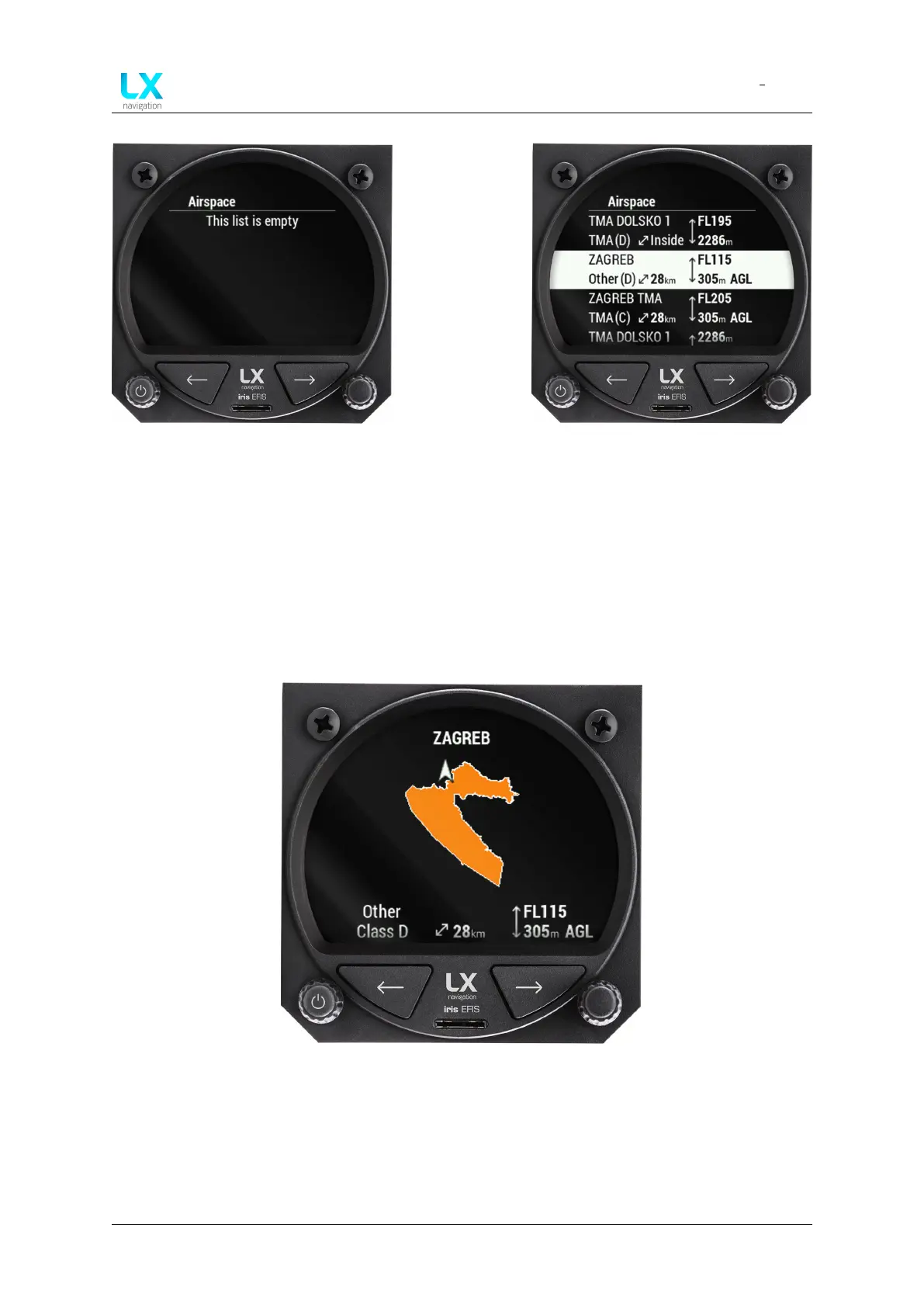
Figure 75. Empty list will appear if no
airspace is near or active
Figure 76. List of near and active
airspace with details
12.2 Airspace details
By pressing right-hand push rotary knob on selected airspace from the list, pilot will access
”Airspace details” page.
Device will display a graphical representation of the airspace and the current aircraft position
along with the information already available on previous page.
Figure 77. Airspace details page with graphical representation of airspace
Device manual Public 61



 To Next Page