LX iris EFIS
PFD page
Document name: LX HUM
Document revision: R1
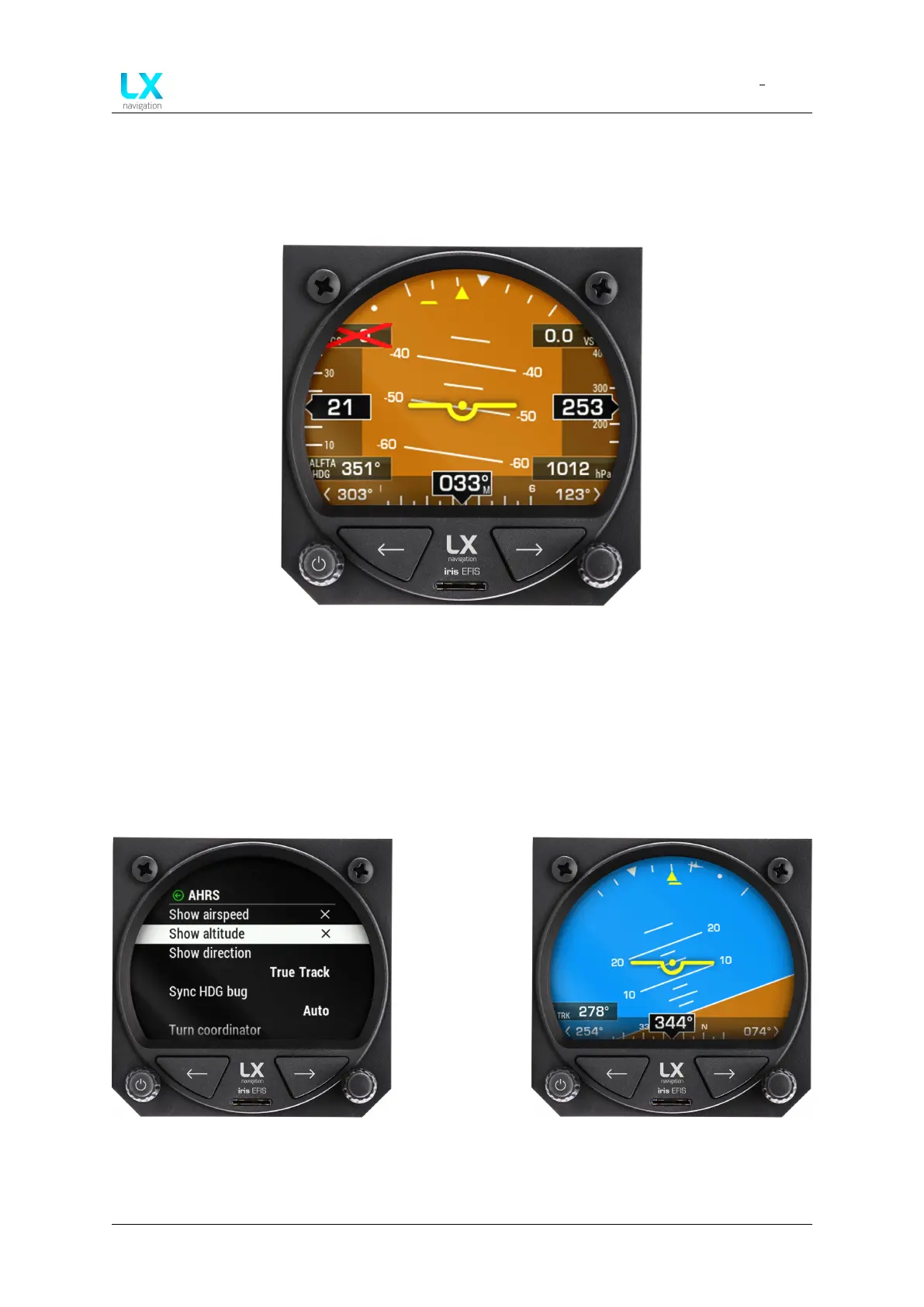
5.2.2 Red cross over Ground speed
If there is red cross over GS indication, GPS is not valid.
Figure 7. No Ground speed (GS) means there is a problem with GPS
5.2.3 Disabling the indicated airspeed tape
In the setup page, go to user section, Graphic and select menu AHRS. Go to “Show airspeed”.
Pilot can chose between “on” and “off”.
Figure 8. ”Show airspeed”, ”Show
altitude”, ”Show direction” options in
setup page, graphic, AHRS menu
Figure 9. ”Show airspeed” is disabled,
”Show altitude” is disable and ”Show
direction” is set to ”True Track”
Device manual Public 18



 To Next Page