LX iris EFIS
Setup page
Document name: LX HUM
Document revision: R1
13.3.2 Units
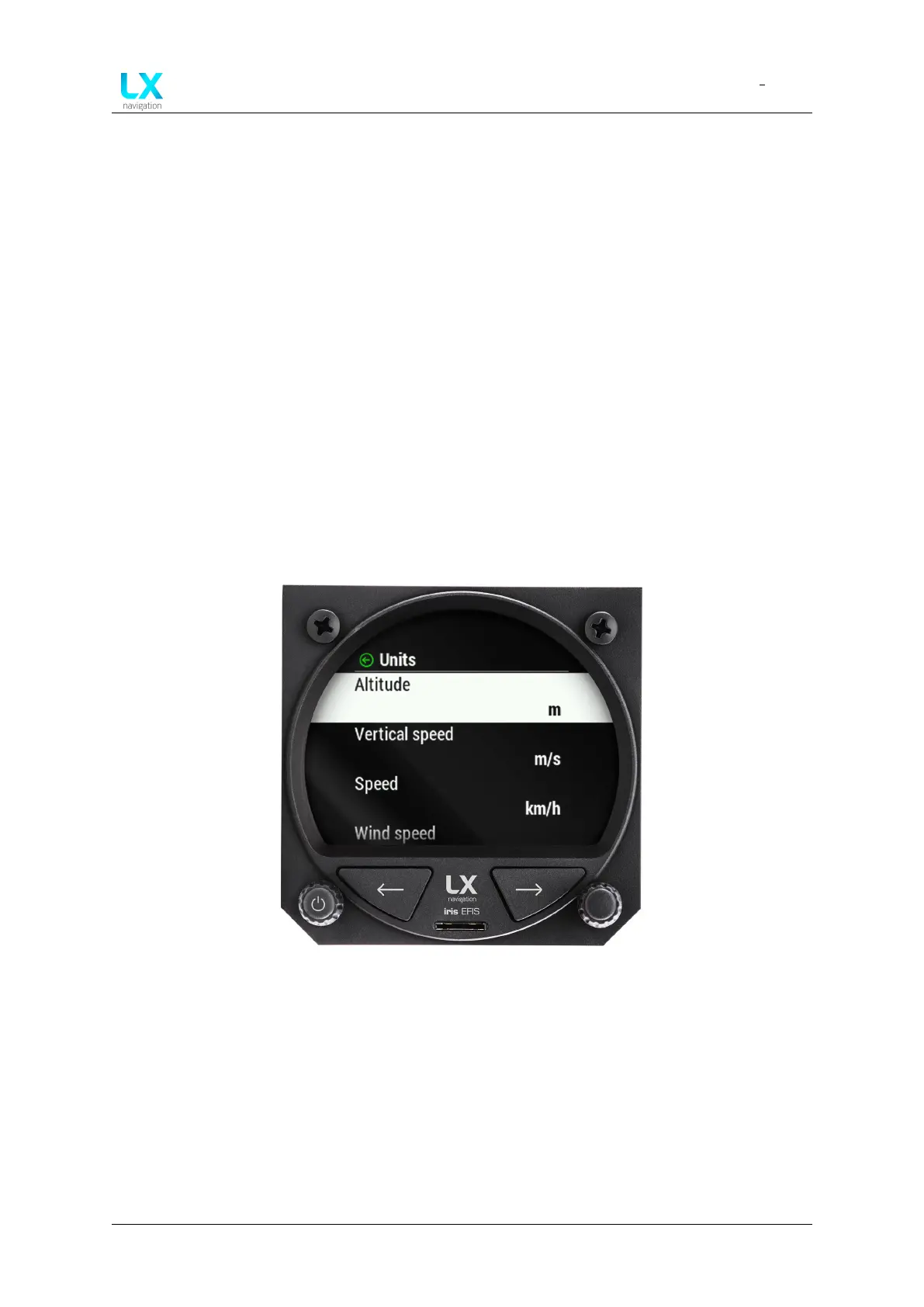
In the ”Units” section, pilot can adjust all units related parameters.
• “Altitude” Select unit ”m” or ”ft”.
• “Vertical speed” Select unit ”m/s”, ”kts” or ”fpm”.
• “Speed” Select unit ”km/h”, ”mph” or ”kts”.
• “Wind Speed” Select unit ”km/h”, ”mph”, ”kts” or ”m/s”.
• “Distance” Select ”km”, ”nm” or ”mI”.
• “Pressure” Select ”hPa” or ”inHg”.
• “Temperature” Select ”C” or ”F”.
• “Weight” Select ”kg” or ”lb”.
• “Area” Select ”m2” or ”ft2”
Figure 99. Setup page, ”Units” section
13.3.3 NMEA
In the ”NMEA” section, pilot can adjust all communication protocols between LX navigation
device and third party peripherals.
To find out more, please refer to ”LX NMEA 1.0 Protocol” and ”LX NMEA 2.0 Protocol” document.
• “Flarm” Select baud rate ”BR4800”, ”BR9600”, ”BR19200”, ”BR38400”, ”BR57600” or
”BR115200”.
Device manual Public 72



 To Next Page