LX iris EFIS
APT navigation page
Document name: LX HUM
Document revision: R1
6.9 Sort by
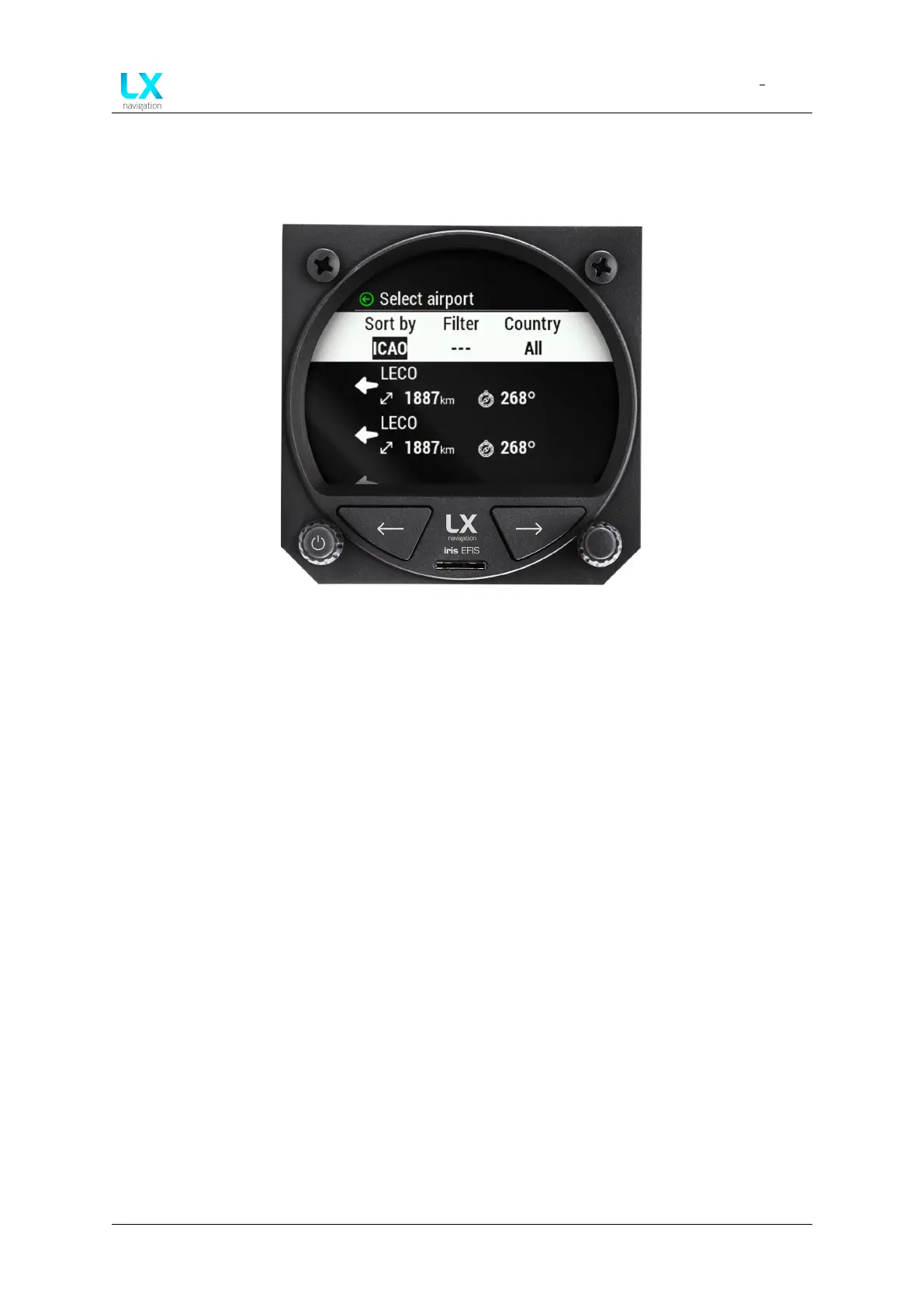
Figure 43. Select airport menu, Sort by function
Press the right-hand push-rotary knob to define the “Sort by” parameter. Default value is “ICAO”.
Pilot can choose:
• “ICAO”, which will sort the results based on ICAO code in the alphabetical order.
• “Distance”, which will sort the results based on the distance. From the closest to the
furthest airport.
• “Name”, which will sort the results based on the name in the alphabetical order.
Once pilot have selected the desired “Sort by” parameter by pressing the right-hand push-rotary
knob, one can can apply next parameter, which is “Filter”.
On the left side of the display a circular motion keyboard will appear. Use right-hand push-rotary
knob to rotate and search for each letter.
Once the letter is selected press right-hand push-rotary knob to select it. Use it to add 0-12
signs to use as “Filter” parameter.
Device manual Public 34



 To Next Page