LX iris EFIS
APT navigation page
Document name: LX HUM
Document revision: R1
6.6 Navigation lines
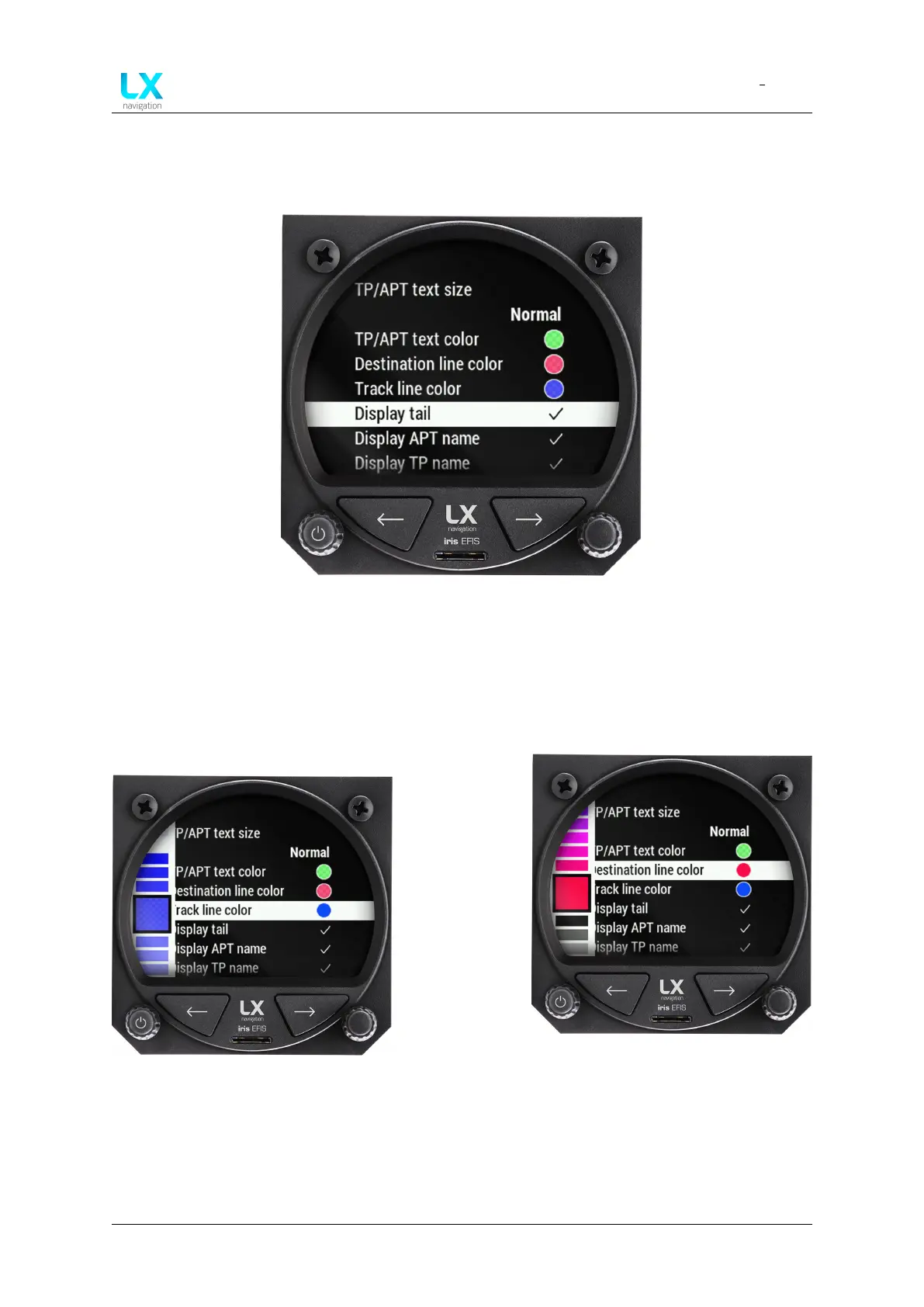
Figure 35. Navigation lines
Navigation lines are displayed to help the pilot visualize his flight. The blue line represents
aircraft Track line. The red line represents “Destination line”. Both are user defined in the setup
menu, user section, graphic and select “Destination line” or “Track line color”.
Figure 36. Track line color select
Figure 37. Destination line color se-
lect
Circular color menu will appear. Rotate the right-hand push-rotary knob to select the color and
confirm by pressing in. After confirming, the transparency setting will appear with same circular
menu. Rotate the right-hand push-rotary knob to select the color and confirm by press.
Device manual Public 30



 To Next Page