LX iris EFIS
RTE navigation page
Document name: LX HUM
Document revision: R1
Each of the parameters applied will affect the search results below the search parameters. If
sorted by distance, no “Filter” can be applied and is disabled (grey text).
The list will be instantly refreshed according to applied parameters and will display results:
• “Name”
• “Rotating bearing icon to the selected airport”
• “Distance to the selected airport”
• “Bearing to the selected airport in degrees (°)”
The selected turnpoint can be confirmed by press of the right-hand push-rotary knob.
Once the turnpoint is selected, device will return to “Edit route” menu. Selected turnpoint will
be displayed as a Take-off point (”T”).
7.7.1.2 Select airport
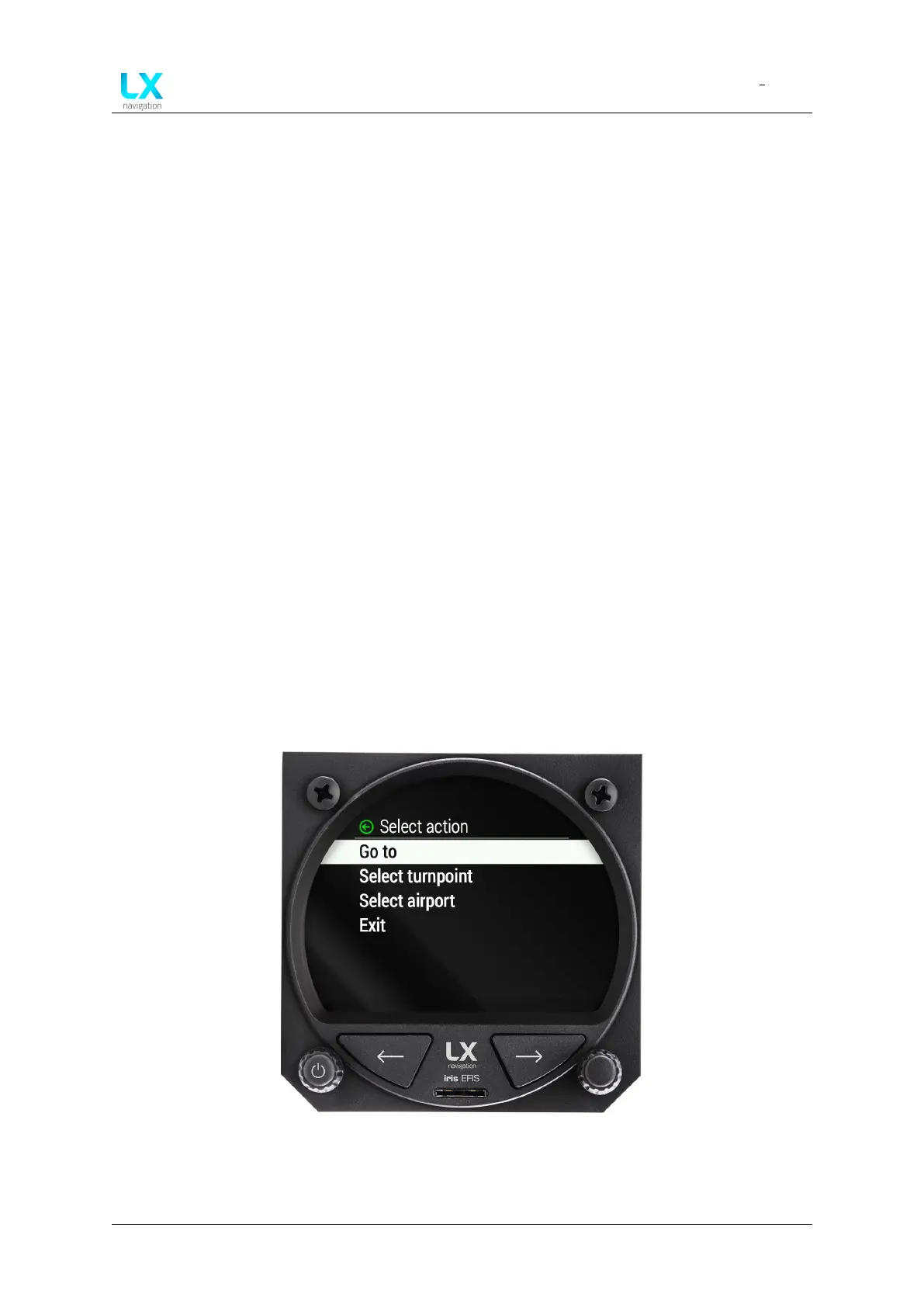
If the pilot decides to start the route with airport, one should rotate and press to select “Select
airport” in the “Select action” menu.
Figure 59. Selecting ”T” (take-off) or ”L” (landing) will take pilot to ”Select action” menu
A menu “Select airport” appears after confirming.
Device manual Public 45



 To Next Page