LX iris EFIS
RTE navigation page
Document name: LX HUM
Document revision: R1
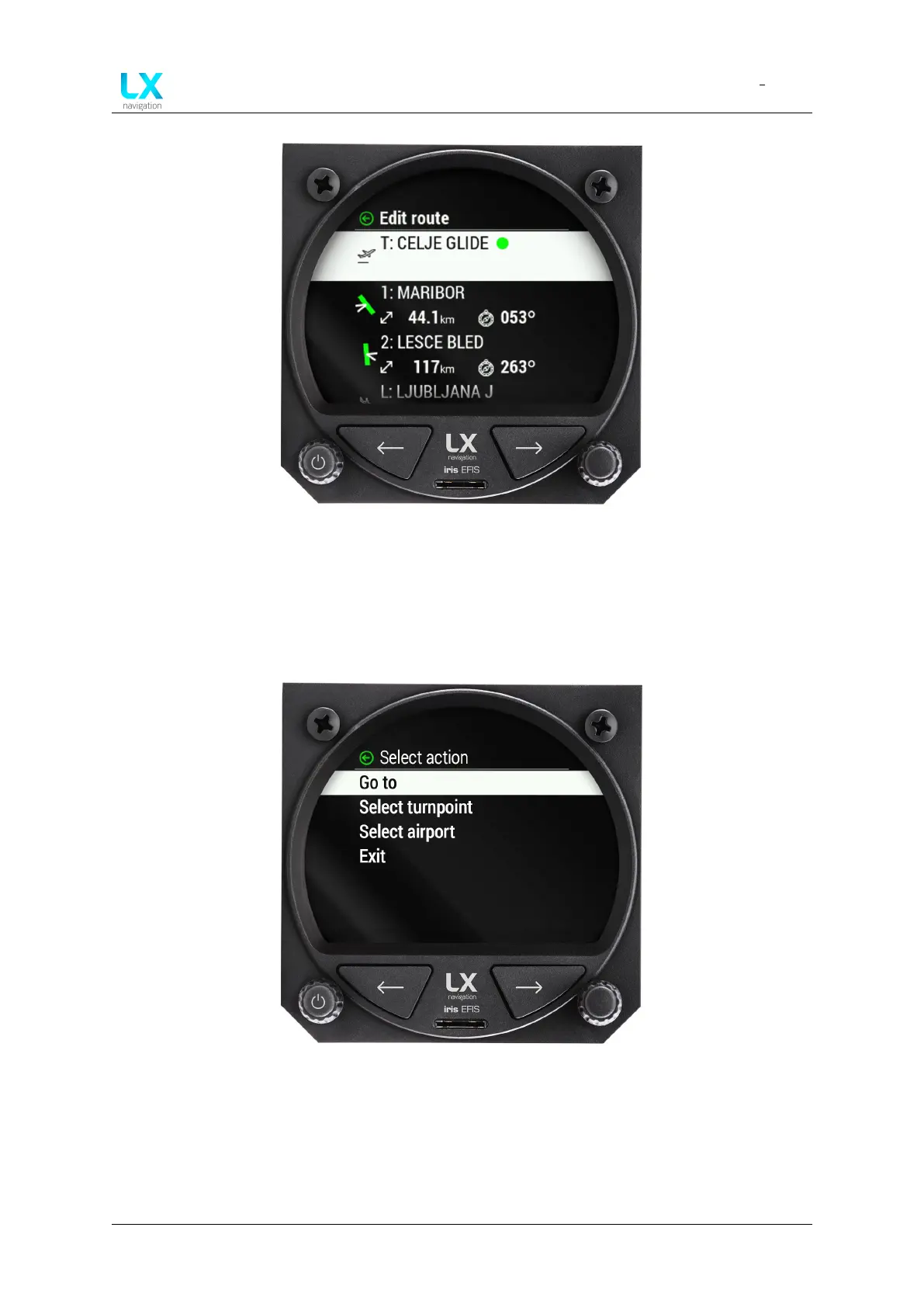
Figure 56. By pressing the right-hand push-rotary knob pilot enters ”Edit route” menu
7.7.1 Take off point
To select the take-off point, pilot must press the right-hand push-rotary knob to select the “T”
take-off point.
Figure 57. Selecting ”T” (take-off) or ”L” (landing) will take pilot to ”Select action” menu
“Select action” menu will appear. At this point, pilot will have to decide to start his route either
with turnpoint or airport.
If he decides to start with turnpoint rotate and press to select “Select turnpoint” A menu “Select
turnpoint” appears.
Device manual Public 43



 To Next Page