LX iris EFIS
Info page
Document name: LX HUM
Document revision: R1
Info page
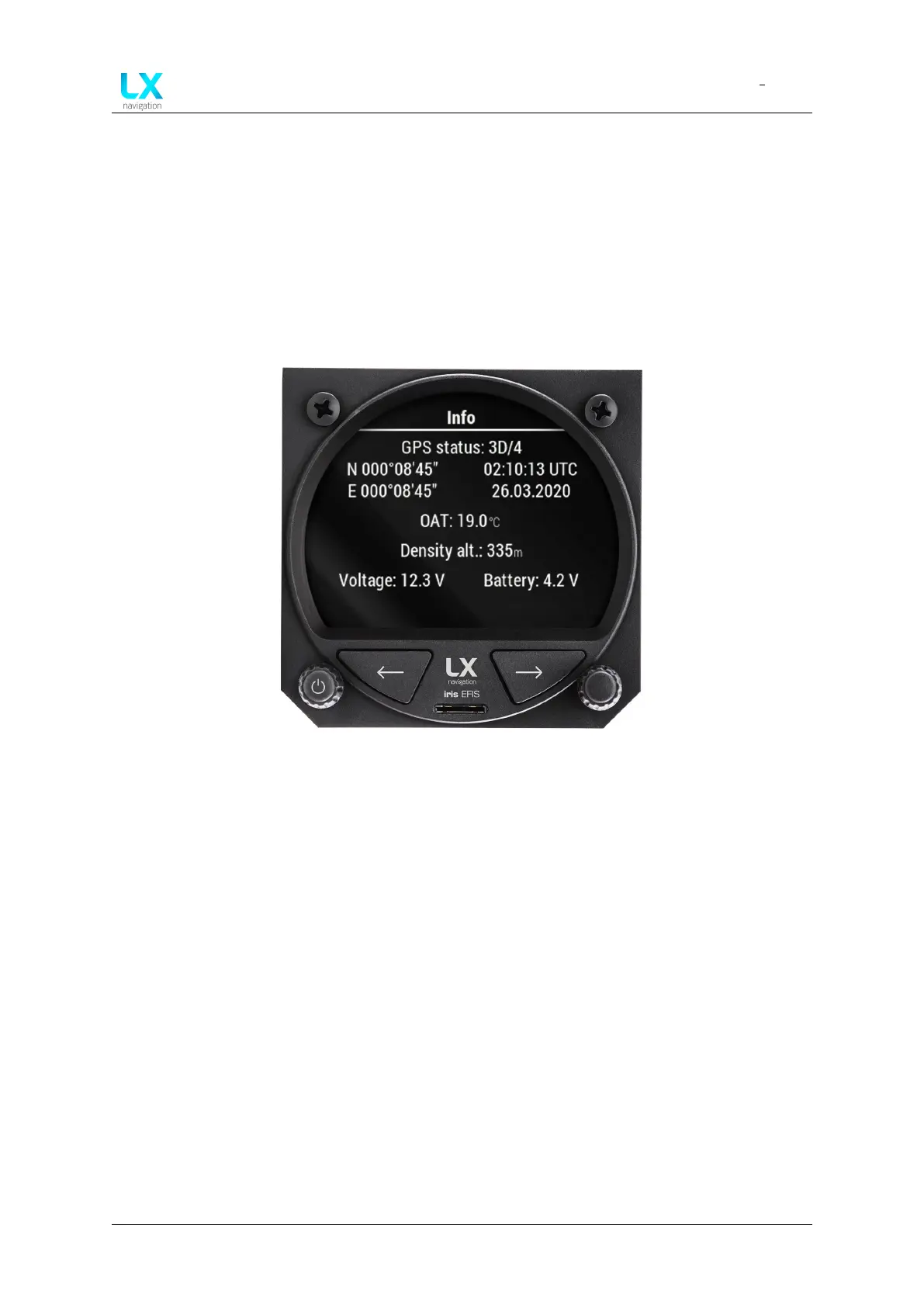
Figure 67. Info page
Info page will display the essential information about the device.
9.1 GPS status
GPS status is displayed in the first section of the page.
If the GPS status is “Last fix”, the device does not have valid GPS source. Check if the antenna
is connected properly. Check if antenna is working.
Once the device will receive the valid GPS source, the status will change to “3D/4”, “3D/5”,
“3D/6”, “3D/7”, “3D/8”, “3D/9”, “3D/10”, “3D/11”, “3D/12” etc.
Any GPS status above “3D/7” is considered as a strong GPS signal.
9.2 GPS coordinates
If the device has a valid GPS source, the current GPS coordinates will be displayed in the left sec-
tion below “GPS status” as Latitude (N/S XXX XX’XX”) above and Longitude (E/W XXX XX’XX”)
Device manual Public 53



 To Next Page