LX iris EFIS
APT navigation page
Document name: LX HUM
Document revision: R1
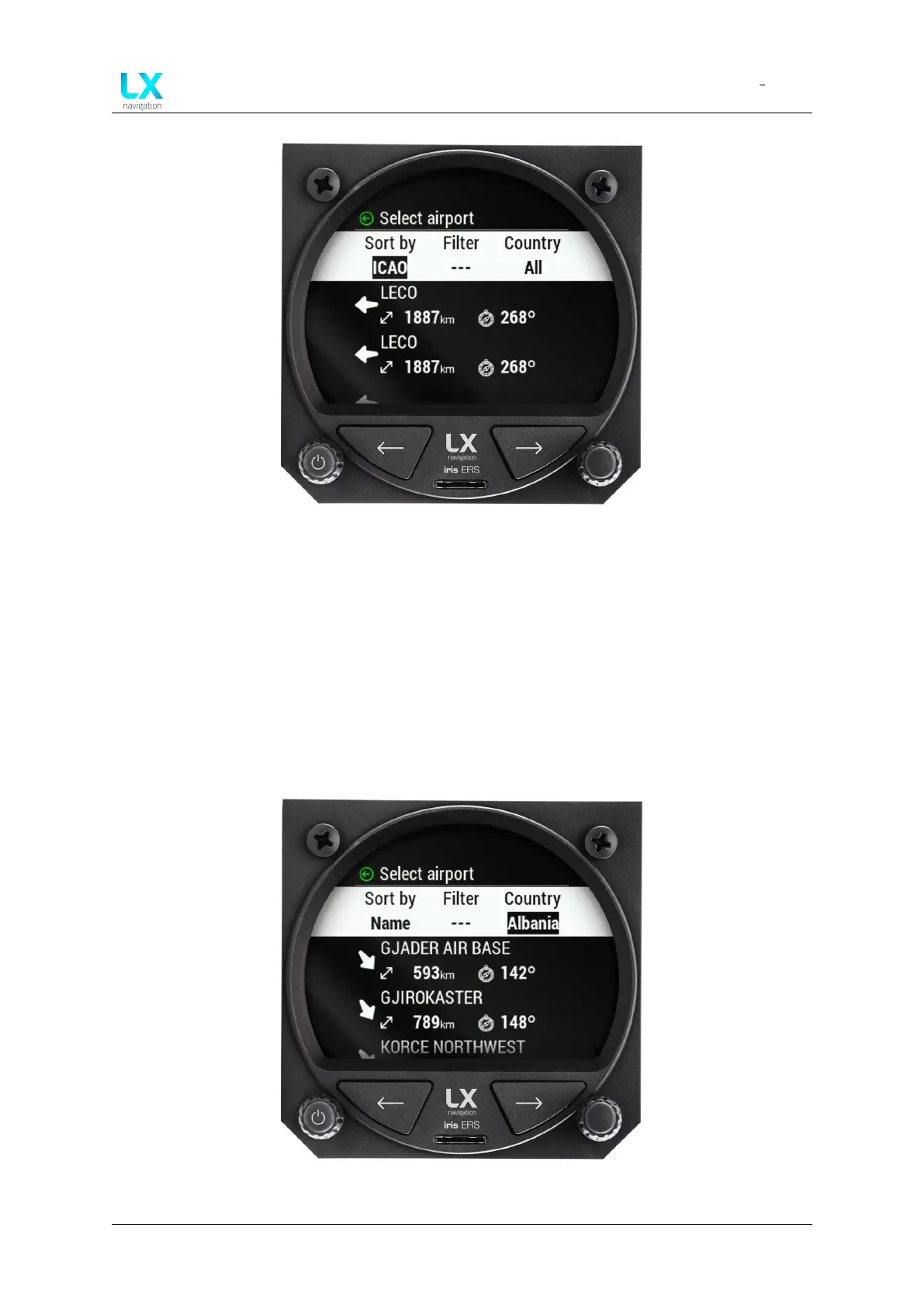
Figure 44. Adding ”Filter” parameter with alphanumerical value
Once pilot has selected the desired “Filter ” parameter by pressing the right-hand push-rotary
knob, one can apply next parameter, which is “Country”.
Default value is ”All” which will search all available countries.
Use right-hand push-rotary knob to rotate and move through circular list of countries, sorted by
alphabetical order. To move through the list faster, by 10 lines at the rotate, press in right-hand
push-rotary knob and rotate while pressed.
Figure 45. Adding ”Country” parameter with rotating right-hand push-rotary knob
Device manual Public 35



 To Next Page