LX iris EFIS
RTE navigation page
Document name: LX HUM
Document revision: R1
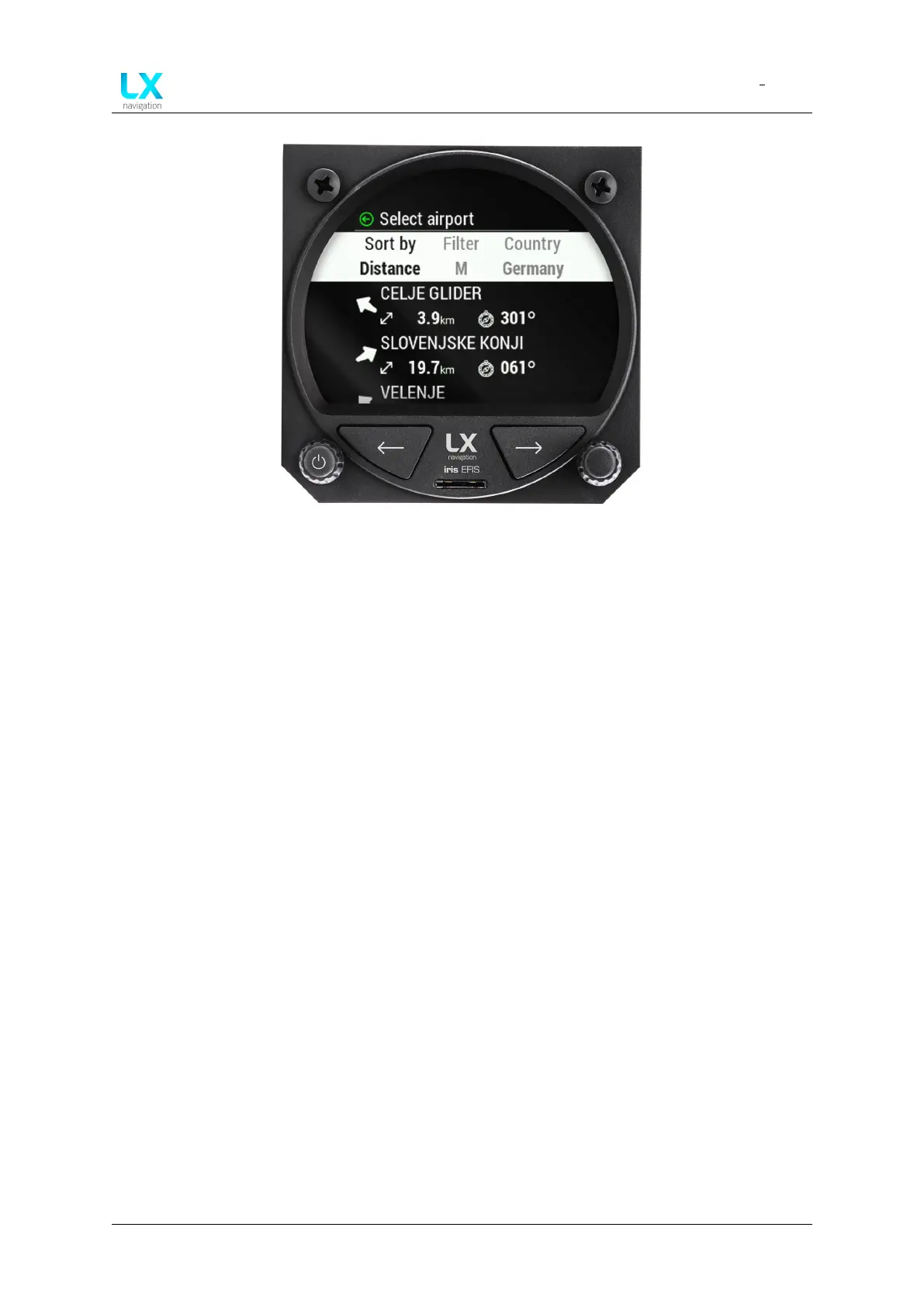
Figure 61. Filtered results
• “Rotating bearing icon to the selected airport”
• “Distance to the selected airport”
• “Bearing to the selected airport in degrees (°)”
The selected airport can be confirmed by press of the right-hand push-rotary knob.
Once the airport is selected, device will return to “Edit route” menu. Selected airport will be
displayed as a Take-off.
Device manual Public 47



 To Next Page