.
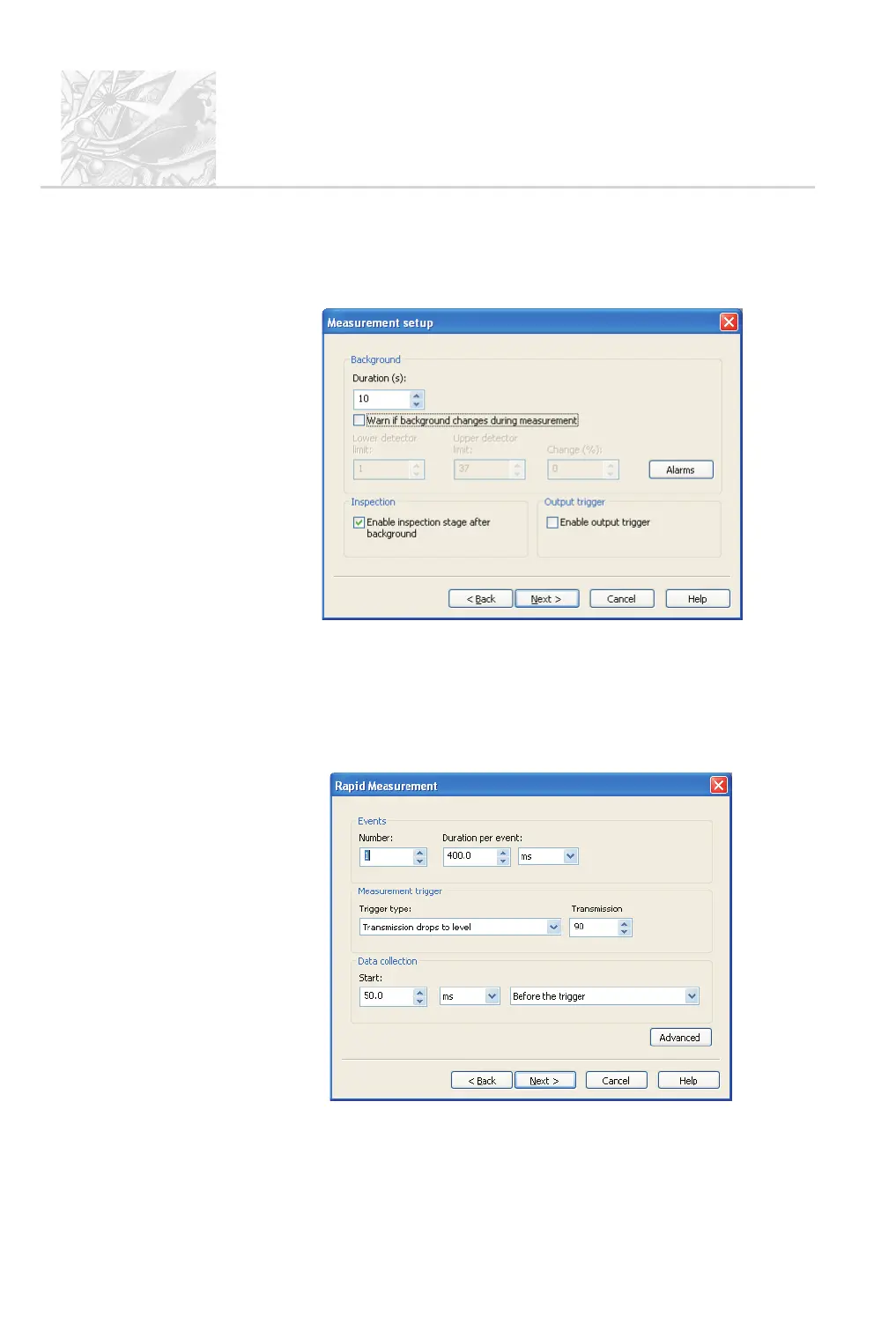
The Measurement setup dialogue shown below appears. At the bottom of
the dialogue select the Enable inspection stage... check box. This pauses
the measurement after the background measurement and allows a trial
spray before measurement starts for pre-measurement checking.
Select the Enable output trigger check box. This provides an
industry-standard TTL trigger output for the control of other devices
including accessories such as nasal spray actuators. This trigger is activated
when the measurement starts and returns to its initial state when the
measurement ends. Chapter 10 describes these triggers. Click Next.
.
The Rapid measurement dialogue appears:
CHAPTER 5
Spraytec
Page 5.24 MAN 0368



 To Next Page