S
ection
5
Start and run the generator at rated speed. The regulator will perform the self-test and enter a shutdown mode. At
this time, initial adjustments can be made.
After the initial adjustments are made, shut down the generator and connect the remaining regulator leads. The
generator may be started and nal adjustments may be performed on the regulator.
Establishing Communication
Communication between MARATHON-DVR2000E-32 and the DVR2000E must be established before viewing
metering values or reading or changing settings. MARATHON-DVR2000E-32 screen settings are updated only
after communication is opened or the communication settings have been changed.
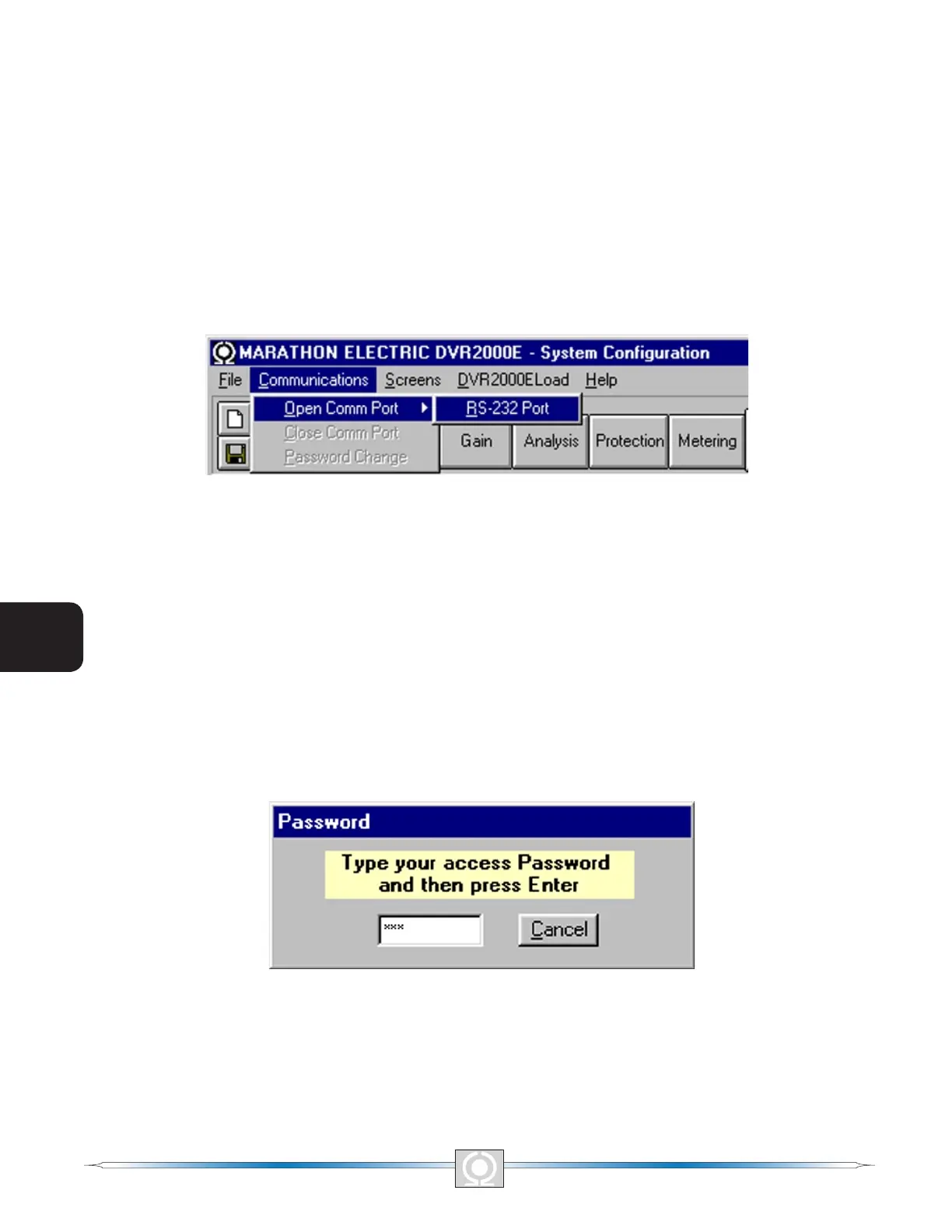
Open the DVR2000E communication port by clicking on Communications on the menu bar, hovering the mouse
pointer over Open Comm Port, and clicking RS-232 Port. Figure 5-4 illustrates the menu selections for opening
the DVR2000E communication port.
Figure 5-4. Communications Port Menu Selection
When RS-232 Port is selected, the Password dialog box of Figure 5-5 appears and prompts you to enter a
password. Each DVR2000E is delivered with “dvr” as the default password. See the Password Protection sub-
section for information about changing the password.
After the correct password is entered, the Communication Initialization screen of Figure 5-6 is displayed. Select
Comm1, Comm2, Comm3 or Comm4 as the active communication port on your PC and click the Initialize
button. MARATHON-DVR2000E-32 initializes communication by obtaining the conguration settings from the
DVR2000E.
Figure 5-5. Password Dialog Box
42
3
Main Index
5
Section 5 Index
43
3
Main Index
5
Section 5 Index



 To Next Page