S
ection
6
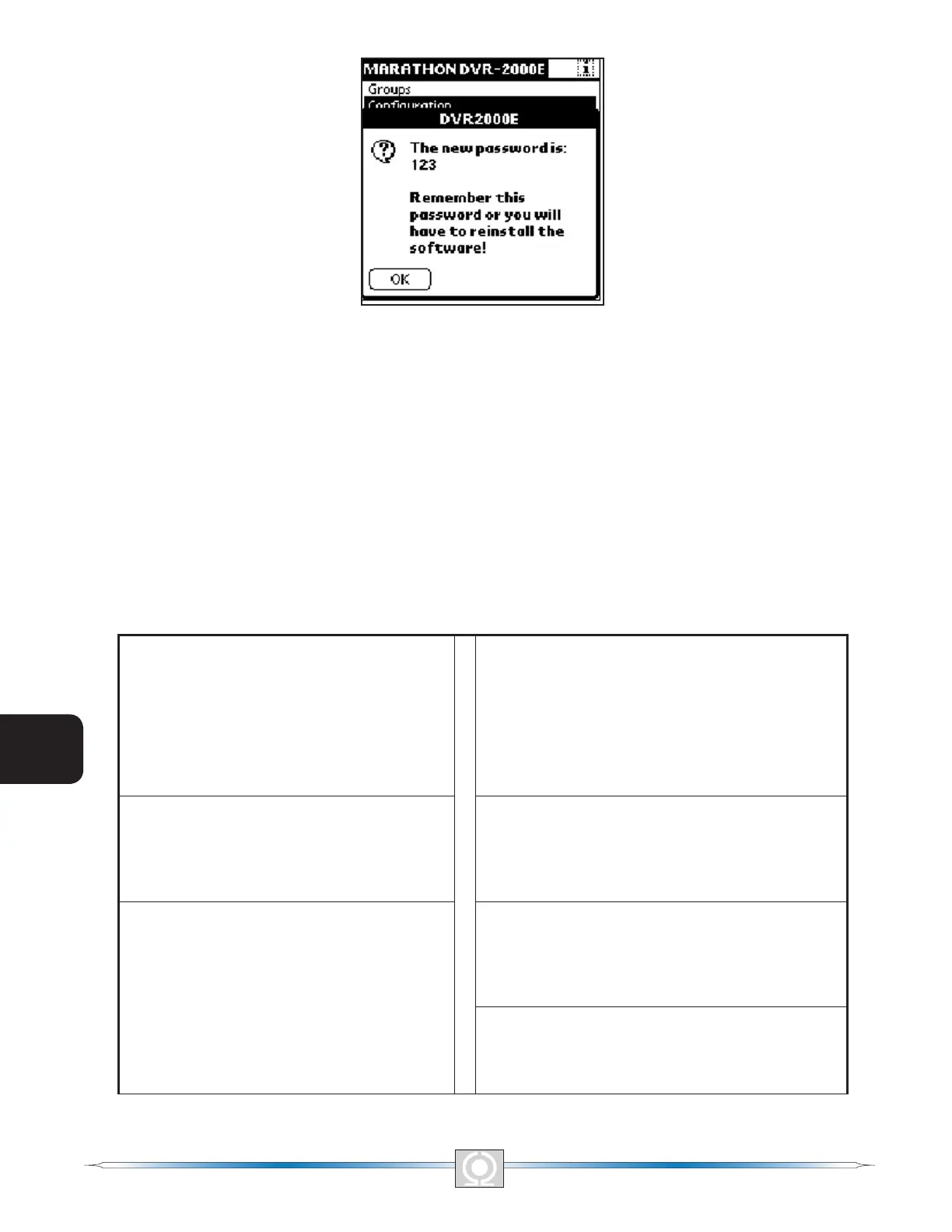
Figure 6-17.New Password Is Screen
Navigating Through the Setting Groups
DVR2000E settings are divided into the seven groups/screens listed below. Each setting group/screen is accessed
from the main screen.
• Conguration
• Settings
• Control
• Limiter
• AVR/FCR Gain
• Protection
• Var/PF Gain
A group of settings is accessed by tapping the group name listed on the main screen. A summary of the individual
settings available at each screen is provided in Table 6-1.
Table 6-1. Settings Group Summary
Conguration Screen
Sensing Mode
Rated Sensing Voltage
Generator PT Ratio
Generator CT Ratio
Fine Voltage Adj. Band
AVR/FCR Gain Screen
Stability Range
AVR Kp
AVR Ki
AVR Kd
AVR Kg
FCR Kg
Settings Screen
Voltage Setpoint (AVR)
Field Current Setpoint (FCR)
Var Setpoint
PF Setpoint
Protection Screen
OEL Shutdown Time Delay
Generator Overvoltage Level
Field Overvoltage Level
LOS Time Delay
Control Screen
Soft Start Time
Underfrequency Kneepoint
Volts/Hertz Slope
Droop Setpoint
Eng. Unload Activation Freq.
Eng. Unload Droop Pct.
Eng. Unload Droop Time
Eng. Unload Activation Rate
Var/PF Gain Screen
Var Ki
Var Kg
PF Ki
PF Kg
Limiter Screen
Overexcitation Limiter
OEL Ki
OEL Kg
78
3
Main Index
5
Section 6 Index
79
3
Main Index
5
Section 6 Index



 To Next Page