S
ection
5
TERMINATING COMMUNICATION
DVR2000E communication is terminated by clicking on Communications on the menu bar, and clicking Close
Comm Port. You are asked if you want to save the settings to EEPROM. This question is asked even if no changes
were made to the DVR2000E settings. When you execute the Close command (with a Yes or No to save settings
to EEPROM), communication with the DVR2000E is terminated. If you choose to exit MARATHON-DVR2000E-
32 (by clicking File on the menu bar and then Exit) without rst closing communication, you are still given the
opportunity to save the settings to EEPROM.
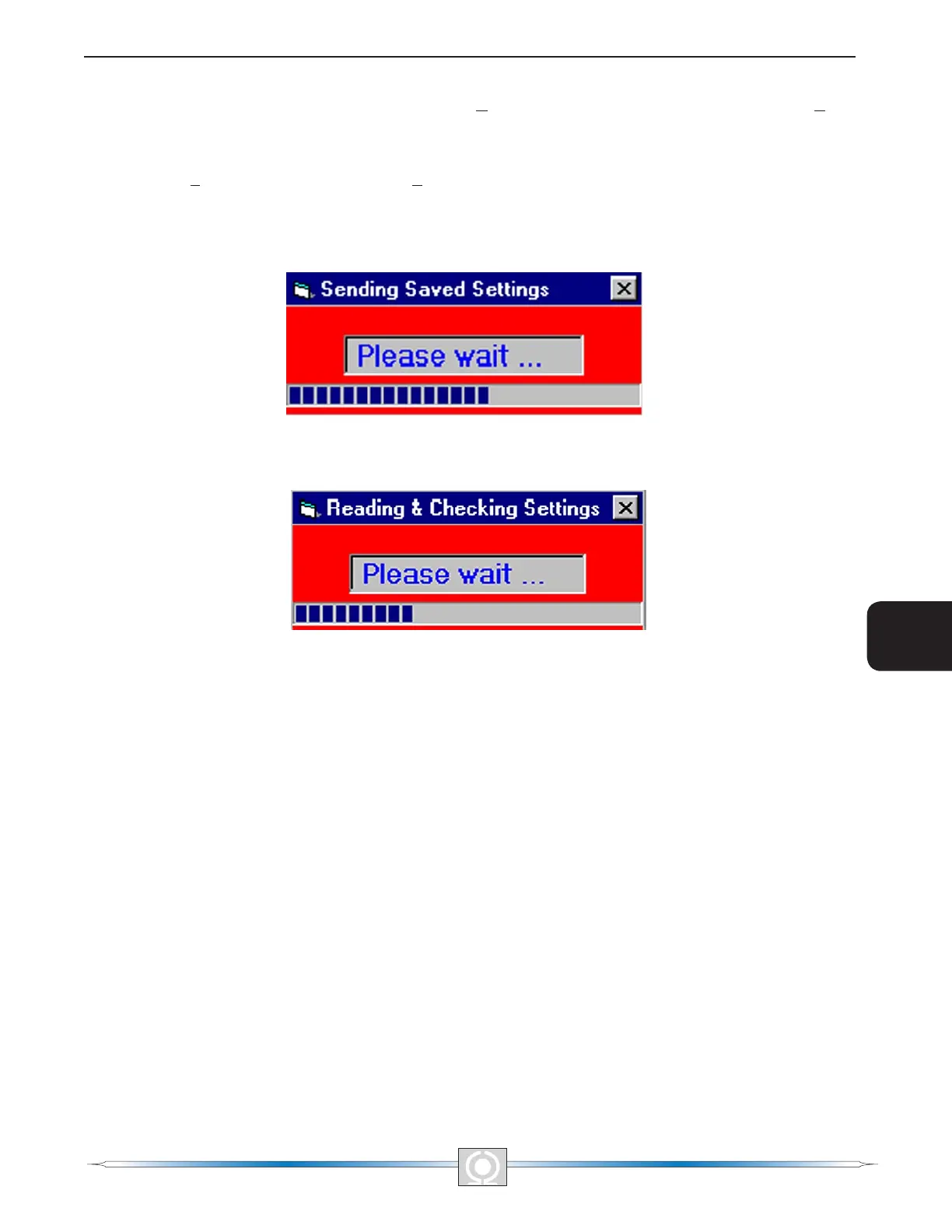
Figure 5-35. Sending Saved Settings
Figure 5-36. Reading & Checking Settings
66
3
Main Index
5
Section 5 Index
67
3
Main Index
5
Section 5 Index



 To Next Page