S
ection
5
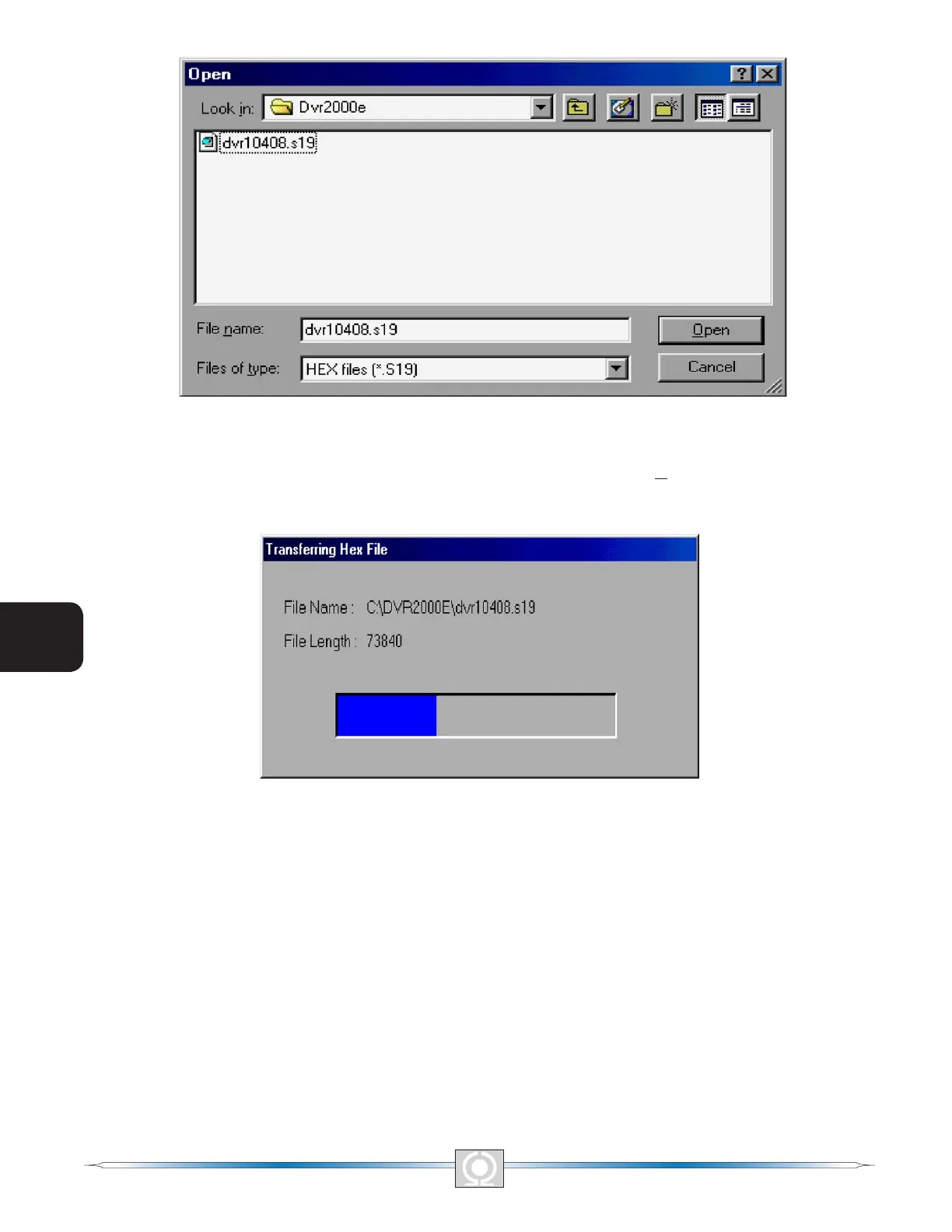
Figure 5-33. Open Dialog Box
Select the location of the embedded rmware update le, select the le, and click Open. The embedded rmware
will begin transferring from the PC to the DVR 2000E. A progress bar, as displayed in Figure 5-34 marks the
progress of the transfer.
Figure 5-34. Transferring Hex File Dialog Box
The DVR 2000E unit will reboot automatically upon completion of the transfer. The new information from the
device will be displayed in the lower right hand corner of the Embedded Program Loader dialog box. See Figure
5-31. Close the DVR2000E Embedded Program Loader. PC software then loads the default settings. The saved
settings will be loaded back into the unit (Figure 5-35) and checked again (Figure 5-36).
66
3
Main Index
5
Section 5 Index
67
3
Main Index
5
Section 5 Index



 To Next Page