S
ection
6
VAR, PF or FCR modes, the Raise and Lower buttons allow ne adjustment over the entire adjustment band.
To return to the main screen, tap the Back icon.
Software Version Information
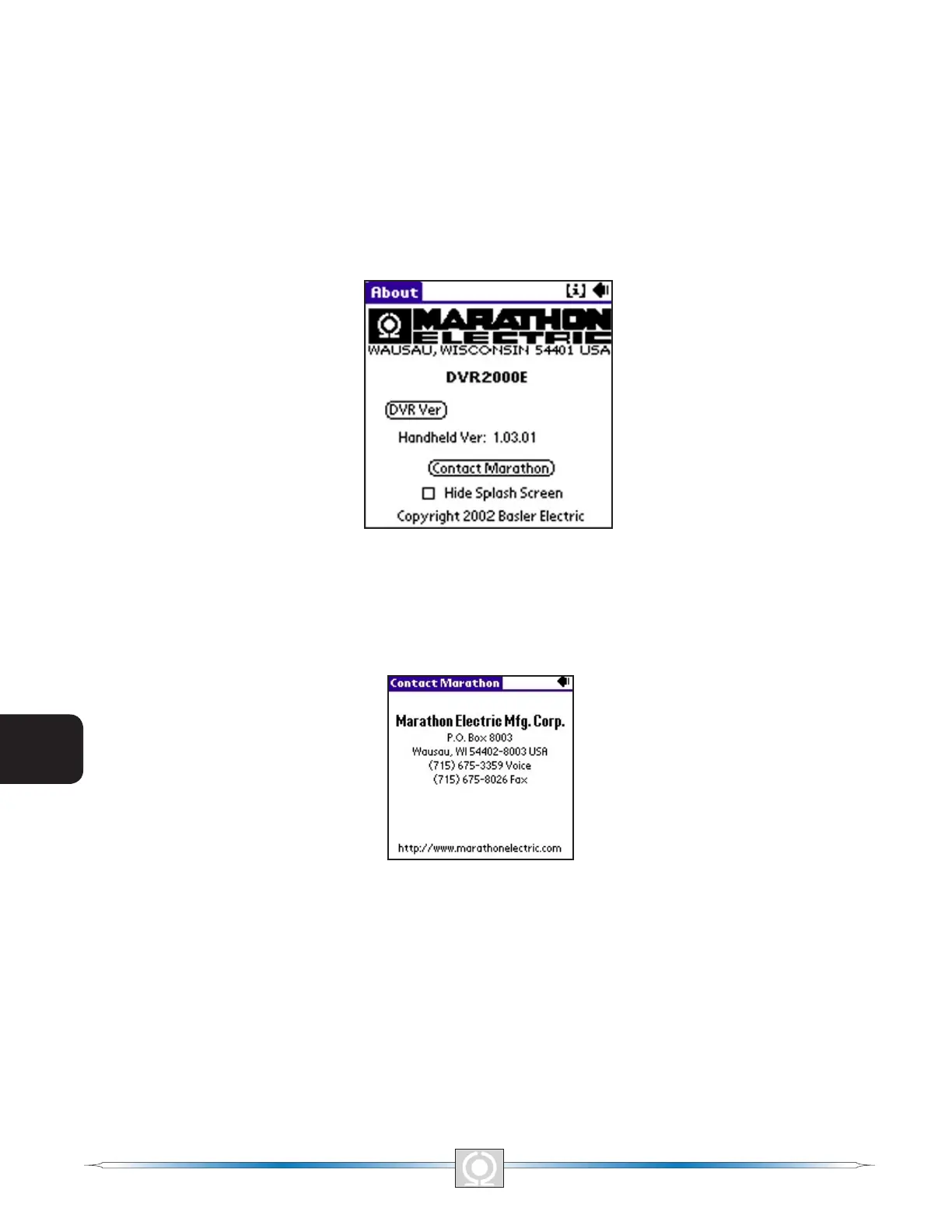
The "i" button, located in the upper right-hand corner of the Main Screen (Figure 6-14), can be tapped to view
the About Screen of Figure 6-25. This screen displays the version number of the handheld and the DVR2000E’s
application version information. To gain the application version (DVR Ver) information, com-munications must be
established. A dialog box warns the user to connect a communications cable before proceeding. Tapping the Hide
Splash Screen check box will prevent the software startup screen from appearing when the software is started.
Tapping the Back icon in the upper right-hand corner of the screen returns to the main screen.
Figure 6-25. About Screen
Marathon Electric Contact Information
Tapping the Contact Marathon button on the About Screen (Figure 6-25) displays the Contact Marathon Screen
(Figure 6-26). This screen lists the contact information for Marathon Electric. Tapping the Back icon returns you to
the Main Screen shown in Figure 6-14.
Figure 6-26. Contact Marathon Screen
U.S. Regional Numeric Settings Information
The "i" button, located in the upper right-hand corner of the About Screen (Figure 6-25) can be tapped to view the
additional information about the software for the Palm OS platform. Figure 6-27, Numeric Settings Screen, informs
the user that regardless of the regional settings of the handheld. This application uses U.S.-style numeric settings
such as 1000.00. Any attempt to use commas will be ignored. Tapping “OK” returns you to the previous screen.
82
3
Main Index
5
Section 6 Index
83
3
Main Index
5
Section 6 Index



 To Next Page