S
ection
6
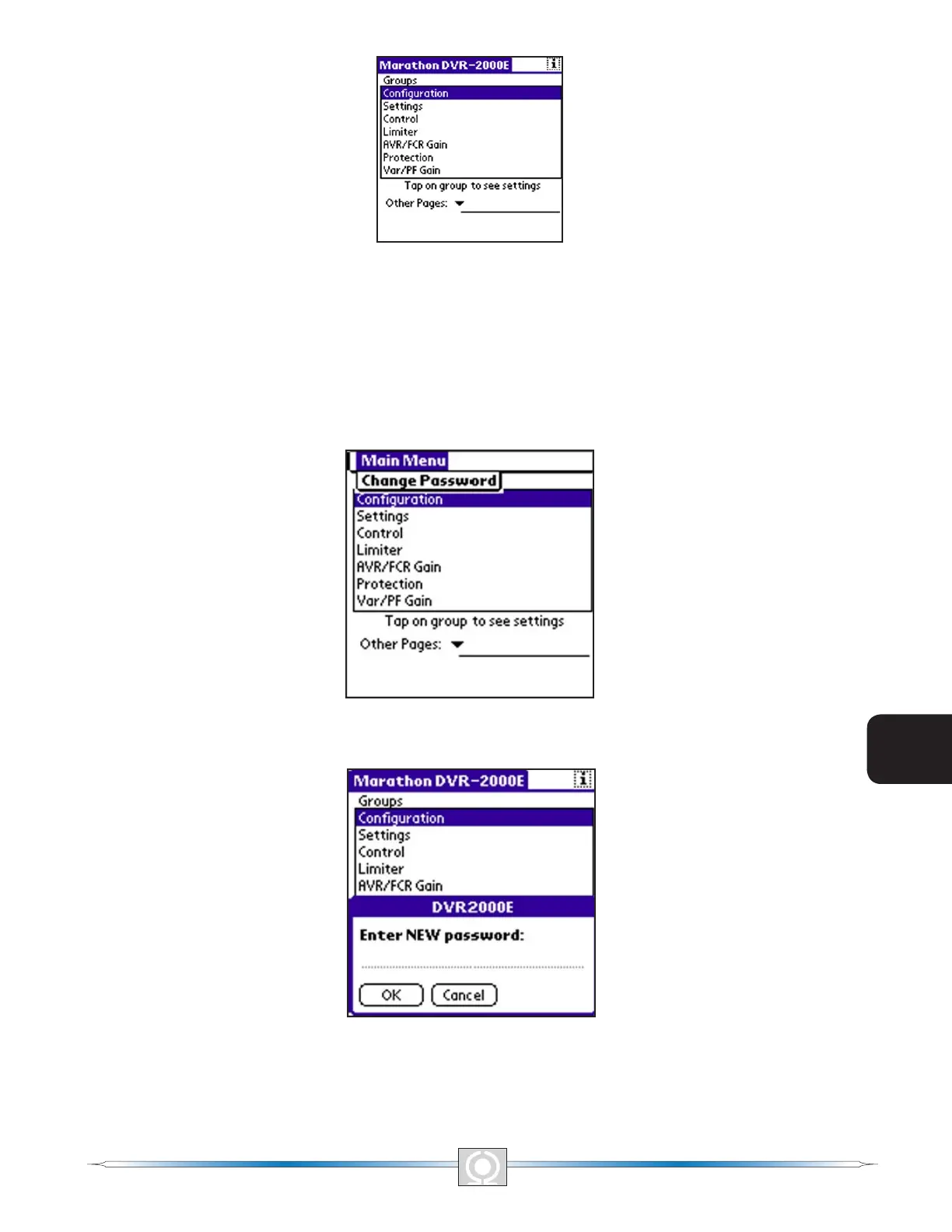
Figure 6-14. Main Screen
Change Password
The password can be changed without having to re-enter the existing password. From the Main Screen, tap the
Menu silk screen button or the title bar, “MARATHON DVR2000E.” The Change Password Dialog Box Screen
(Figure 6-15) appears. Tapping “Change Password” displays the Enter NEW Password Screen (Figure 6-16).
“Cancel” returns you to the Main Screen. Enter the new password and tap “OK.” The New Password Is Screen
(Figure 6-17) appears indicating the clear-text password that was accepted. Remember the new password. If
forgotten, the software will have to be reinstalled. Tapping “OK” returns you to the Main Screen.
Figure 6-15.Change Password Dialog Box Screen
Figure 6-16.Enter New Password Screen
76
3
Main Index
5
Section 6 Index
77
3
Main Index
5
Section 6 Index



 To Next Page