S
ection
5
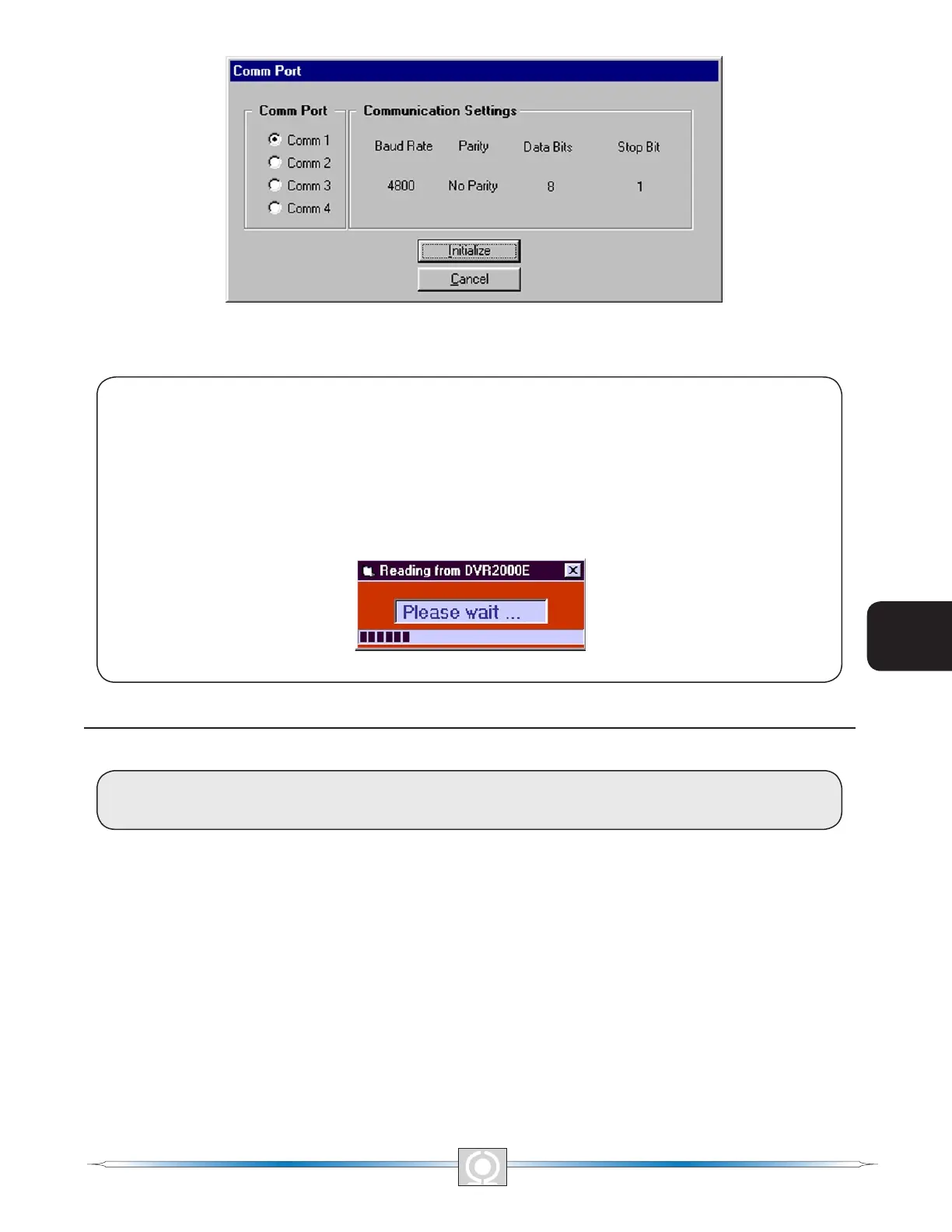
Figure 5-6. Communication Initialization Screen
NOTE
MARATHON-DVR2000E-32 may display the dialog box of Figure 5-7 when initializing DVR2000E
communication, obtaining DVR2000E conguration settings or performing other tasks. It’s important
to wait until the box disappears before trying to execute communication commands. Issuing commands
while the Wait dialog box is present may disrupt communication between MARATHON-DVR2000E-32
and the DVR2000E.
Figure 5-7. Wait Dialog Box
.
CHANGING SETTINGS
CAUTION
Do not disconnect the communications cable while the DVR2000E and PC are communicating
Settings are arranged into six groups.
• System Conguration
• Setting Adjustments
• Control Gain
• Analysis
• Protection Settings
• Metering, Operation, and Alarms
Each setting group has a corresponding button that can be selected to access that group of settings. The
six setting groups can also be accessed by clicking Screens on the menu bar and then selecting the desired
setting group from the list. Once a setting group is accessed, the individual settings of the group can be viewed
and changed.
42
3
Main Index
5
Section 5 Index
43
3
Main Index
5
Section 5 Index



 To Next Page