S
ection
6
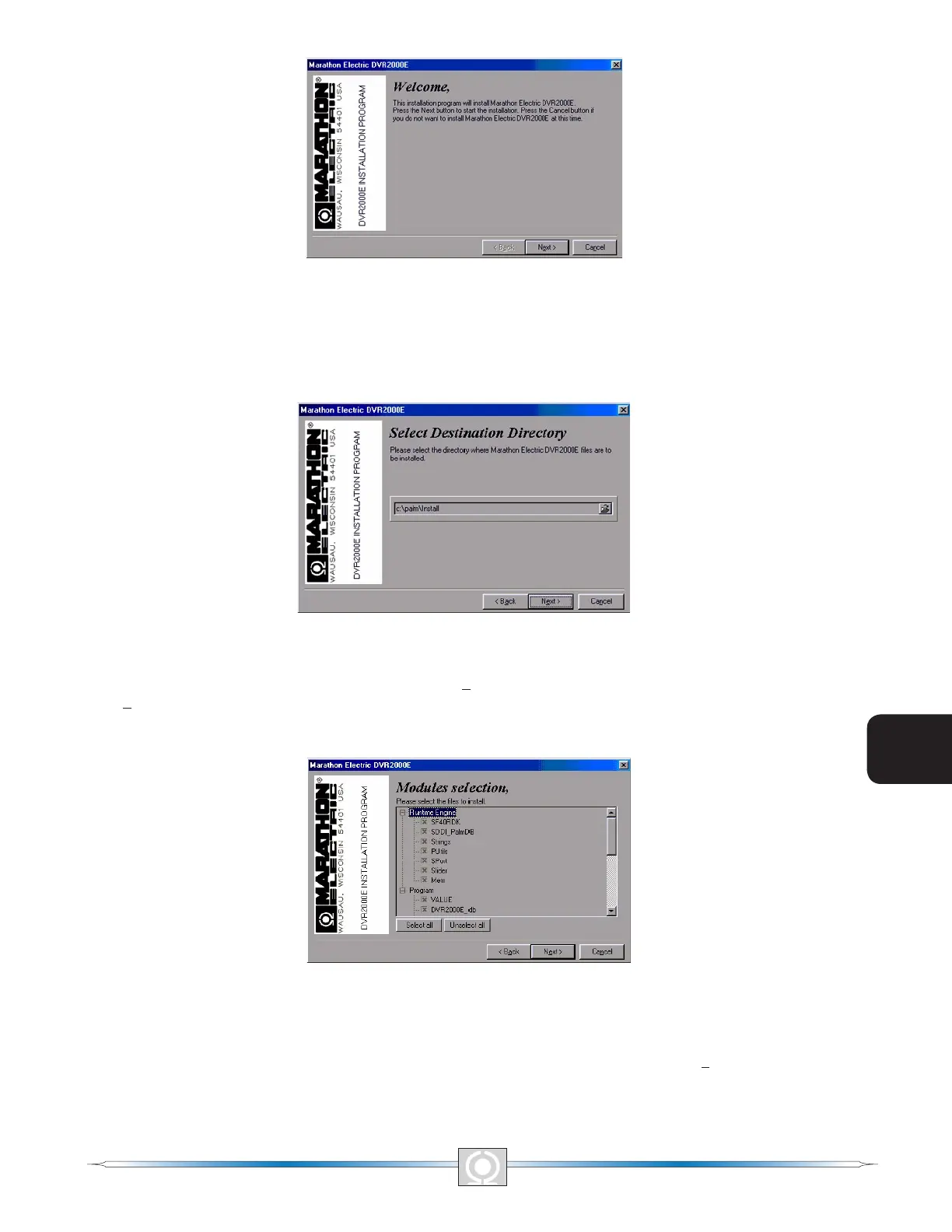
Figure 6-1. Welcome Screen
Figure 6-2. Selection Destination Directory Screen
3. Accept the default installation location by clicking Next> or change the location to the desired folder and click
Next>. The Modules Selection Screen (Figure 6-3) appears.
Figure 6-3. Modules Selection Screen
4. Select all of the software les for installation by clicking the Select all button. Click the Next> button to proceed
to the Select A User Screen (Figure 6-4).
70
3
Main Index
5
Section 6 Index
71
3
Main Index
5
Section 6 Index



 To Next Page