S
ection
6
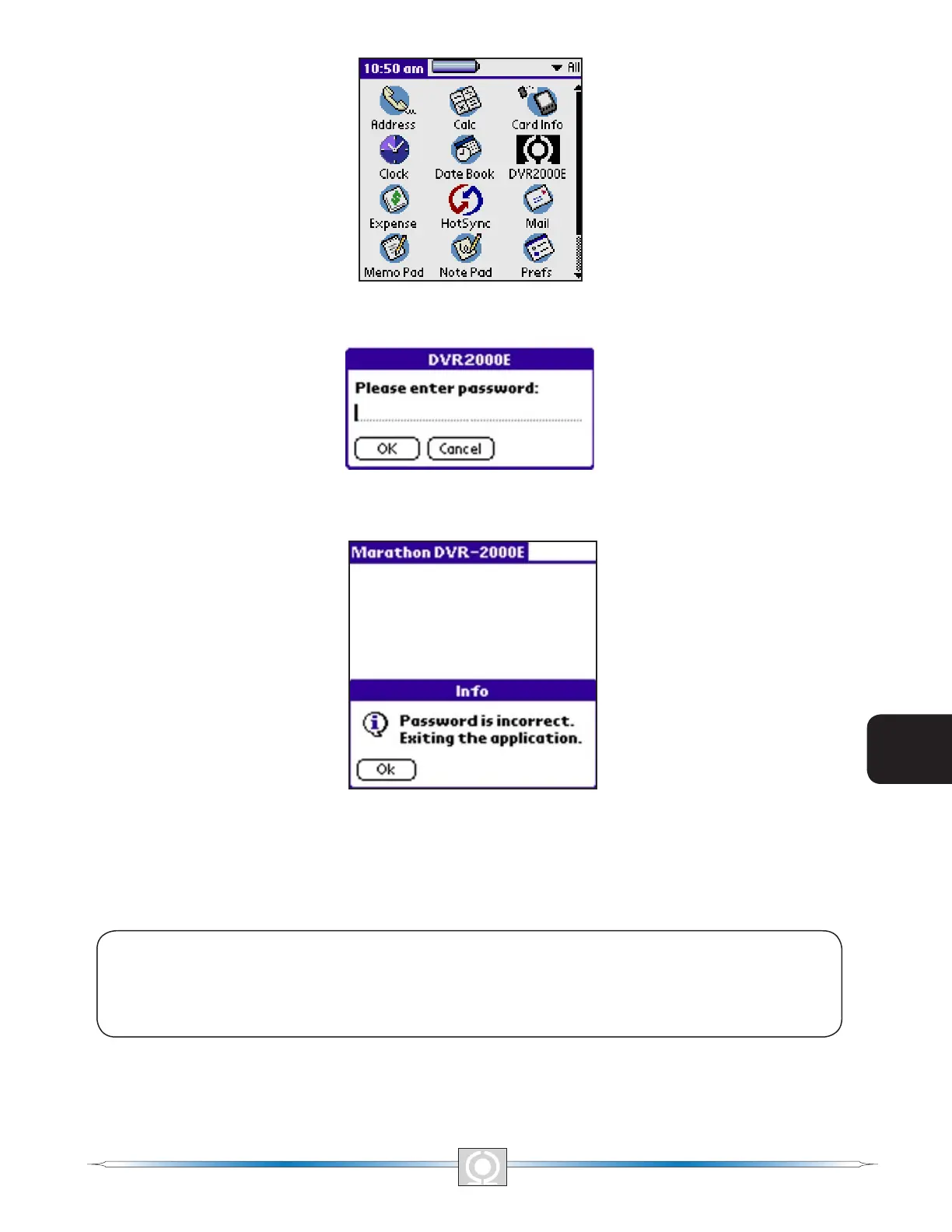
Figure 6-6. Main Menu Icons Screen
Figure 6-7 Please Enter Password Screen
Figure 6-8. Password Is Incorrect Screen
If the password entered is correct, the Software Startup Screen (Figure 6-9) appears briey followed by the Which
Mode Screen (Figure 6-10) asking if you want to work on-line or off-line.
NOTE
Ensure that the handheld is connected to the DVR2000E with the correct cable before
attempting to work in the On-Line mode. If the communication cable is not connected, the
handheld will lock up and require a soft reset.
72
3
Main Index
5
Section 6 Index
73
3
Main Index
5
Section 6 Index



 To Next Page