41
Ä
Ẳ
Ć
Ể
Î
Ò
Ỗ
Ù
Ụ
Æ
ä
ẳ
ć
ể
î
ò
ỗ
ù
ụ
æ
À
Ẩ
Ҫ
Ẽ
İ
Ó
Ỡ
Ú
Ự
Œ
à
ẩ
ҫ
ẽ
i
ó
ỡ
ú
ự
ɶ
Á
Ã
Đ
Ễ
I
Ô
Ố
Û
Ỳ
á
ã
đ
ễ
ı
ô
ố
û
ỳ
ß
Â
Ẵ
Ë
Ế
Ỉ
Ơ
Ớ
Ư
Ỷ
â
ẵ
ë
ế
ỉ
ơ
ớ
ư
ỷ
Å
Ẫ
È
Ẹ
Ĩ
Ồ
Ọ
Ừ
Ỹ
å
ẫ
è
ẹ
ĩ
ồ
ọ
ừ
ỹ
Ą
Ắ
É
Ệ
Ị
Ờ
Ộ
Ủ
Ý
ą
ắ
é
ệ
ị
ờ
ộ
ủ
ý
Ă
Ấ
Ê
Ğ
Ł
Ỏ
Ợ
Ử
Ỵ
ă
ấ
ê
ğ
ł
ỏ
ợ
ử
ỵ
Ằ
Ạ
Ę
Ï
Ń
Ổ
Ś
Ũ
Ź
ằ
ạ
ę
ï
ń
ổ
ś
ũ
ź
Ầ
Ặ
Ề
Ì
Ñ
Ở
Ş
Ữ
Ż
ầ
ặ
ề
ì
ñ
ở
ş
ữ
ż
Ả
Ậ
Ẻ
Í
Ö
Õ
Ü
Ứ
Ø
ả
ậ
ẻ
í
ö
õ
ü
ứ
ø
INPUTTING AND DELETING CHARACTERS
7-4 INPUTTING CHARACTERS WITH “DIACR” FUNCTION
Using the “DIACR” function, you can input the diacritics for European and vietnamesse
languages. (When English / German / French / Italian / Spanish / Polish / Russian / Turkish /
Vietnamese is selected as the screen language.)
Vietnamese is not available when charactor size is 1.3mm.
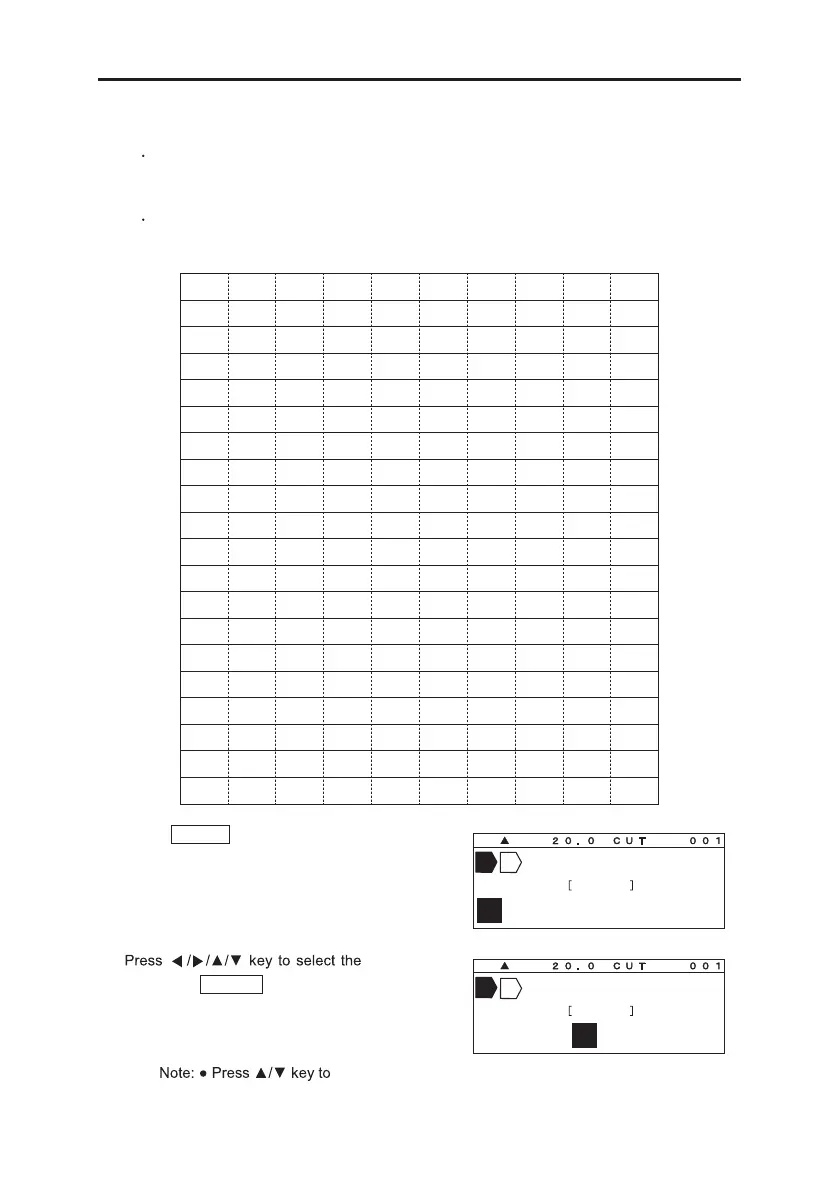
[ The Table of Diacritics for European languages and Vietnamese ]
1. Press .DIACR
The [DIACR select screen] appears.
2.
character, and
then press ENTER .
display the following 10 character.
Ä
D I A C R
D I A C R
Ä ÀÁÂÅĄĂẰẦẢ
Ä ÀÁÂÅ ĄĂẰẦẢ


 To Next Page
 Loading...


